Downloads Folder Never Cleaned? Fix It
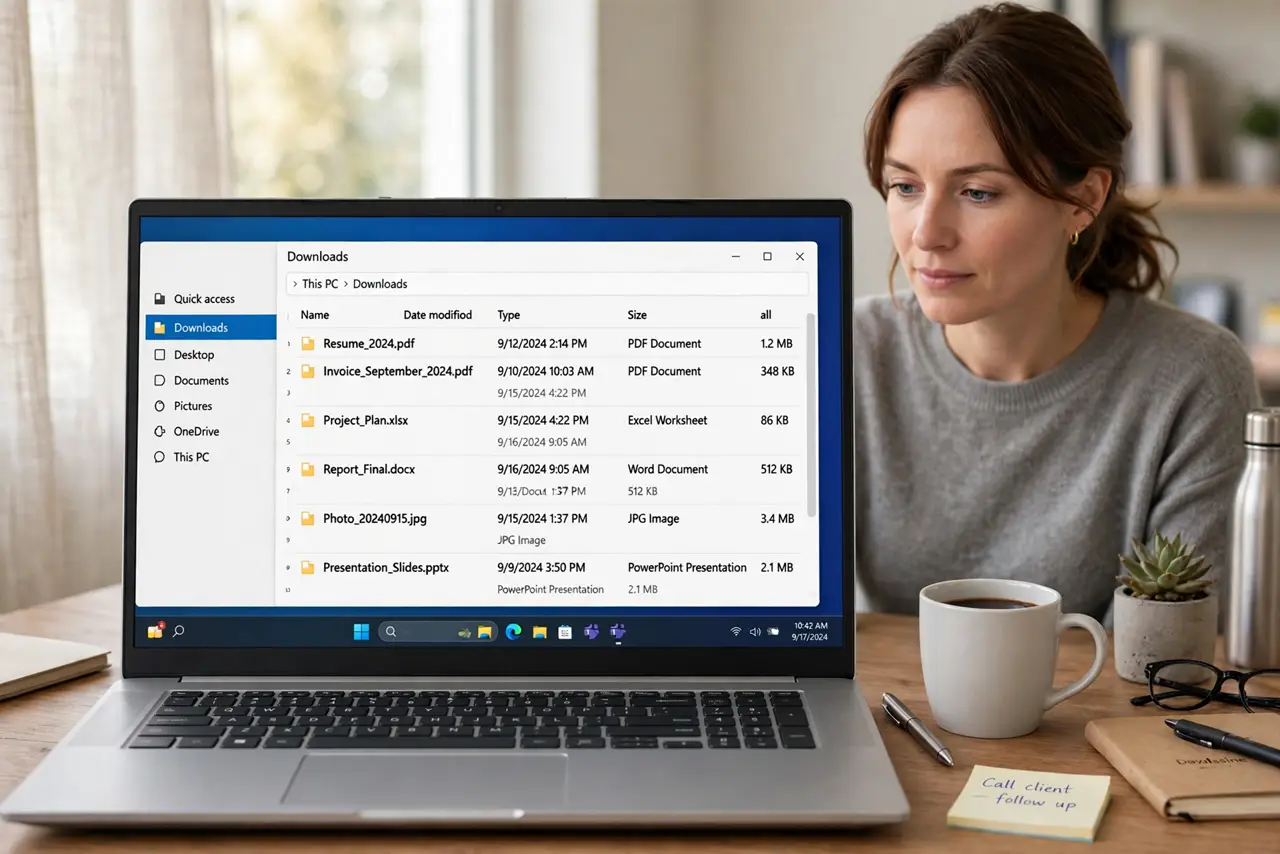
A downloads folder that is never cleaned becomes a swamp of installers, duplicates, and forgotten files, and finding anything in it gets slower every month. A single sort, plus a weekly five-minute habit, drains the swamp for good.
TL;DR / Quick Fix
Quick fix: Sort by date, newest first. Delete installers for apps already installed. Delete obvious duplicates. File keepers into the right folders. Move undecided files to one To Sort folder. Set a weekly five-minute tidy and keep it. Work in order, and verify each step before moving on.
Follow these steps
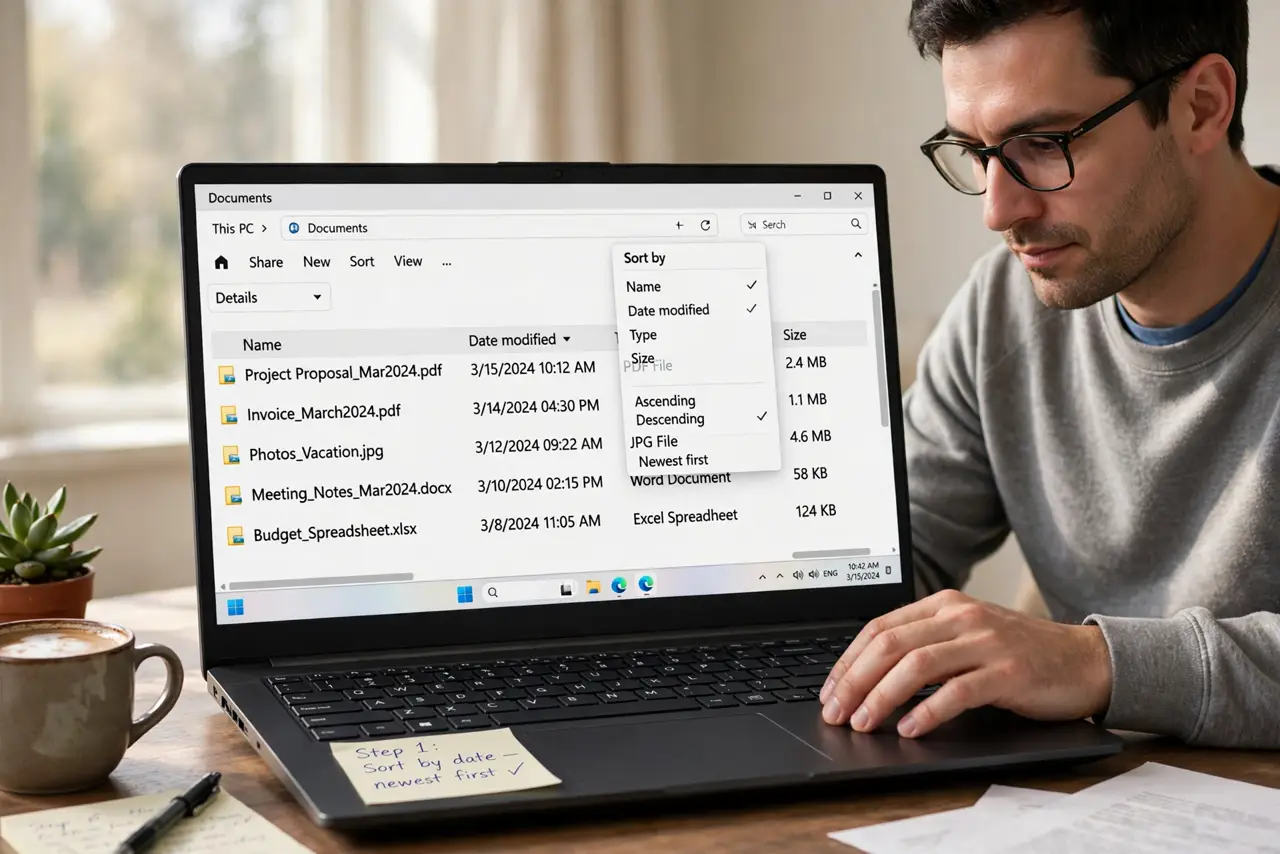
- Sort by date, newest first. Open Downloads and sort by date. Recent files are the ones you likely still need, and the oldest installers are the easiest to identify.
- Delete installers for apps already installed. Remove installer files for apps you already use. Installers can be downloaded again, and keeping every one only feeds the pile.
- Delete obvious duplicates. Sort by name and remove numbered copies, keeping one good copy of each file. Check the copies match before deleting.
- File keepers into the right folders. Move documents to Documents, pictures to Pictures, and work files to project folders. Filed files are findable files.
- Move undecided files to one To Sort folder. If you cannot decide, move the file to To Sort, not back to Downloads. Downloads stays clean while decisions wait in one place.
- Set a weekly five-minute tidy and keep it. Once a week, delete what you no longer need and file the rest. A weekly habit is what separates a clean folder from a relapse.
What NOT to do
- Do not delete everything in Downloads at once. Tickets, forms, and work files hide among the clutter.
- Do not move system files into Downloads while tidying. Mixing system files into a downloads folder creates confusion.
- Do not rename files vaguely as you file them. Clear names today save searches tomorrow.
- Do not skip the weekly tidy after the big clean. Without maintenance, the pile returns within a month.
Frequently asked questions
Should I keep installer files just in case?
No, unless the app is hard to download again. Installed apps do not need their installers.
What about files I might need someday?
File them in a named folder. A someday file in Downloads is a someday file you will never find.
How long does the big clean take?
Usually under an hour, in batches. Then five minutes weekly keeps it clean.