Phone Line Noise Killing Your DSL? Fix It
DSL rides on the same copper wires as your phone line, so static, humming, or crackling on calls often means the internet drops too. The culprits are usually a missing filter, a loose jack, or old wiring. You can test all of this before calling anyone.
TL;DR / Quick Fix
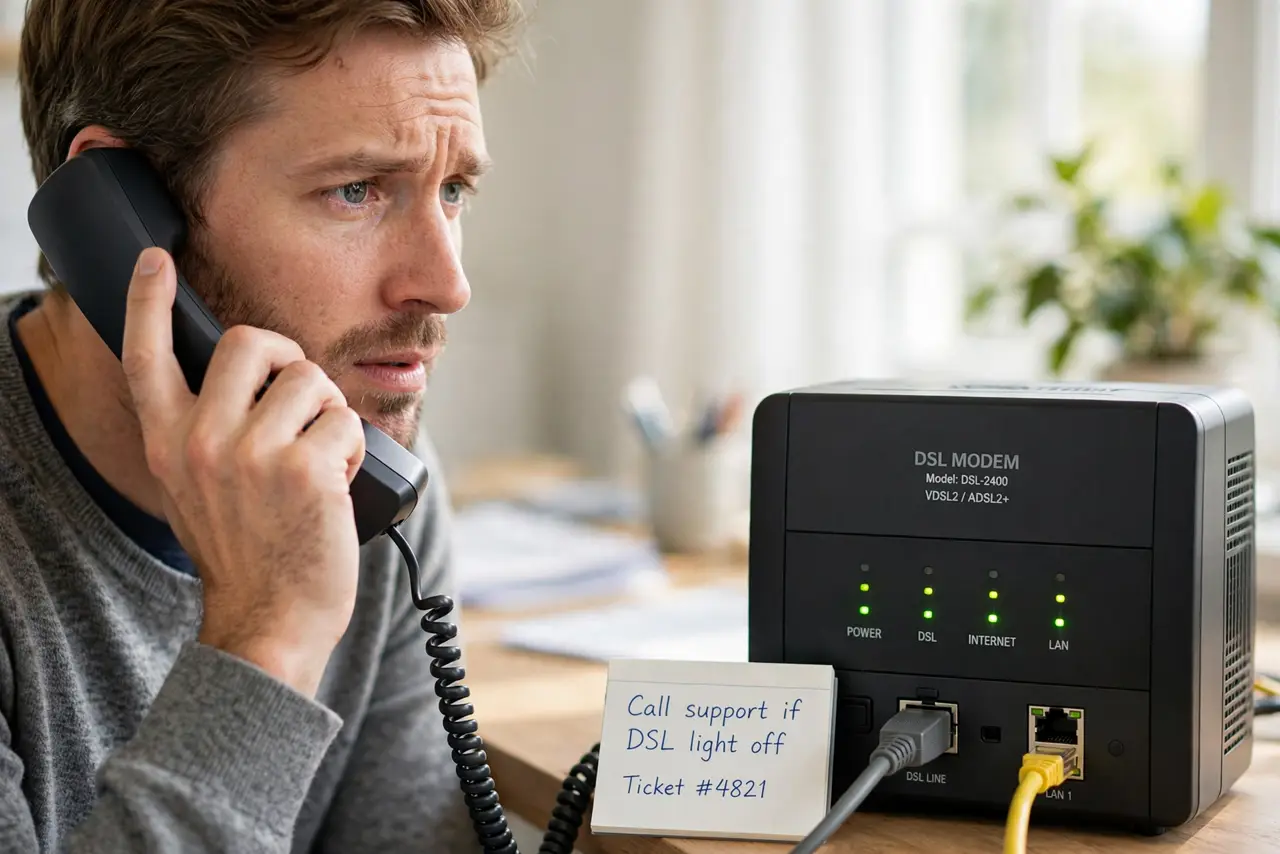
Quick fix: lift the phone receiver and listen — static or hum means line noise. Confirm every phone jack has a filter, reseat the DSL cable at the wall and modem, and check [[what the modem lights mean|modem-lights-meaning]] to see if the line is syncing.
Follow these steps
- Listen to the line first. Pick up any phone on the line and listen to the dial tone. Static, crackle, or humming is line noise, and it shares the wire with your DSL signal.
- Check that every device has a filter. Phones, fax machines, and answering machines each need a DSL filter on their jack. One missing filter can poison the whole line — this is the single most common cause.
- Plug the modem into the main jack. Test the modem at the jack closest to where the line enters the house. If it syncs there but not in the bedroom, your inside wiring is the problem.
- Reseat cables and swap the phone cord. Unplug and firmly reseat the line cable at both ends. Try a different short phone cord — old cords corrode at the plugs and add noise.
- Disconnect everything except the modem. Unplug all phones and filters, then test the modem alone. If the connection stabilizes, reconnect devices one by one to find the noisy one.
- Call the provider from the main jack. If noise persists with only the modem on the main jack, the fault is on their side. Report it as line noise with static on voice calls — that gets the right technician.

What NOT to do
- Do not use an unfiltered phone on the line. Every analog device needs a filter, and skipping one degrades DSL for the whole house.
- Do not coil excess phone cable into tight loops. Long coiled runs act like antennas and pick up hum that hurts the DSL signal.
- Do not pay for a new modem first. Line noise is almost never the modem's fault — replacing it wastes money and the symptoms follow you.
- Do not ignore noise that gets worse in rain. Water getting into old outside wiring is a provider-side fault; report it so they fix the cable.
Frequently asked questions
Why does my DSL drop when the phone rings?
A missing or failing filter lets the phone's ring voltage swamp the DSL signal. Check and replace filters on every jack.
Can a bad splitter cause DSL noise?
Yes. Cheap or corroded splitters add noise just like missing filters. Swap in a known-good one as a test.
Is DSL over phone lines still being fixed by providers?
Usually yes, though some are winding DSL down. Ask whether the fault is theirs and whether an upgrade path exists in your area.