Router Red Light After a Storm? Fix It
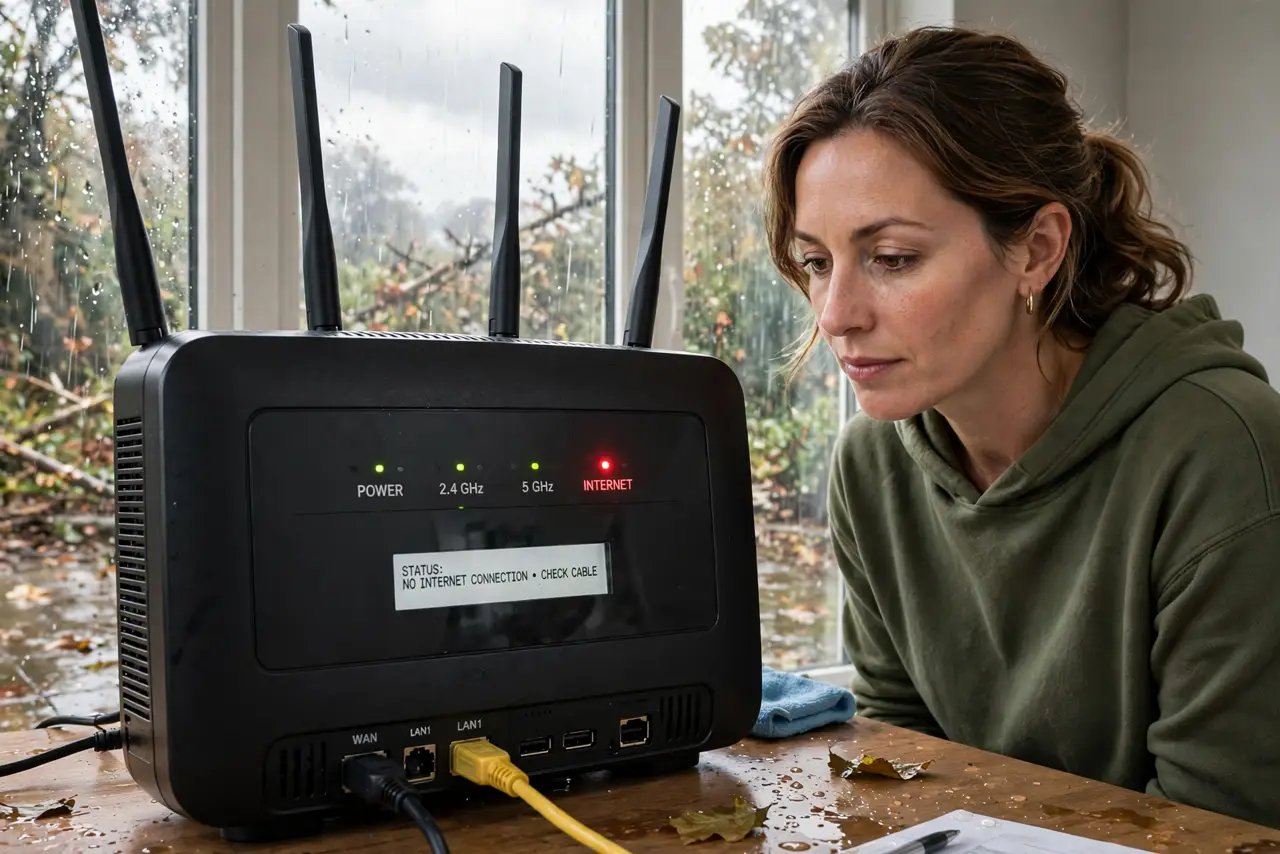
After a storm, the router shows a red light and no device gets online. Storms can cut the line, damage the router, or trip the power, and the red light only says the line is down, not which cause it is.
TL;DR / Quick Fix
Quick fix: check that the area power is back and the router cables are dry, firm, and undamaged. Then unplug the router, wait thirty seconds, plug it back in, and check with your provider for a storm outage. Write down what worked for next time.
Follow these steps
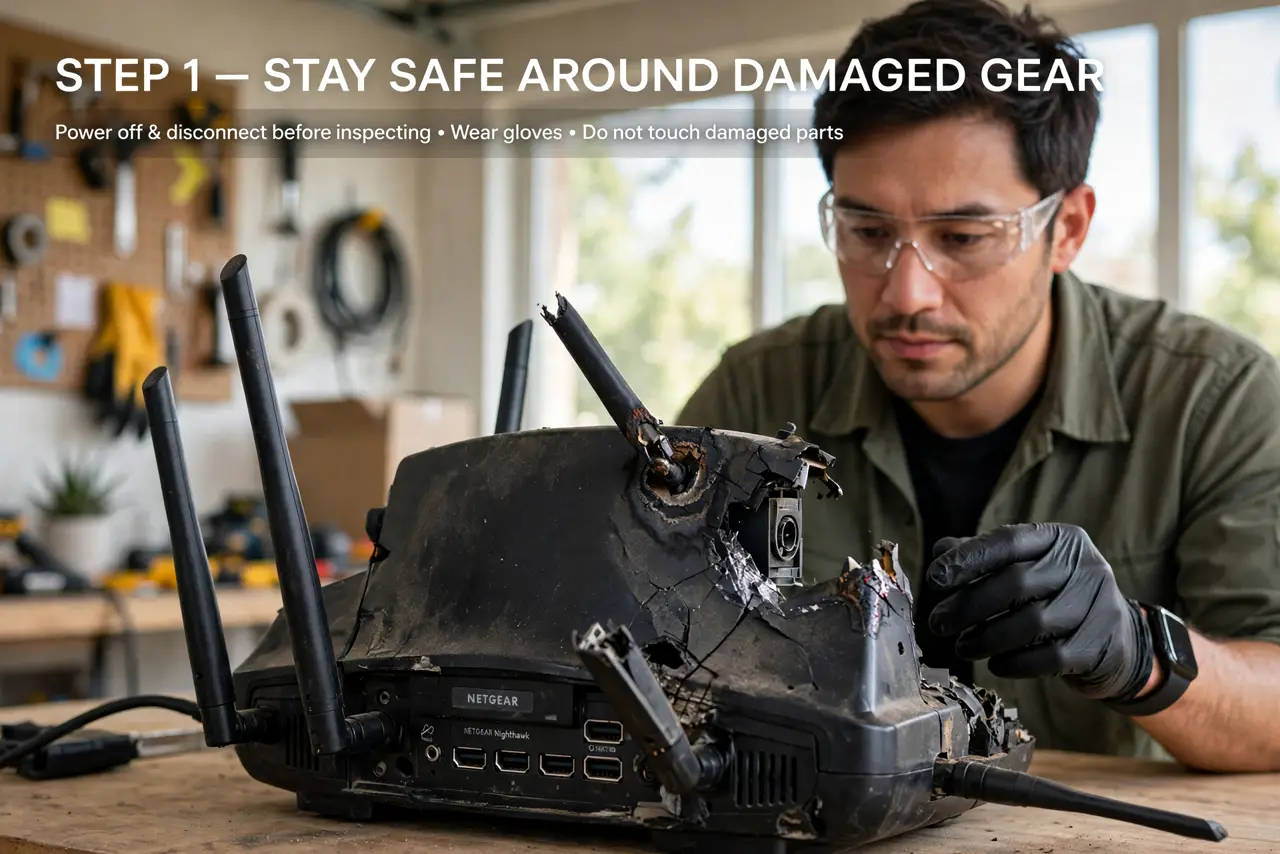
- Stay safe around damaged gear. Do not touch wet cables, wet sockets, or a router that smells burnt or looks damaged. If anything is wet or damaged, leave it alone and call your provider or an electrician.
- Check power and cables. Confirm the wall socket has power and the router cables are dry, firm, and undamaged. A cable knocked loose by a storm looks exactly like a dead line.
- Power-cycle the router properly. Unplug the router, wait thirty seconds, and plug it back in, then wait for its lights to settle. A proper restart lets the router try the line again from scratch.
- Check the modem and wall connection too. If a separate modem or wall box feeds the router, check its lights and cables as well. The router red light may only report a modem that lost the line.
- Check for a provider outage. Check the provider outage page on mobile data, or ask neighbors on the same provider. A storm outage affects a whole area, and no home fix can restore it early.
- Contact your provider with details. If the red light stays after a restart, contact your provider and report the storm, the lights, and the cables you checked. Storm damage to the line is their repair to make.
What NOT to do
- Do not touch wet or burnt equipment. Water and damaged electronics are unsafe, and no internet fix is worth that risk.
- Do not keep restarting the router every minute after a storm. Give each restart time to settle, or you will never see a real result.
- Do not open the router to dry it inside. Opening it is unsafe and can void support, so let the provider advise if the router itself is damaged.
- Do not assume the router is dead because of one red light. A red light often means the line is down, and the line may return on its own after an outage.
Frequently asked questions
What does a red router light mean?
It usually means the router has no working internet line. It does not by itself prove the router is broken.
Why does a storm cause a red light?
Storms can cut lines, trip power, or damage outdoor equipment, any of which drops the line the router depends on.
How long should I wait after a restart?
Give the router a few minutes to settle and try the line again before deciding the restart failed.