What Is Dynamic DNS?
Your home internet address changes every so often — the provider reassigns it — and suddenly the remote access, game server, or camera feed you set up stops working because its address moved. Dynamic DNS fixes this by giving your changing address a permanent hostname that updates itself automatically. Instead of memorizing numbers that expire, you connect to a stable hostname and it always resolves to your current address.
TL;DR / Quick Fix
Quick fix: sign up with a dynamic DNS provider, run their updater on your router or a home computer, and point your tools at the hostname instead of the IP. The updater refreshes the address whenever your provider changes it. Most routers have a built-in DDNS client.
Follow these steps
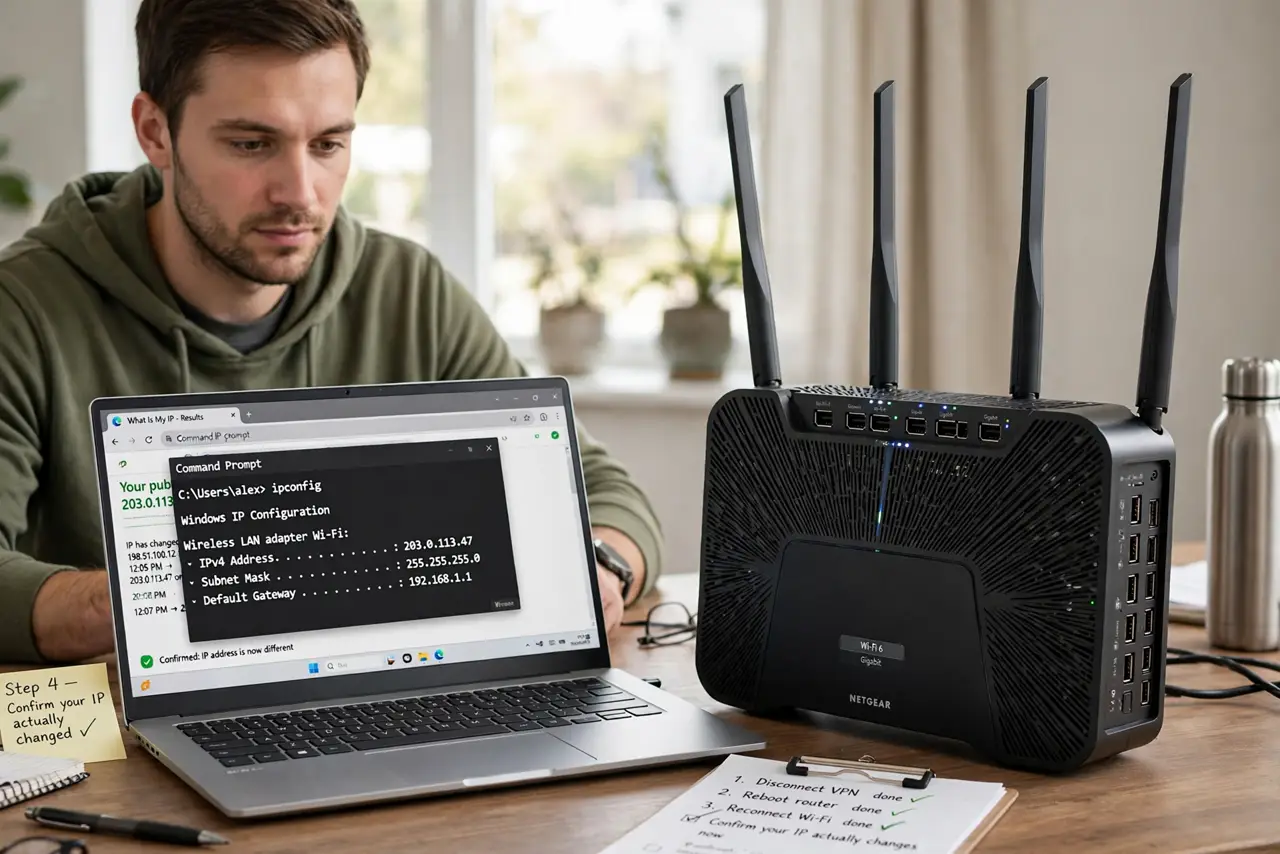
- Confirm your IP actually changes. Check your public IP today and again in a few days — if it differs, you have a dynamic IP and DDNS will help. If it never changes, you can skip DDNS entirely.
- Pick a dynamic DNS provider. Choose a reputable DDNS provider and create an account. Free tiers exist for basic home use; compare update limits and hostname options before committing.
- Choose a hostname. Pick a memorable hostname on the provider's domain. This is the permanent address you will give to friends, apps, and remote tools instead of a raw IP.
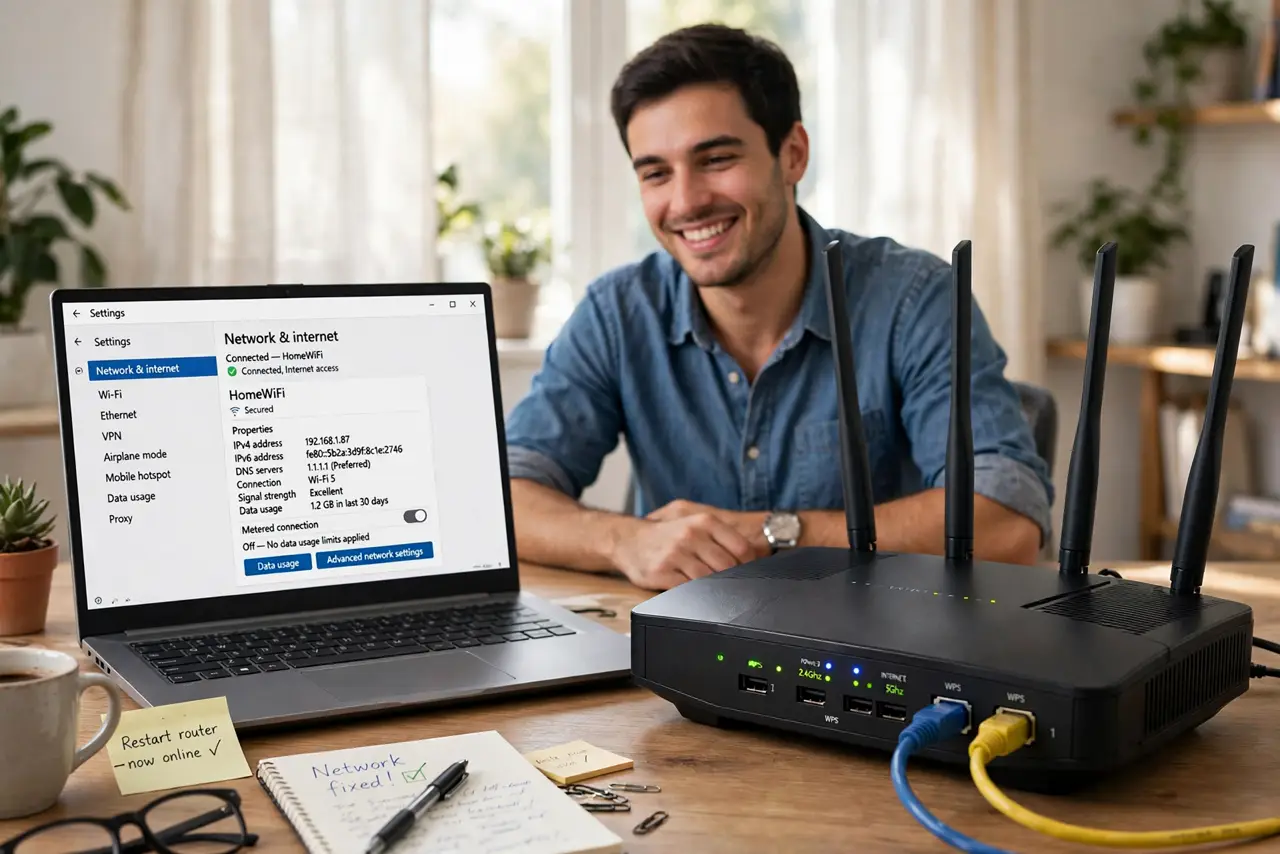
- Set up the updater on your router. Most routers have a DDNS or Dynamic DNS page in their settings — enter your provider, hostname, and credentials there. Router-based updating is the most reliable because it runs around the clock.
- Or run the updater on a home computer. If your router lacks DDNS support, install the provider's updater app on a computer that stays on. It detects IP changes and reports them — but it only works while that computer is running.
- Point your services at the hostname. Update your game server invites, camera apps, and remote-access tools to use the hostname instead of the raw IP. From now on the address can change freely — the name follows it.
What NOT to do
- Do not expose services to the internet without protection. A permanent hostname makes you easier to find — use strong passwords and keep software updated.
- Do not assume DDNS fixes a strict NAT or CGNAT. If your provider uses carrier-grade NAT, inbound connections may still fail no matter what your hostname says.
- Do not publish your DDNS hostname publicly. Share it only with people who need it — it is a direct line to your home network.
- Do not forget the updater needs to keep running. A router reboot or a sleeping computer pauses updates, and the hostname goes stale.
Frequently asked questions
Is dynamic DNS free?
Basic tiers from several providers cost nothing for a single hostname. Paid tiers add more hostnames and faster updates — home users rarely need them.
Does DDNS make my connection faster?
No — it only keeps your address reachable. Speed depends on your plan and line quality, not on how your address is named.
Can I use DDNS with a VPN?
It depends on the setup — a VPN usually hides your home IP entirely, which defeats the purpose. DDNS is for reaching your home network directly, not through a VPN tunnel.