CGNAT? Plain Explanation
CGNAT — Carrier-Grade NAT — is why your router's 'public' IP is not really public. ISPs ran out of IPv4 addresses, so they stack customers behind shared addresses, like an apartment building sharing one street number. Most browsing works fine, but hosting game servers, port forwarding, and some VPNs break. Here is what it means for you.
TL;DR / Quick Fix
Quick fix: CGNAT means your ISP shares one public IPv4 address among many customers — your router gets a private address instead. Compare your router's WAN IP with a 'what is my IP' site: if they differ, you are behind CGNAT. Port forwarding and self-hosting will not work.
Follow these steps
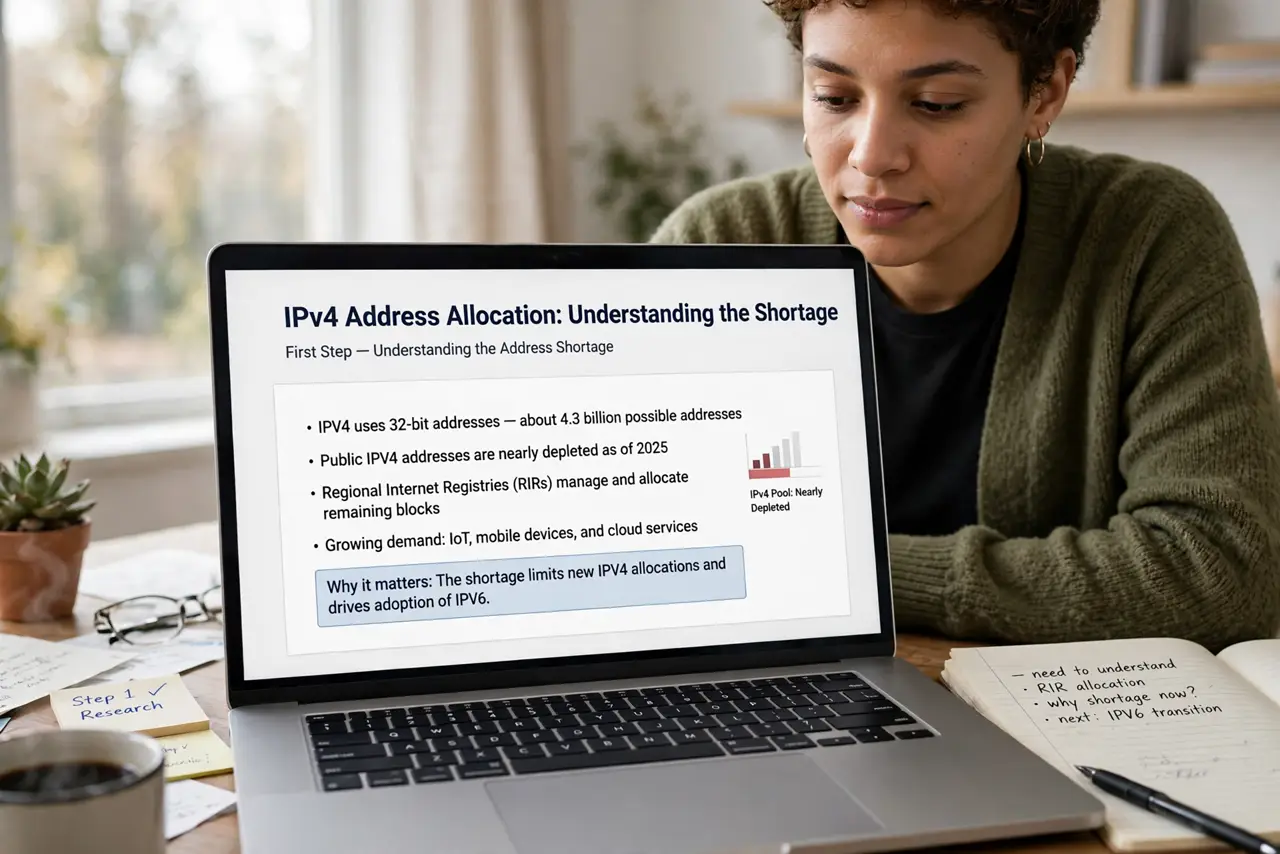
- Understand the address shortage. The internet ran out of IPv4 addresses years ago. Instead of giving each home a unique public address, ISPs put hundreds of customers behind one shared address — CGNAT. It is your ISP's NAT, one layer above your router's.
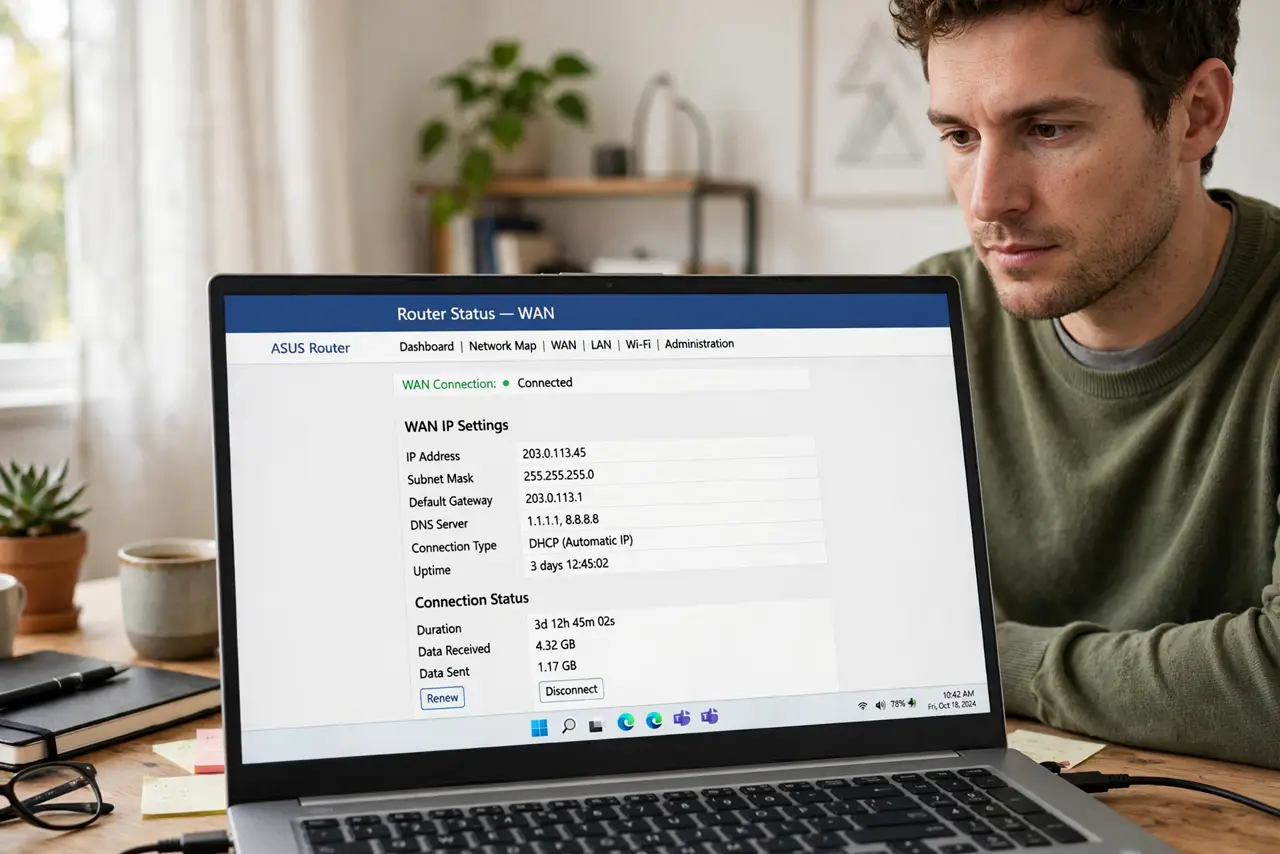
- Check if you are behind it. Log into your router and note the WAN IP. Then visit a 'what is my IP' site. If the two differ — especially if the router shows a 100.64.x.x address — you are behind CGNAT. That range is reserved for carrier NAT.
- Know what still works. Browsing, streaming, video calls, gaming as a player, cloud backups — all fine. CGNAT breaks only inbound connections: things trying to reach you from outside.
- Know what breaks. Port forwarding to a home server, hosting a Minecraft server for friends, some peer-to-peer games, and certain VPN setups fail under CGNAT. See the port forwarding limits for details — and note double NAT compounds the pain.
- Ask your ISP for options. Many ISPs offer a real public IPv4 address on request — sometimes free, sometimes a small monthly fee, sometimes only on business plans. Ask specifically for a 'public' or 'non-CGNAT' address.
- Consider IPv6. IPv6 gives every device its own public address with no NAT at all. If your ISP offers IPv6, enabling it sidesteps CGNAT for modern services — the long-term fix the industry is slowly adopting.
What NOT to do
- Do not fight CGNAT with router settings. No port-forward rule on your router reaches through your ISP's NAT — it is not your equipment's fault.
- Do not assume your IP is unique. Behind CGNAT, strangers share your public address — IP-based bans can hit innocents.
- Do not pay for a static IP without asking. Some ISPs sell static addresses that are still behind CGNAT — confirm it is a real public IP.
- Do not ignore IPv6. It is the actual solution to address sharing — enable it if your ISP supports it.
Frequently asked questions
Why can't I host a game server anymore?
CGNAT blocks inbound connections, so outside players cannot reach your server. A public IP from your ISP or a tunnel service is the fix.
Does CGNAT slow down my internet?
Not meaningfully for normal use. It adds a tiny bit of latency and breaks specific inbound features, but browsing and streaming are unaffected.
Is CGNAT a security risk?
If anything it hides you — inbound attacks cannot reach you either. It is an inconvenience for hosting, not a vulnerability.