Read Ebooks on Any Device
Your ebooks are scattered: some in Kindle, some in Apple Books, a few PDFs in Downloads, and nothing remembers your page when you switch devices. The format mess is really an ecosystem mess. Picking one home for your library — and converting the strays — makes every book follow you everywhere.
TL;DR / Quick Fix
Quick fix: pick one reading app — Kindle, Apple Books, or Kobo — and buy or import all your ebooks there, so your library, bookmarks, and progress sync across phone, tablet, and computer. Convert stray EPUBs or PDFs with a free tool before importing. One ecosystem ends the format mess.
Follow these steps
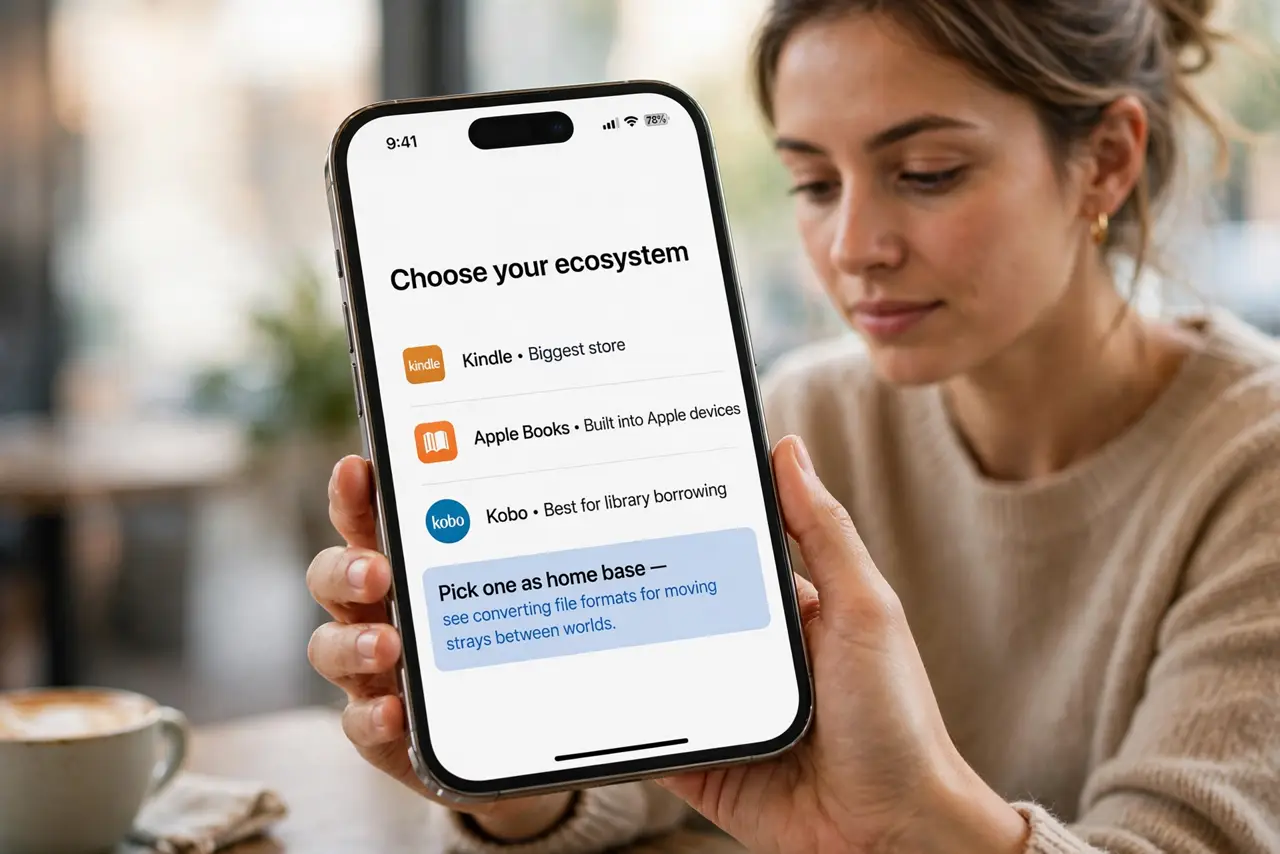
- Choose your ecosystem. Kindle has the biggest store, Apple Books is built into Apple devices, Kobo plays nicest with library borrowing. Pick one as home base — see converting file formats for moving strays between worlds.
- Import your existing books. Kindle accepts emailed EPUBs and documents; Apple Books and Kobo import EPUBs directly. Gather the scattered files and bring them home.
- Convert incompatible formats. A free converter turns EPUB into Kindle-friendly formats and vice versa. Convert copies, keep originals — format conversion is lossless for text.
- Enable sync everywhere. Sign into the same account on phone, tablet, and computer. Whispersync-style progress sync means you never hunt for your page again.
- Borrow from the library. Most public libraries lend ebooks free through apps like Libby. Borrowed books land in your ecosystem and return themselves — free reading, zero clutter.
- Back up your library. Purchases live in the cloud, but imported personal documents may not. Keep a folder of your EPUBs in cloud storage — see organizing cloud storage for the system.
What NOT to do
- Do not buy the same book twice in two stores. Check your main library first — duplicate purchases are the format mess monetized.
- Do not strip DRM casually. Removing copy protection violates terms of service in most regions — buy DRM-free when you want true ownership.
- Do not keep PDFs as 'ebooks.' PDFs do not reflow text — convert them or accept squinting on small screens.
- Do not ignore library lending. Paying for books your library lends free is the most avoidable reading expense there is.
Frequently asked questions
Which ebook format is best?
EPUB — open, reflowable, and accepted almost everywhere except Kindle's native format (which now accepts EPUB imports too).
Can I read Kindle books on an iPad?
Yes — the free Kindle app syncs your whole library and reading position across devices.
What about PDFs?
Readable everywhere but not true ebooks — fixed pages that do not adapt to screen size. Fine for documents, poor for novels.