Attachment Asks to Enable Macros? Say No
Macros are small programs inside documents that can automate tasks, but they can also install harmful software. A document that arrives by email and demands macros to view its content is a classic trap. Do not enable them.
TL;DR / Quick Fix
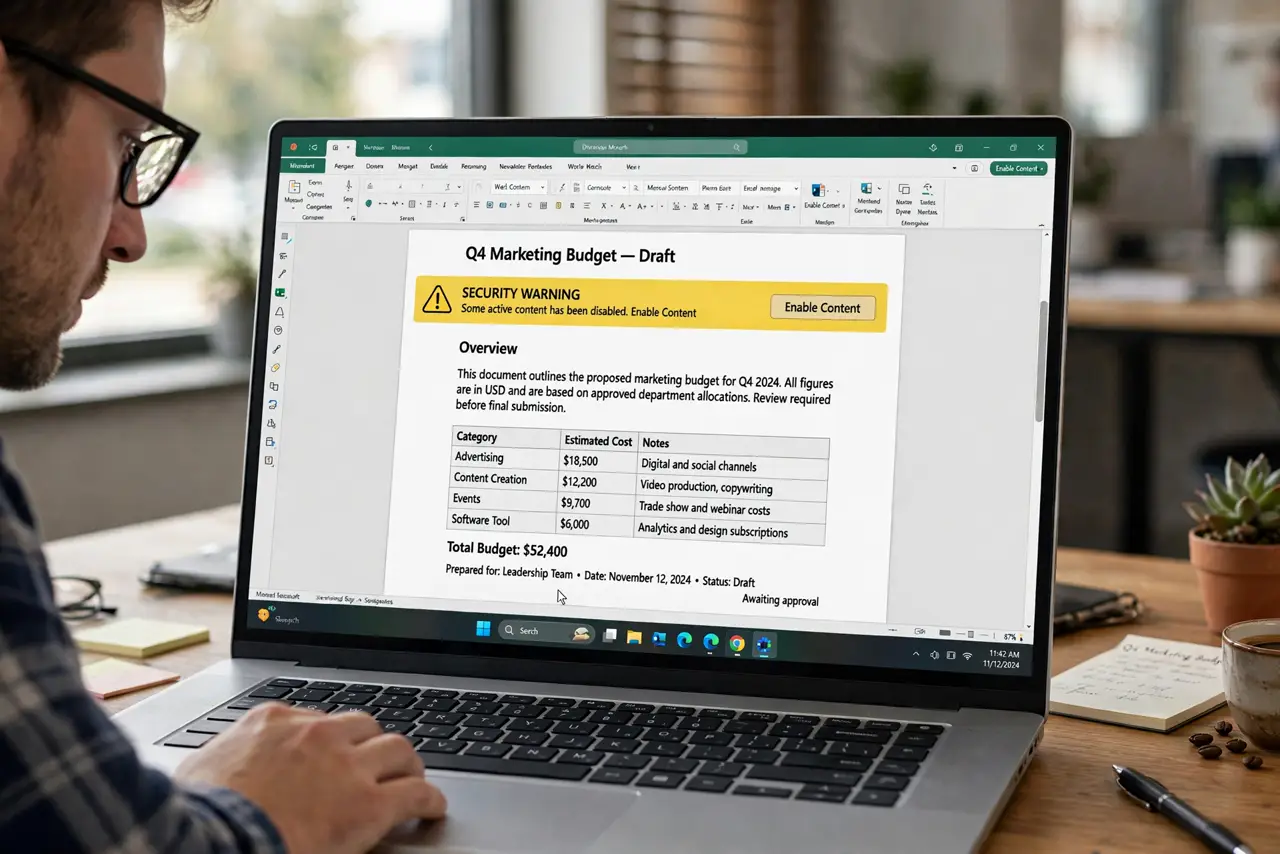
Quick fix: do not enable macros or enable content on an emailed document. Close the file, verify with the sender through a separate channel that they sent it, and ask for a plain copy, such as a PDF, that needs no macros.
Follow these steps
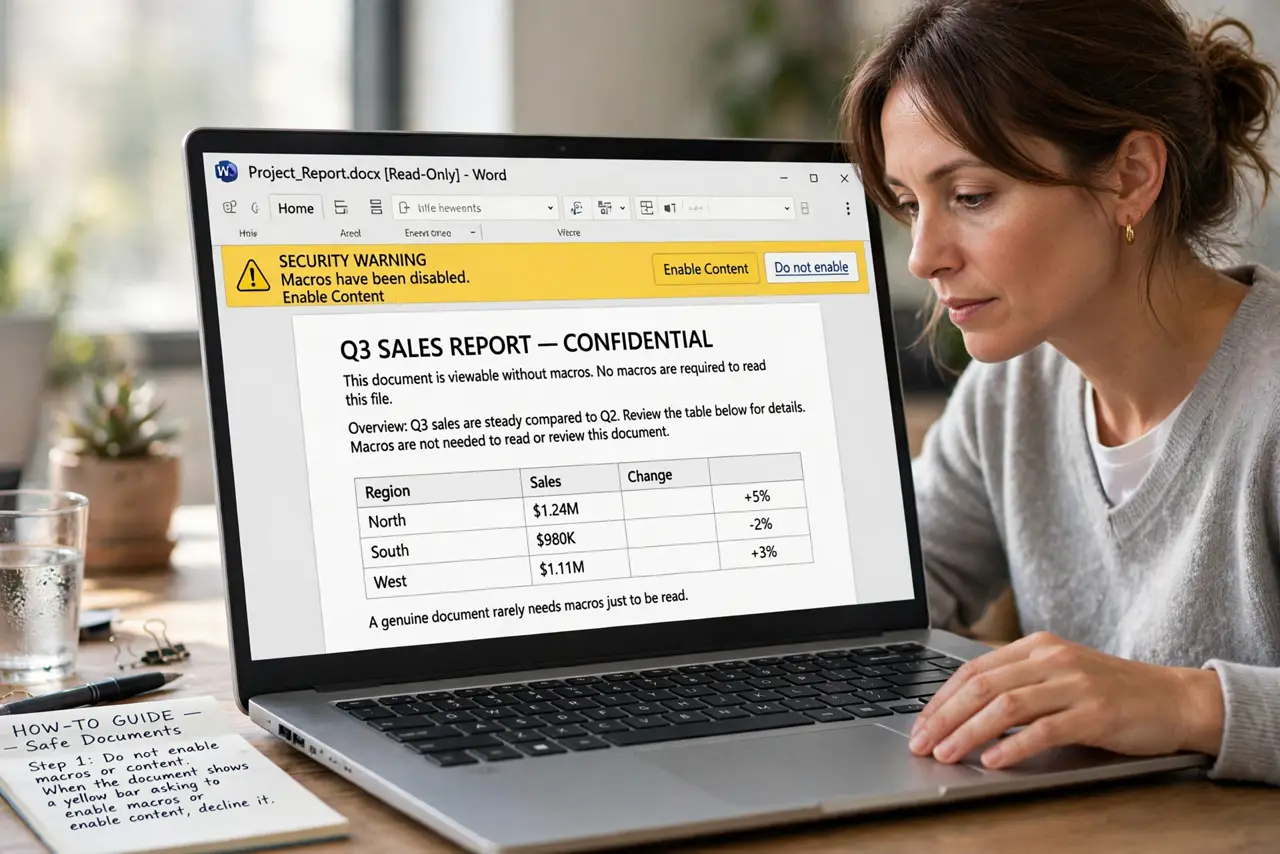
- Do not enable macros or content. When the document shows a yellow bar asking to enable macros or enable content, decline it. A genuine document rarely needs macros just to be read.
- Close the document. Close the file without enabling anything. Viewing the first page in a preview or reader is safer than opening it fully with macros allowed.
- Verify the sender separately. Contact the sender through a known number, address, or app, not by replying to the email. Ask whether they sent the document and whether macros are genuinely needed.
- Ask for a plain copy. Ask the sender for a PDF or a plain document without macros. If the content is real, it can almost always be shared in a form that needs no code to read.
- Scan the file before any further step. Run a scan on the downloaded file with your built-in security software. If it flags the file, delete it and do not try to open it again.
- Delete it if verification fails. If the sender did not send it, or cannot explain the macros, delete the email and the file. Report the message as phishing if your email app offers that option.
What NOT to do
- Do not enable macros because the document claims content is hidden without them. Hidden content is the bait.
- Do not enable macros for a document from an unknown sender, even if it names your company or a colleague.
- Do not reply to the email to ask whether it is genuine. A scammer will simply confirm it.
- Do not disable security warnings to make a document work. A file that needs that is not worth opening.
Frequently asked questions
What are macros, in plain terms?
Macros are small programs embedded in a document that run when you allow them. Useful in trusted office files, dangerous in unexpected email attachments.
What if I already enabled macros?
Close the document, run a full security scan, and change passwords for accounts you used on that computer. Watch for unusual activity.
Can I read the document safely another way?
Yes. Ask for a PDF, or open a copy in a viewer that does not run macros. The text and tables will still be readable.