Email Attachment Blocked as Unsafe? Fix It
Mail providers block certain attachments because that file type is often used to spread harmful software. The safe fix is rarely to force the file open; it is to verify the sender and get the file in a safer form.
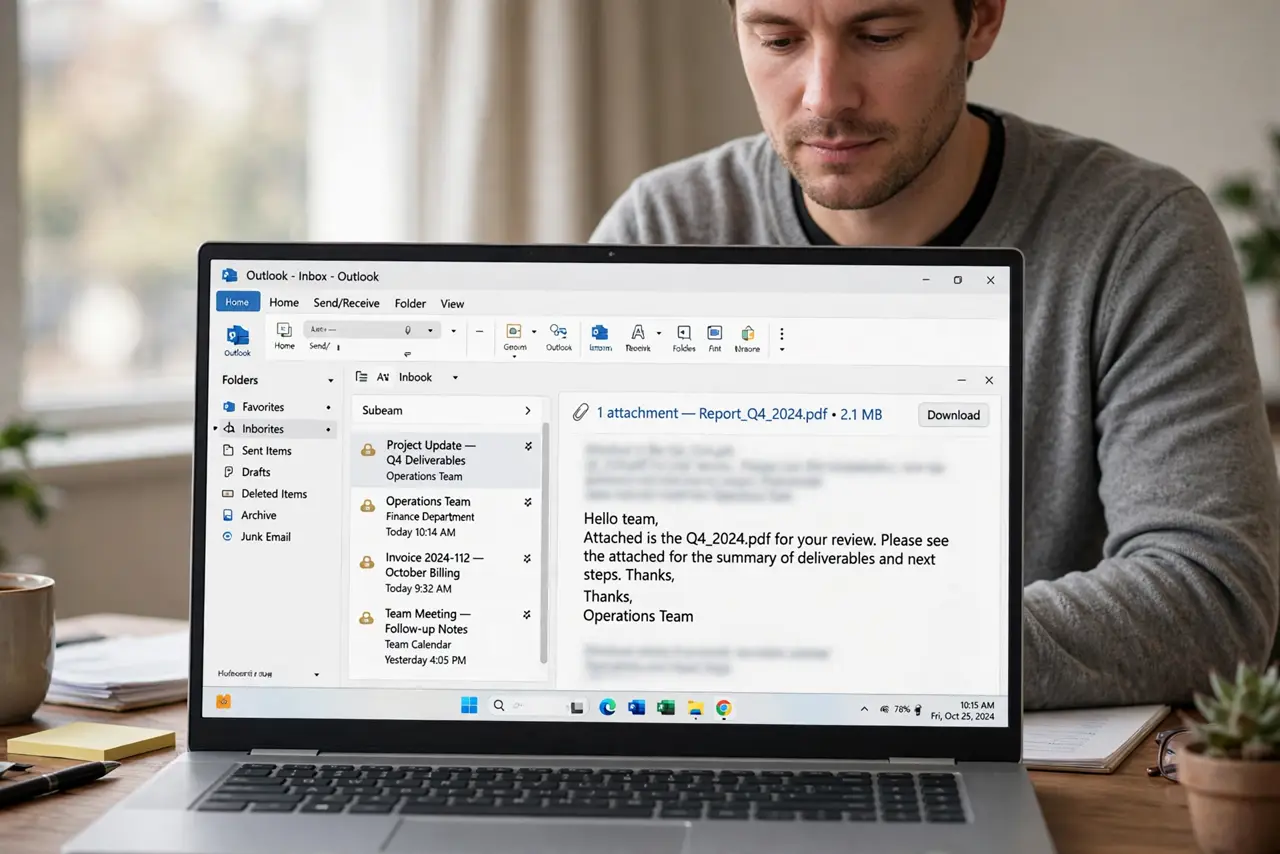
TL;DR / Quick Fix
Quick fix: confirm the sender really sent the file, then ask them to resend it as a PDF or a shared drive link. If you expected the file and trust the sender, download it only from the original message and scan it first.
Follow these steps
- Confirm the sender really sent it. Contact the sender through a separate channel, such as a known phone number or a new message, and ask whether they sent the attachment. A familiar name alone does not prove the message is genuine.
- Check the file type and size. Look at the file name and type in the message. Executable and script files are blocked for good reason, while documents and images are usually delivered normally.
- Ask for a safer format. Ask the sender to resend the content as a PDF, an image, or a shared drive link. The same information in a safer format usually passes the filter without trouble.
- Use a shared drive link instead. If the file is large or unusual, ask the sender to share it through a drive link with the right permission. You can then view it without an email attachment at all.
- Scan the file if you do download it. If you expected the file and the sender confirmed it, download it from the original message and run a security scan before opening it. Stop if the scan flags anything.
- Keep the warning in mind for future mail. Treat future blocked attachments the same way. A provider block is a useful signal, not just an annoyance to work around.
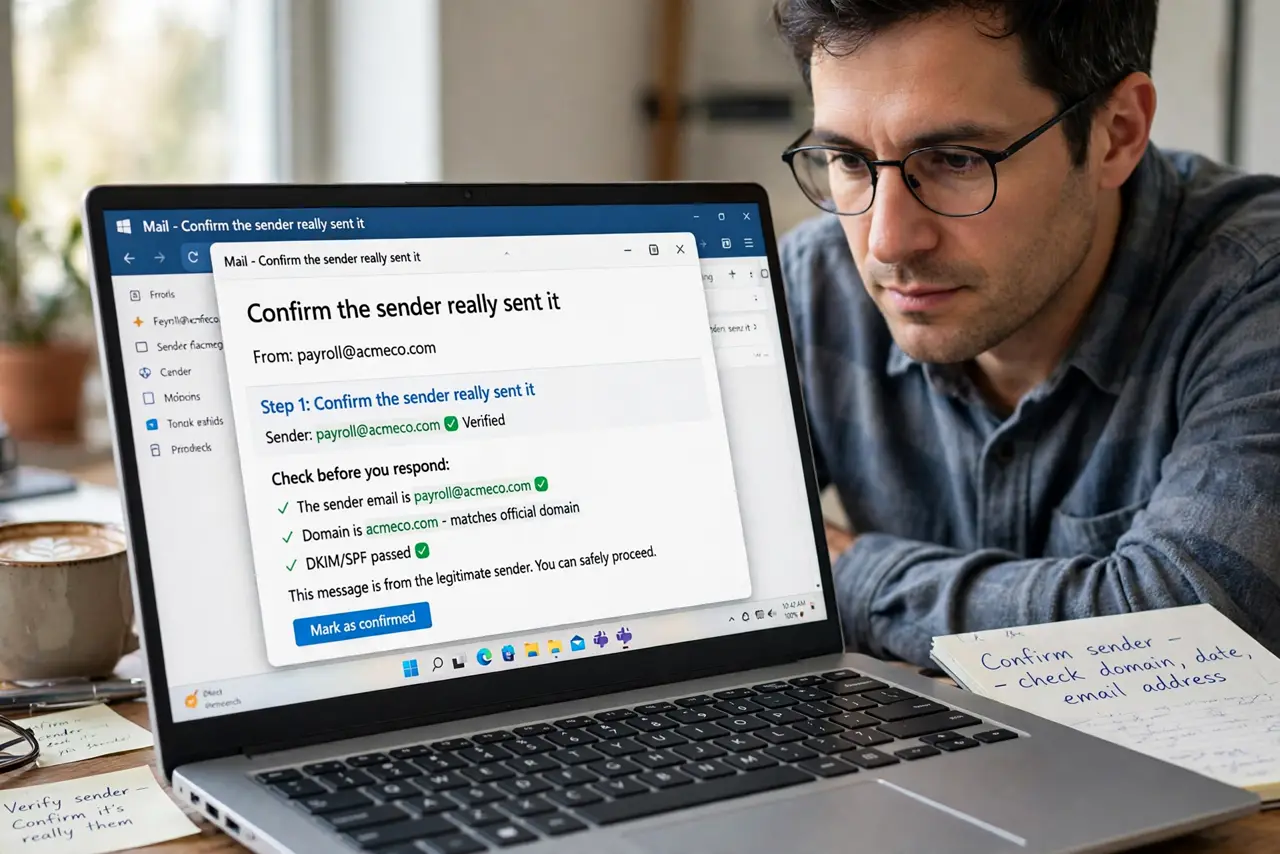
What NOT to do
- Do not disable attachment protection to receive one file. That setting protects every future message, not just this one.
- Do not open a blocked attachment because the message sounds urgent. Urgency is a common trick in fake messages.
- Do not forward a blocked attachment to another account to bypass the block. The risk travels with the file.
- Do not download the same file from a link in an unexpected message. Verify the sender first, every time.
Frequently asked questions
Why does my mail block some attachments?
Certain file types are often abused to spread harmful software, so providers block them even when a particular file might be harmless.
Can the sender fix this on their side?
Yes. Resending the content as a PDF or a shared link is the simplest fix, and it works without changing your settings.
Is a blocked attachment always dangerous?
No, but the block means the type is risky enough that verification matters more than speed.