Email Attachment Double Extension Trick? Spot It
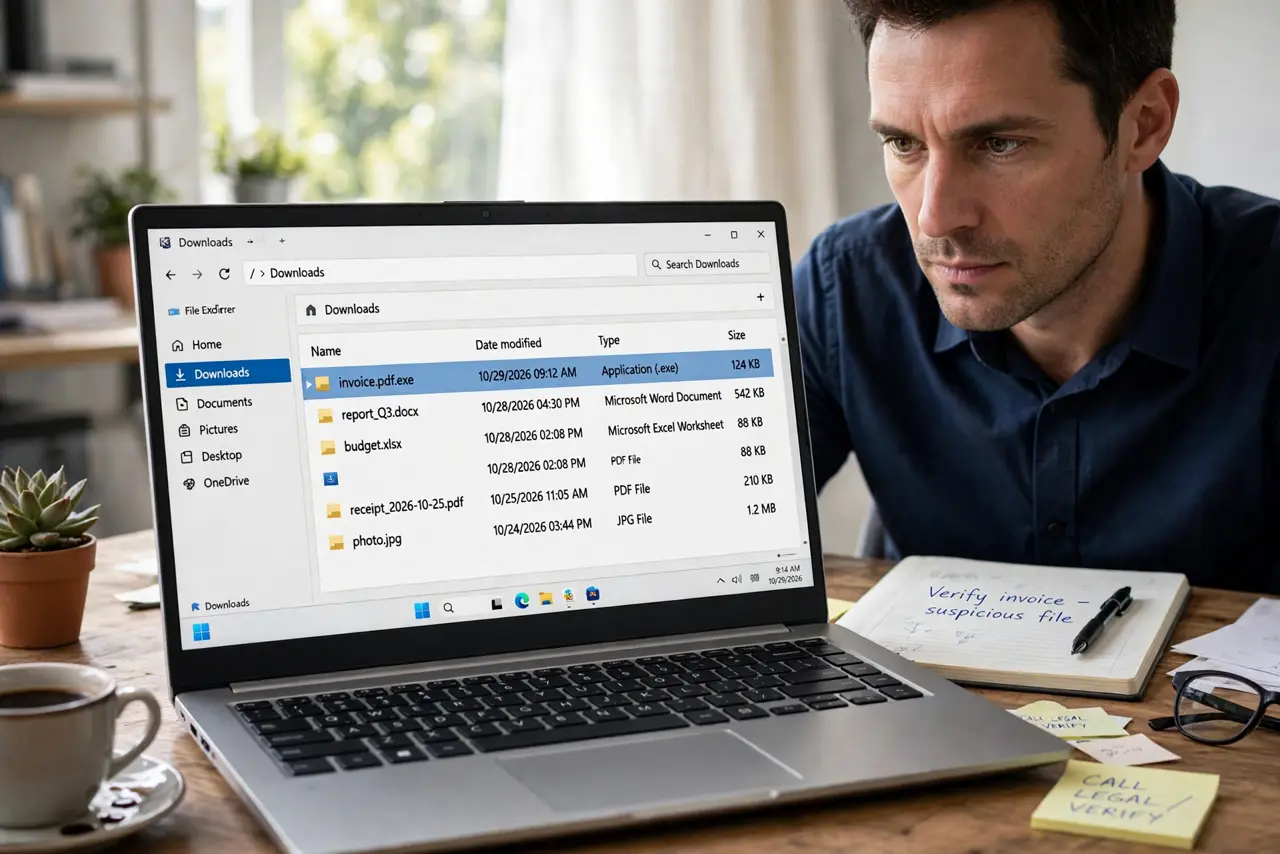
Attackers name harmful programs with two extensions, such as invoice.pdf.exe, hoping you see only the first one and think it is a safe document. The real type is the last extension. Showing extensions makes the trick obvious.
TL;DR / Quick Fix
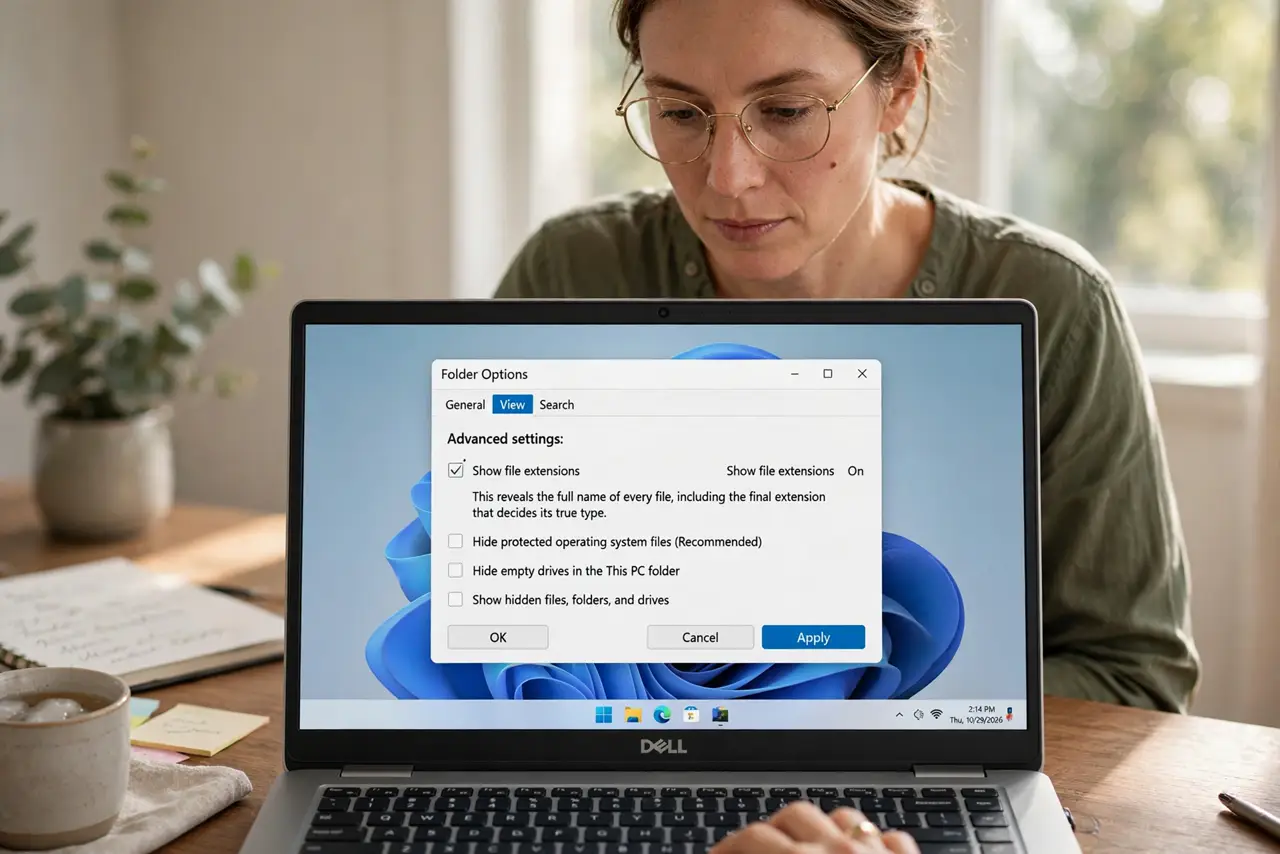
Quick fix: turn on show file extensions, then check the last extension of any attachment. A file ending in .exe, .scr, or .bat is a program, not a document, even if an earlier part says .pdf. Delete it and verify with the sender separately.
Follow these steps
- Turn on show file extensions. In your file manager settings, turn on show file extensions. This reveals the full name of every file, including the final extension that decides its true type.
- Read the last extension, not the first. For invoice.pdf.exe, the real type is exe, a program. The pdf in the middle is decoration meant to mislead you.
- Treat program files from email with suspicion. An unexpected program file in an email, whatever its first name claims, should be treated as harmful until proven otherwise. Do not open it to check.
- Verify the sender separately. Contact the sender through a known channel, not by replying, and ask whether they sent a program file. A genuine invoice arrives as a document, not a program.
- Delete the file. Delete the attachment and the email if verification fails, or if the sender did not send a program at all. Empty the trash or downloads folder afterwards if the file was saved there.
- Scan if you already opened it. If you opened the file, run a full security scan at once, and change passwords for accounts used on that computer. Watch for unusual activity.
What NOT to do
- Do not open a file ending in .exe, .scr, or .bat from an email to see what it is. Opening it is the step that causes harm.
- Do not trust the icon. A program file can wear a document icon, and only the final extension tells the truth.
- Do not rely on the preview name in your email app. Download details or file properties show the full name more reliably.
- Do not forward the file to a colleague to check. Forwarding spreads the harmful file to another inbox.
Frequently asked questions
What extensions should worry me?
Program types such as .exe, .scr, .bat, and .msi in an unexpected email are the main warning. Documents end in .pdf, .docx, or .xlsx, with no program extension after them.
What if the file is zipped?
A zip can hide a program inside. Only open a zip from a verified sender, and check the extensions of files inside before opening any of them.
Why hide extensions by default?
Systems hide them to look tidy, but that tidiness helps this trick. Showing extensions costs nothing and prevents a whole class of mistakes.