Email Reply-To Address Differs? Check It
A message can arrive from a genuine-looking sender, but carry a reply-to address pointing to a stranger inbox. Replying sends your response, and any sensitive details, to that stranger instead. Check the reply-to address before you reply.
TL;DR / Quick Fix
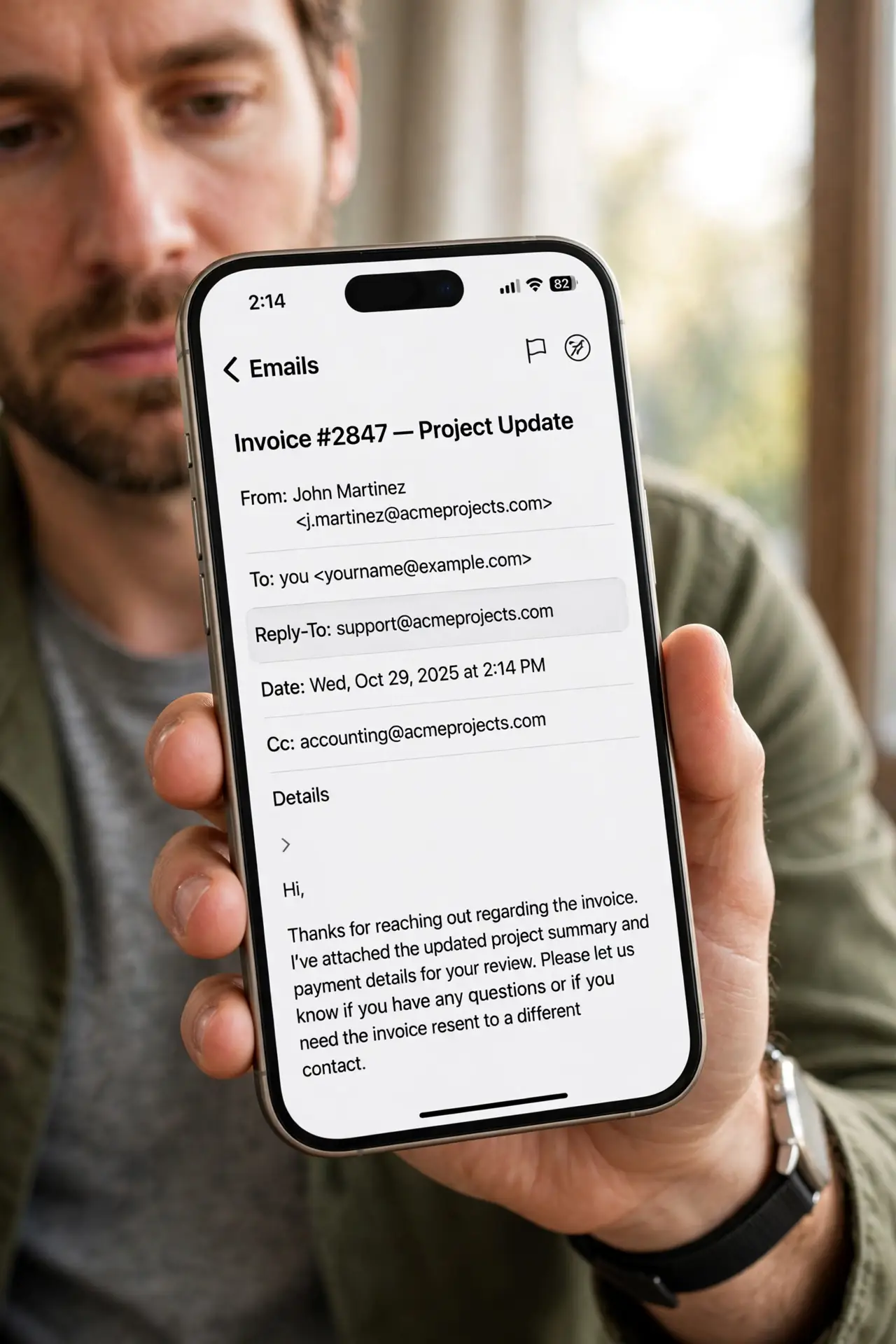
Quick fix: before replying, reveal the full reply-to address and compare it with the sender. If they differ without a clear reason, do not reply. Start a fresh message to the known address, or contact the sender through a separate channel.
Follow these steps
- Reveal the reply-to address. In your email app, open the message details or the reply options to see the reply-to address. Many apps hide it unless you expand the sender details.
- Compare it with the sender. A genuine newsletter or support message may use a different reply-to for routing, but it should still belong to the same company domain. An unrelated domain is a warning.
- Do not reply with sensitive details. If the reply-to looks wrong, do not reply with passwords, account numbers, or personal data. A reply goes to the reply-to address, not necessarily to the visible sender.
- Start a fresh message instead. Compose a new message to the address you already know for that person or company, and paste your question there. A fresh message bypasses the suspicious reply-to entirely.
- Verify urgent requests separately. If the message asks for payment, a password, or urgent action, verify through a known number or the official app before responding at all.
- Report and delete a clear fake. If the reply-to points to a stranger and the message asks for sensitive action, report it as phishing and delete it.
What NOT to do
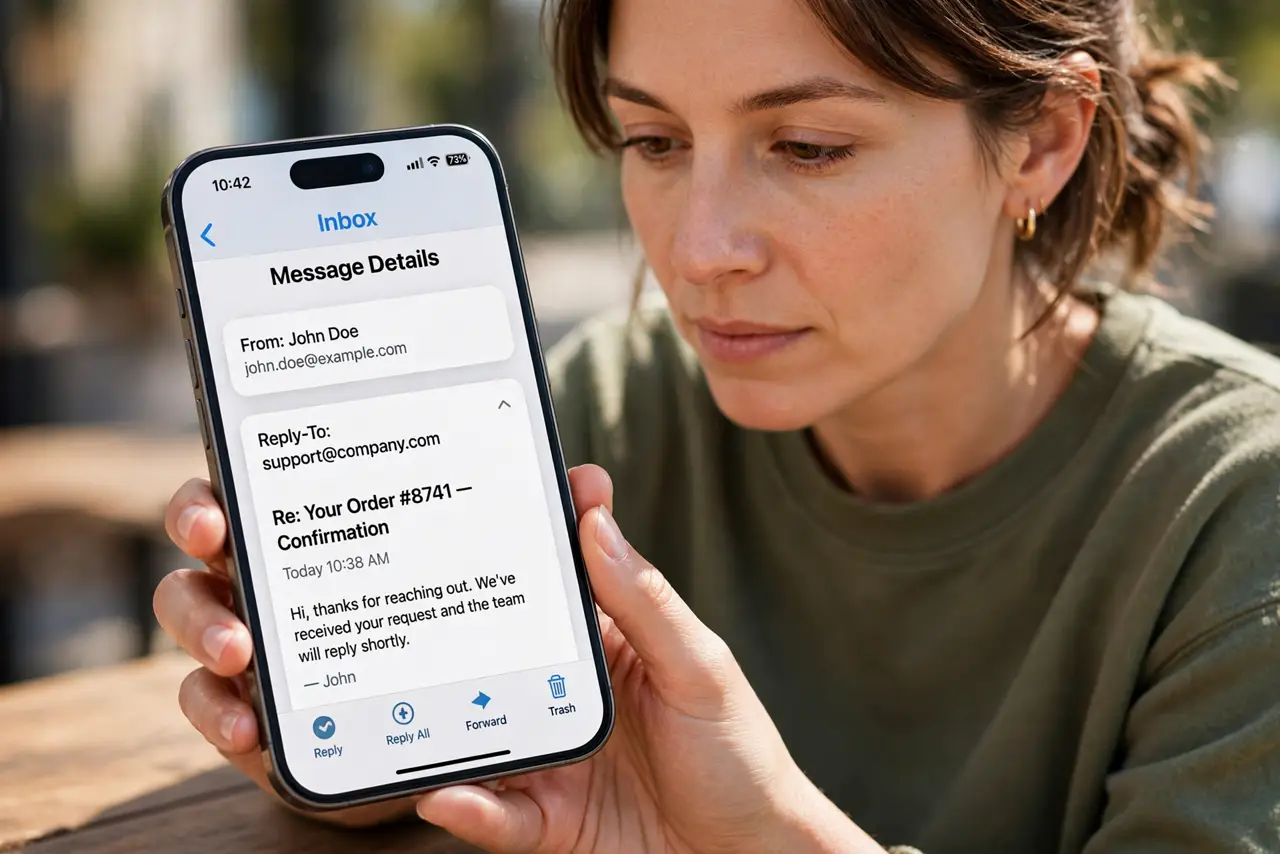
- Do not hit reply without checking the reply-to on an unexpected or urgent message. One tap can send sensitive details to a stranger.
- Do not assume a familiar sender guarantees a safe reply-to. The reply-to field is set by the sender, and a fake can set it freely.
- Do not include account numbers, passwords, or codes in a reply to a message you have not verified.
- Do not forward the message to a colleague as a check with sensitive details still in the thread. Describe it separately instead.
Frequently asked questions
Is a different reply-to always a scam?
No. Some legitimate senders route replies to a support inbox on the same domain. The warning is an unrelated domain, or a reply-to that contradicts the claimed sender.
What if I already replied?
Contact the genuine sender through a known channel, explain what you sent, and change any password or detail included in the reply.
How do I see reply-to on my phone?
Open the message, tap the sender name or details arrow, and look for reply-to in the expanded header. The exact spot varies by app.