A Signature Image Breaks When You Reply
Your signature looks perfect in a new email, but the logo turns into a broken image box when you reply. Replies often switch to plain text or strip the hosted image your signature depends on.
TL;DR / Quick Fix
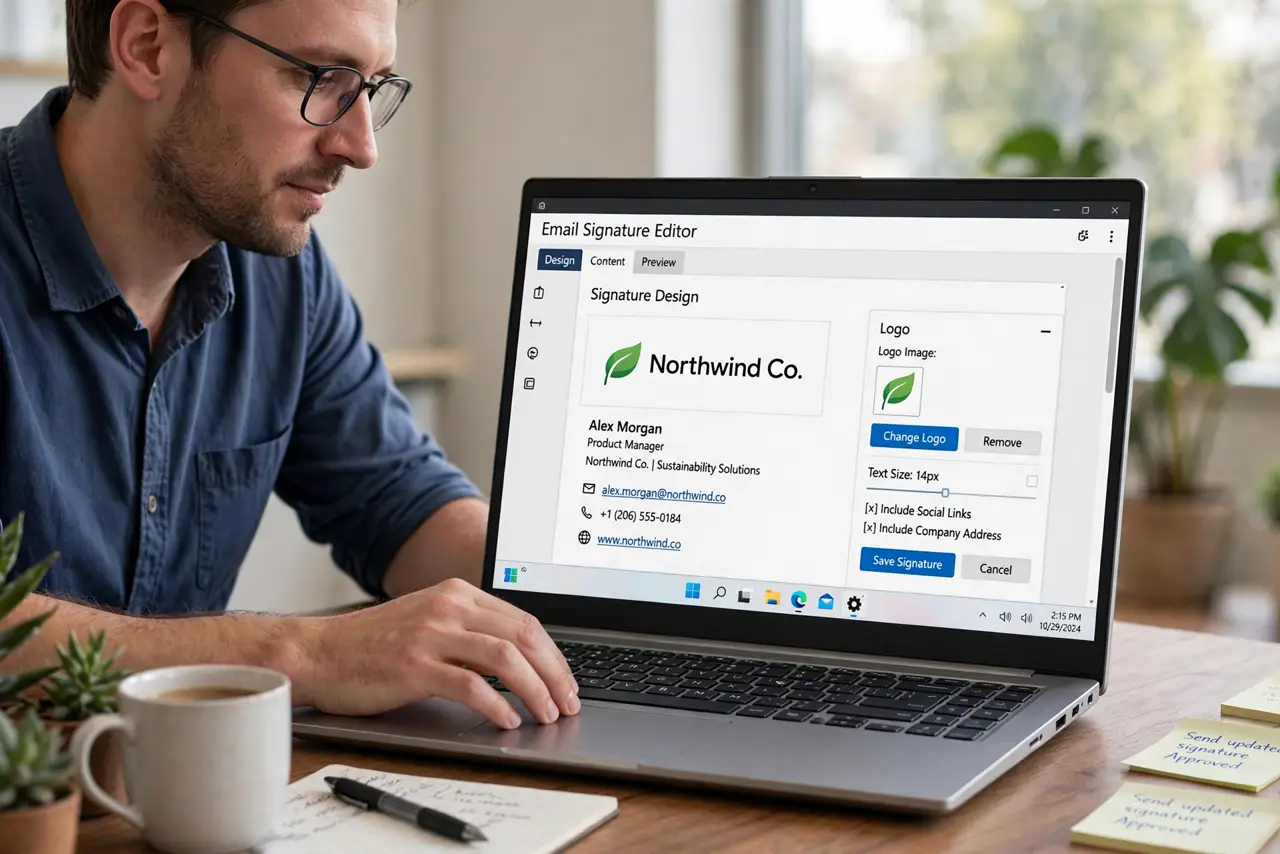
Quick fix: open your signature settings and host the logo image on a public web address instead of attaching it, then set replies to use the same rich format as new emails. Send a test reply to yourself and confirm the logo loads.
Follow these steps
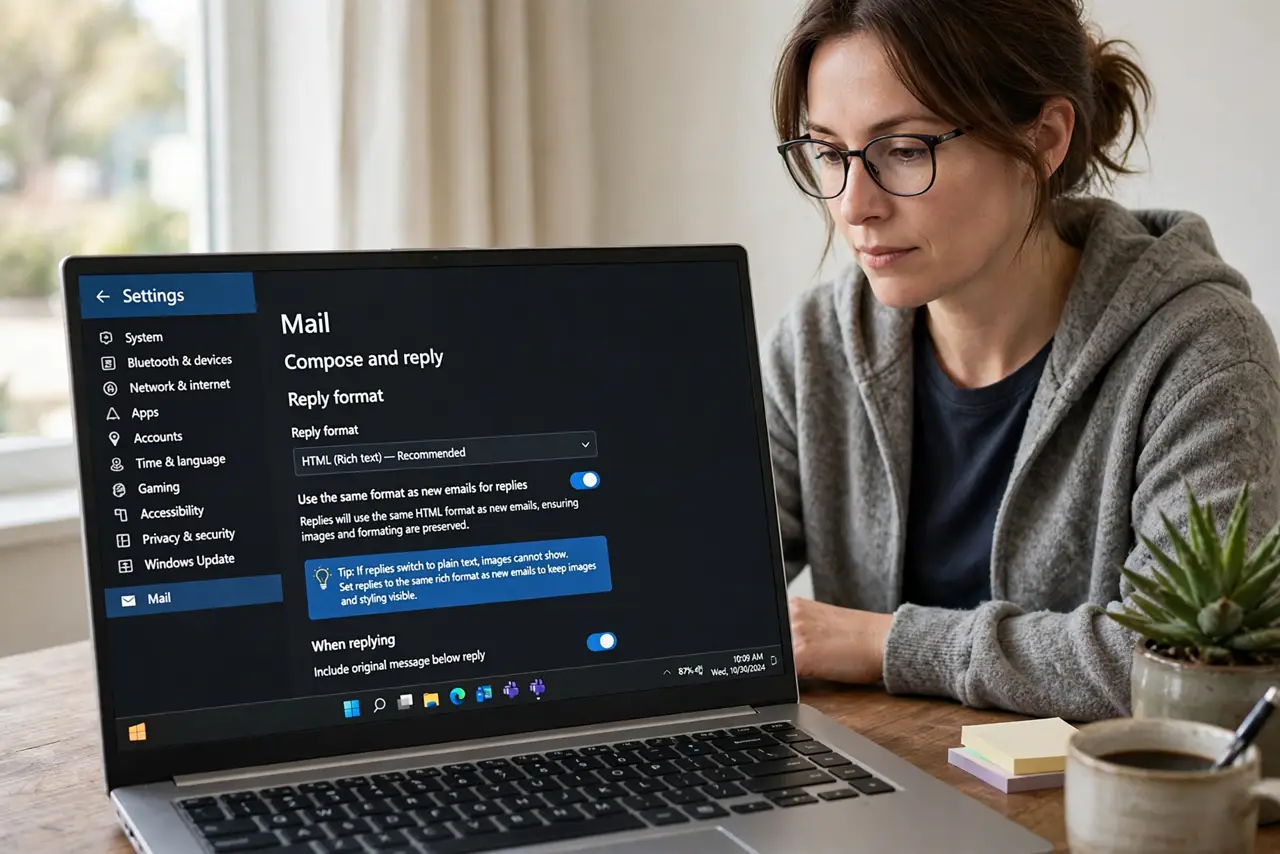
- Check the reply format setting. Open your email settings and see which format replies use. If replies switch to plain text, images cannot show, so set replies to the same rich format as new emails.
- Host the logo online, not as an attachment. Upload the logo to a public web address and link it in the signature. Attached images break in replies, while a linked image loads wherever the email opens.
- Shrink the logo before uploading. Resize the logo to a modest width, such as a couple hundred pixels. A huge logo breaks layouts in replies, while a small one survives them.
- Send a test reply to yourself. Reply to an email and send it to your own address. Open it on your phone and your computer to confirm the logo loads in both.
- Check image blocking on the receiving side. Some inboxes block images by default and show a box until the reader allows them. A linked image with proper hosting is the best you can do on your side.
- Keep a text fallback in the signature. Put your name, title, and phone as plain text under the logo. If the image ever fails, the text still carries your contact details.
What NOT to do
- Do not paste the logo from your clipboard. Pasted images often become broken attachments in replies, while a hosted link stays reliable.
- Do not use a giant logo file. Large images break reply layouts and slow loading, so shrink the logo first.
- Do not rebuild the signature in every reply by hand. Fix the signature once in settings, so every reply uses the working version.
- Do not assume every recipient sees images. Keep the text fallback, since some inboxes block images no matter how well you host them.
Frequently asked questions
Why does my signature logo break on replies?
Because replies may switch to plain text, or the logo was attached instead of hosted, so the reply cannot find the image.
Is a hosted image better than an attached one?
Yes. A linked image loads in replies and forwards, while an attached image often breaks when the format changes.
What if recipients still see a broken box?
Their inbox may block images by default. Your text fallback keeps your details readable anyway.