Save Time with Email Templates
If you type the same scheduling reply, quote, or follow-up email every single day, you are doing robot work a template could do in two clicks. Every major email app — Gmail, Outlook, Apple Mail — has built-in templates or canned responses. This guide shows how to set them up and when to use them.
TL;DR / Quick Fix
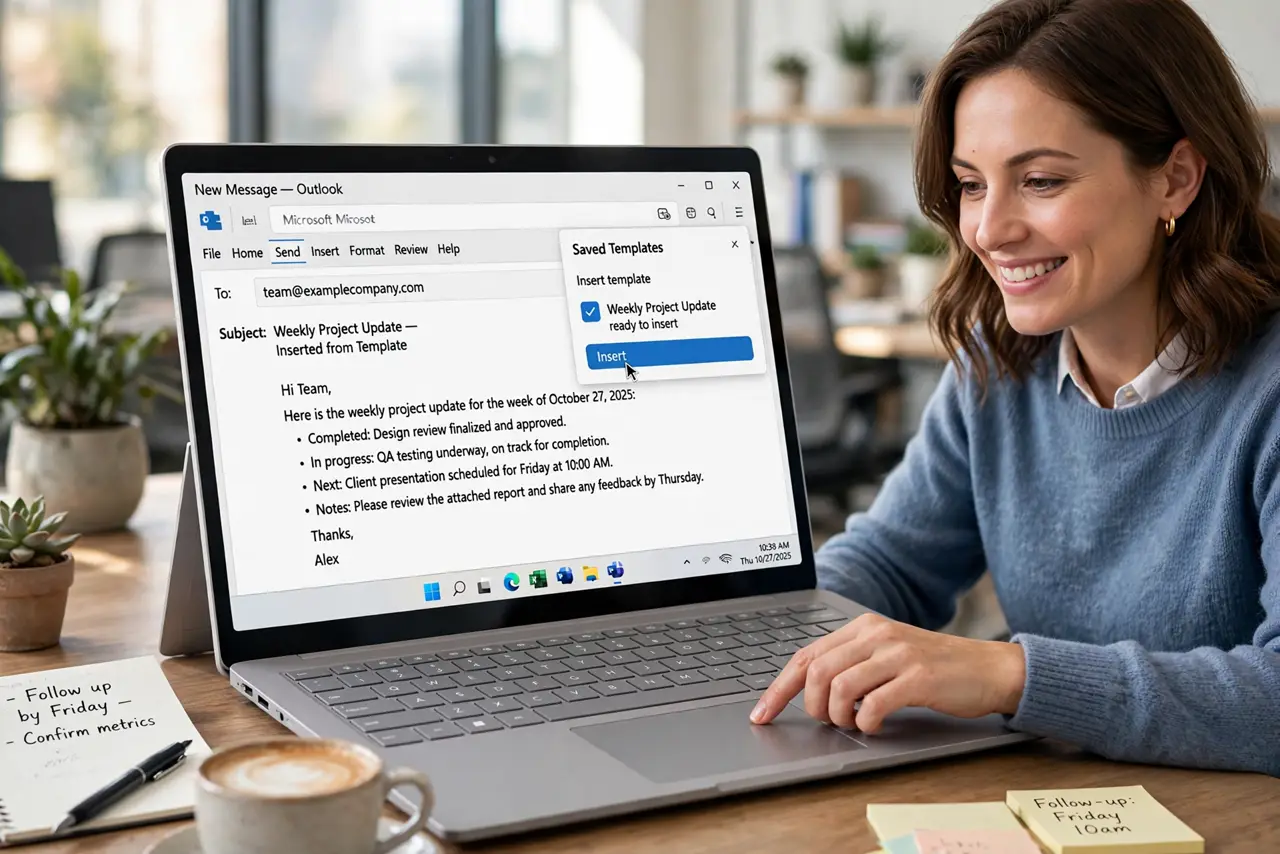
Quick fix: save your most-repeated email as a template — in Gmail use Templates under the compose menu's three dots, in Outlook use My Templates. Next time, insert it with two clicks and personalize the name and one detail. Templates turn five-minute emails into thirty-second ones.
Follow these steps
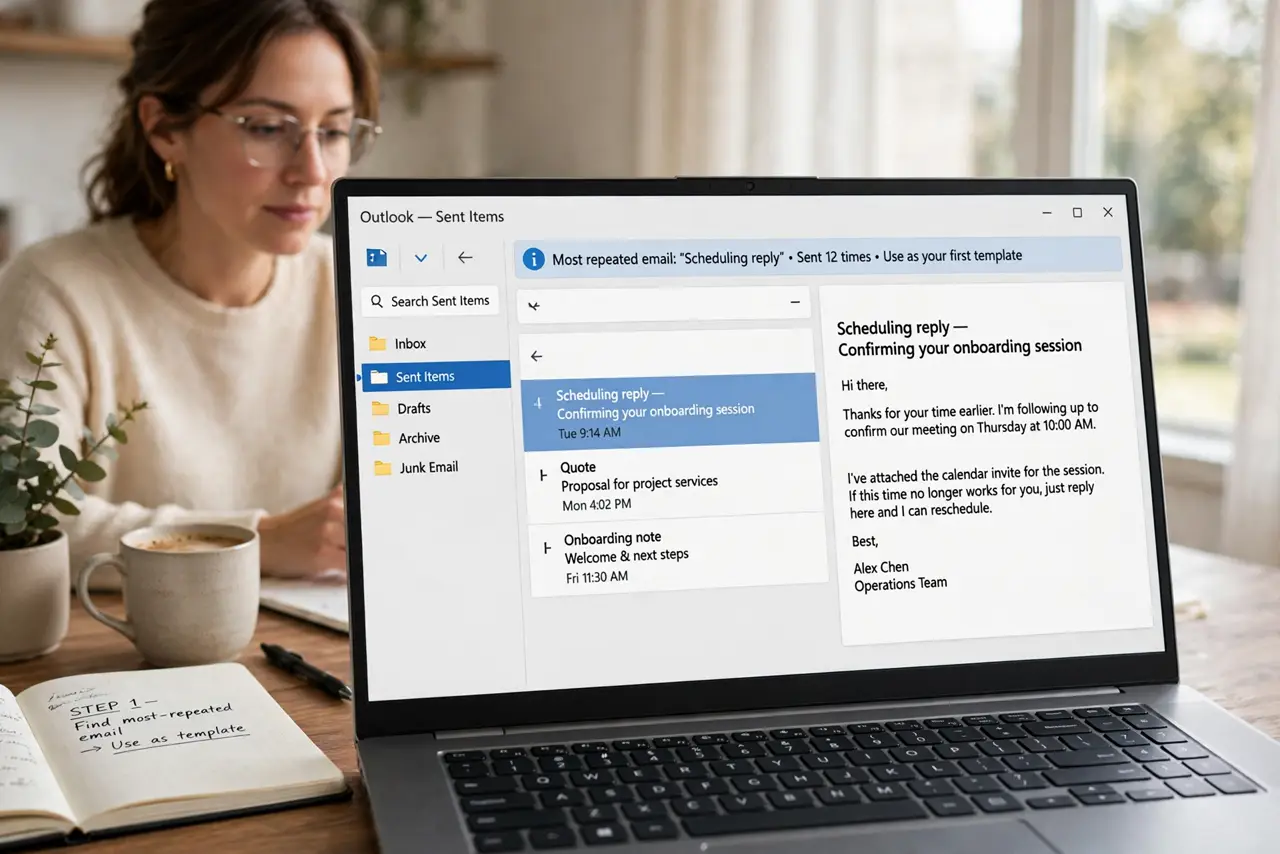
- Find your most-repeated email. Check your sent folder for the message you send most — the scheduling reply, the quote, the onboarding note. That one email is your first template.
- Save it as a template. In Gmail: compose the email, click the three dots in the compose window, then Templates, then Save draft as template. In Outlook: use My Templates in the message tab. Apple Mail users can use a text-replacement shortcut instead.
- Leave blanks for personalization. Replace the name, date, and one personal detail with obvious blanks like [NAME]. A template that looks copy-pasted is worse than no template.
- Insert with two clicks next time. When the situation repeats, insert the template instead of retyping. Fill the blanks, add one genuine sentence, and send.
- Keep a short list, not a library. Five templates you actually use beat fifty you forget. Review the list monthly and delete the ones gathering dust.
- Share team templates. If coworkers send the same replies, share the templates. Consistent, fast replies make the whole team look sharper.
What NOT to do
- Do not send templates without personalizing. An unedited template reads as cold and careless — always fill the blanks.
- Do not template sensitive or delicate emails. Bad news, apologies, and negotiations deserve a fresh, human message.
- Do not build a giant template library. Dozens of forgotten templates slow you down more than retyping.
- Do not forget to update templates. Prices, links, and names change — a stale template sends wrong information fast.
Frequently asked questions
Where are templates in Gmail?
In the compose window, click the three dots at the bottom, then Templates. You can save the current draft as a template or insert a saved one.
Do templates work on the phone?
Gmail's mobile app can insert templates saved on desktop, though creating them is easier on a computer.
What is the difference between a template and a signature?
A signature appends the same block to every email. A template replaces the whole message body for repeated situations.