Email Won't Send on Hotel Wi-Fi? Fix It
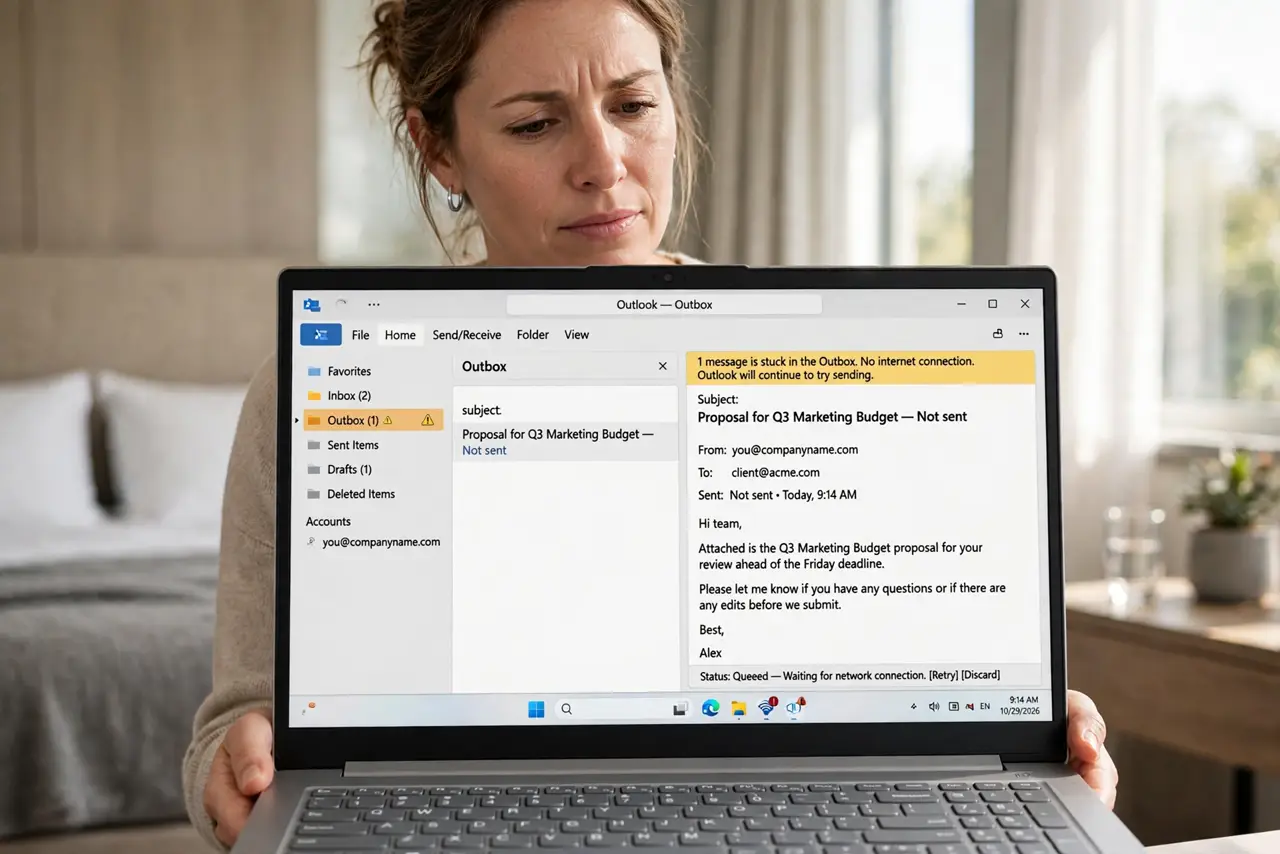
You can receive email at the hotel but your replies sit in the outbox forever. Many hotel networks block the old port 25 used for sending mail, and captive portals can break mail apps until you finish the login. Two quick checks usually get your outbox moving again.
TL;DR / Quick Fix
Quick fix: finish the hotel's [[captive portal login|wifi-captive-portal-will-not-load]] in a browser first, then switch your mail app to the secure sending port 587. If mail still sticks, check whether the portal session expired — hotel logins often time out hourly.
Follow these steps
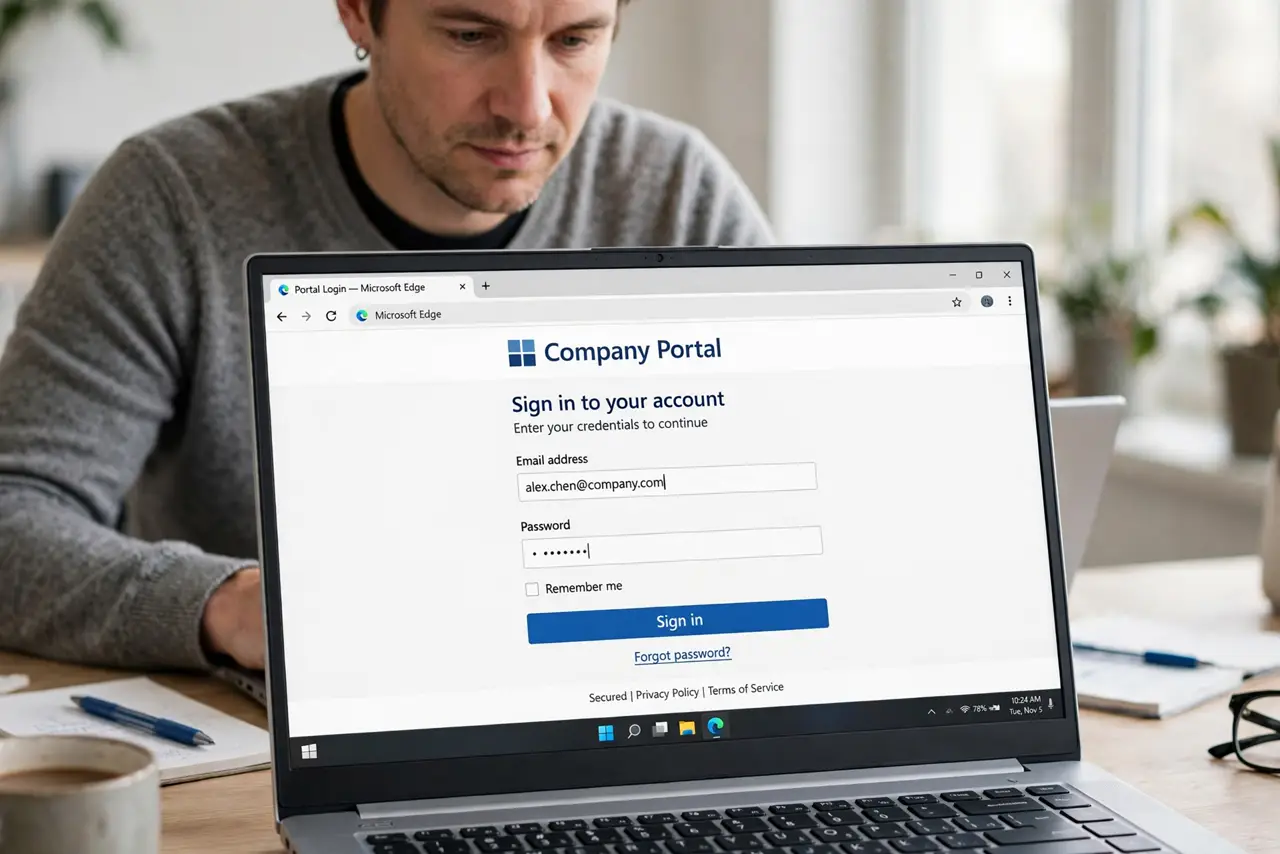
- Complete the portal login in a browser. Open a browser and finish the hotel's login page before touching the mail app. Mail apps cannot click through captive portals, so they stall silently.
- Switch sending to port 587. In your mail app's account settings, change the outgoing SMTP port from 25 to 587 with encryption on. Port 25 is blocked on most hotel and public networks.
- Use your provider's webmail as a test. Log into webmail in the browser and send a test. If webmail sends fine, the problem is the app's port settings, not the network.
- Re-login if the portal expired. Some hotels kick you off every hour — see why hotel Wi-Fi asks again. Reopen the browser, log in again, then retry sending.
- Try your phone's hotspot as a control. If mail sends over mobile data but not hotel Wi-Fi, the hotel is blocking the port. Keep the 587 setting — it works everywhere.
- Check the outbox for one stuck message. A single oversized attachment can jam the whole queue. Delete or shrink the stuck message and the rest will flow.
What NOT to do
- Do not keep hammering Send on a stuck outbox. Each retry re-queues the same blocked message and can create duplicates once the port opens.
- Do not disable encryption to make sending work. An unencrypted port 25 fallback exposes your login; port 587 with encryption is the correct fix.
- Do not assume receiving works means sending works. Incoming and outgoing mail use different ports and servers — one can be blocked while the other is fine.
- Do not install a 'required' hotel profile to fix mail. A profile-install request from a portal is a red flag, not a mail fix.
Frequently asked questions
Why can I receive email but not send it?
Receiving uses different ports than sending. Hotels commonly block outbound port 25 to fight spam, which breaks sending only.
Will port 587 work on my home Wi-Fi too?
Yes. Port 587 with encryption is the modern standard and works on virtually every network, so leave it set permanently.
The portal login keeps looping. What now?
Clear the browser cache or try a private window, then log in fresh — looping portals are usually a stale session cookie.
What to read next
- Hotel Wi-Fi Payment Loops
- Captive Portal Won't Load?