Hotel Wi-Fi Asks to Install a Profile? Say No
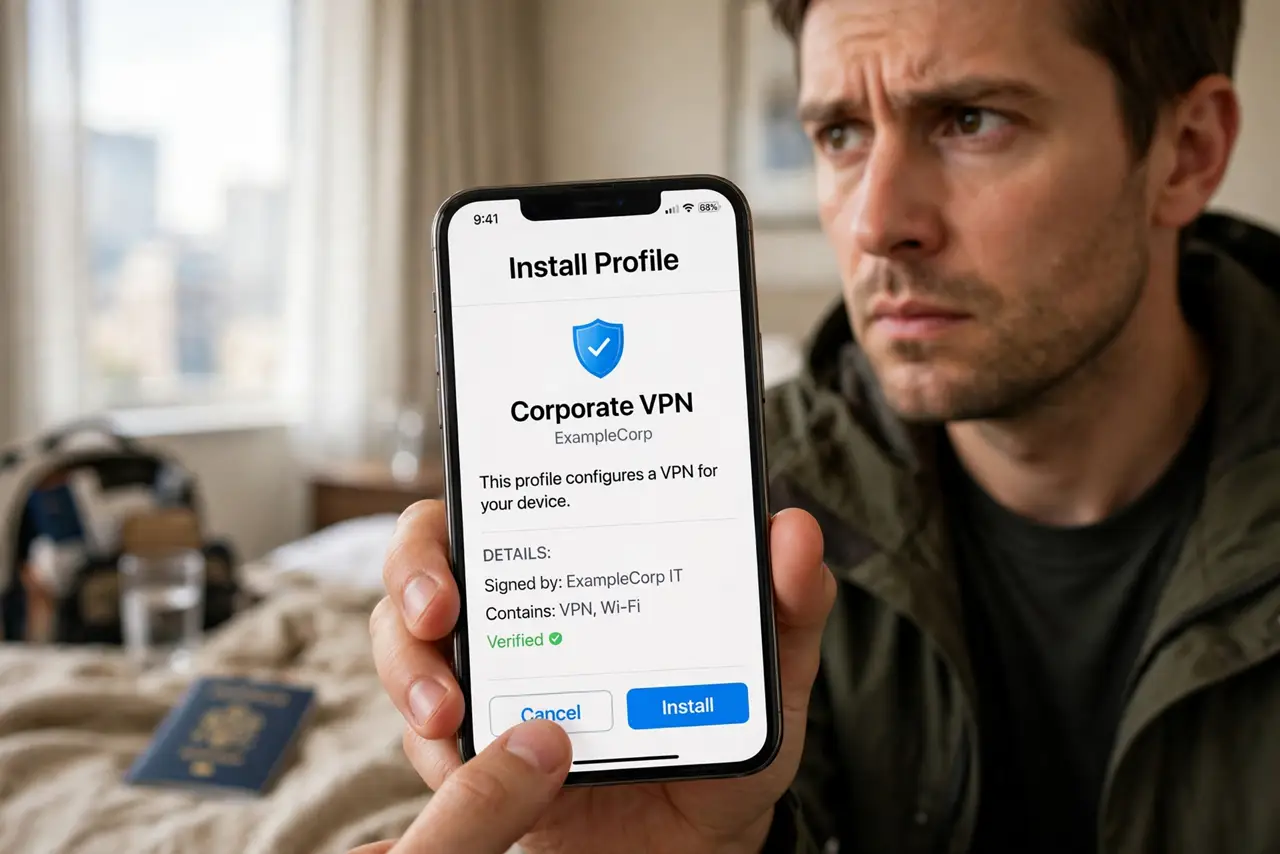
Some hotel and conference networks ask you to install a configuration profile before connecting. A profile can change network, mail, or security settings, and a fake one can route your traffic through someone else. Do not install a profile from a network you cannot verify.
TL;DR / Quick Fix
Quick fix: do not install the profile. Ask the front desk whether a profile is genuinely required, and use mobile data or a personal hotspot instead if it is. If you already installed one, remove it in device settings at once.
Follow these steps
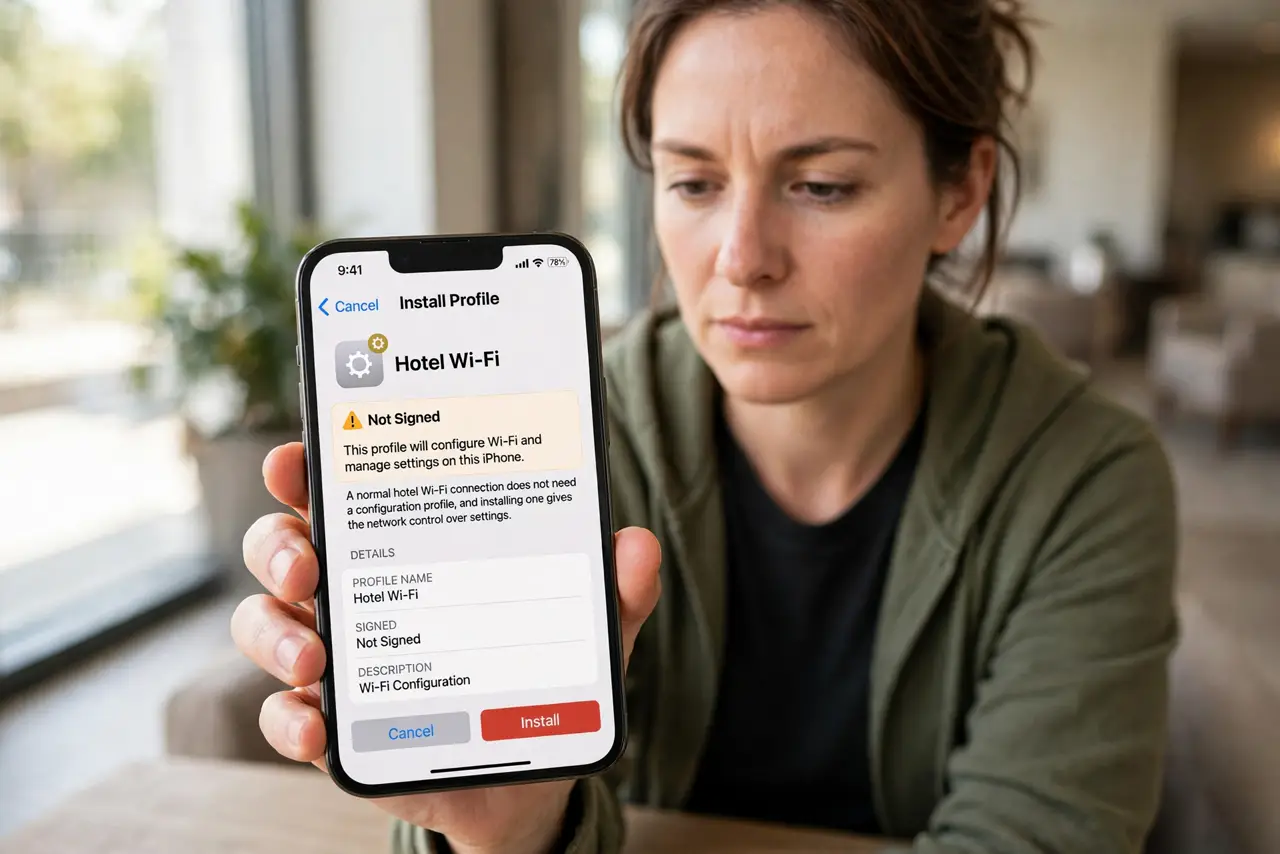
- Do not install the profile. Stop at the install prompt. A normal hotel Wi-Fi connection does not need a configuration profile, and installing one gives the network control over settings.
- Ask the front desk directly. Ask staff, in person or by phone, whether the hotel truly requires a profile, and what it does. If staff cannot confirm it, treat the prompt as suspicious.
- Use mobile data or a hotspot instead. Use your mobile data, or a personal hotspot from your phone, for the work you need to do. That avoids the hotel network entirely for sensitive tasks.
- Check for profiles already installed. In device settings, open profiles or device management and look for anything installed around the time you joined the network.
- Remove an unknown profile at once. Remove any profile you do not recognize or no longer need. Removing it restores the settings it changed, and you can reinstall a genuine one later if staff confirm it.
- Change passwords if you used the network. If you entered passwords while connected through an unknown profile, change important passwords from a trusted connection, and turn on two-factor authentication.
What NOT to do
- Do not install a profile just to get online faster. The convenience is not worth handing over device settings.
- Do not trust a profile because the network name matches the hotel. Names are easy to copy, and a fake network can serve the same prompt.
- Do not leave an unknown profile installed after checkout. Remove it before you leave, even if you never noticed a problem.
- Do not enter banking or work passwords on a network that required an unverified profile.
Frequently asked questions
Do genuine hotels ever require a profile?
Rarely, and usually only for managed conference devices. A normal guest connection should work with a password or portal login alone.
What does a profile actually change?
It can set network proxies, mail settings, and security rules. That is why an unknown profile deserves removal, not trust.
Will removing a profile break my phone?
No. Removing a profile restores your previous settings. Your apps and data stay untouched.