Erase a Lost Phone Remotely? How To
Your phone is gone — left in a taxi, or worse, stolen — and your email, photos, and banking apps are on it. A remote erase wipes the device the next time it comes online, and the lock and locate steps around it protect you until then. Act in the right order: locate, lock, then erase only when recovery looks hopeless.
TL;DR / Quick Fix
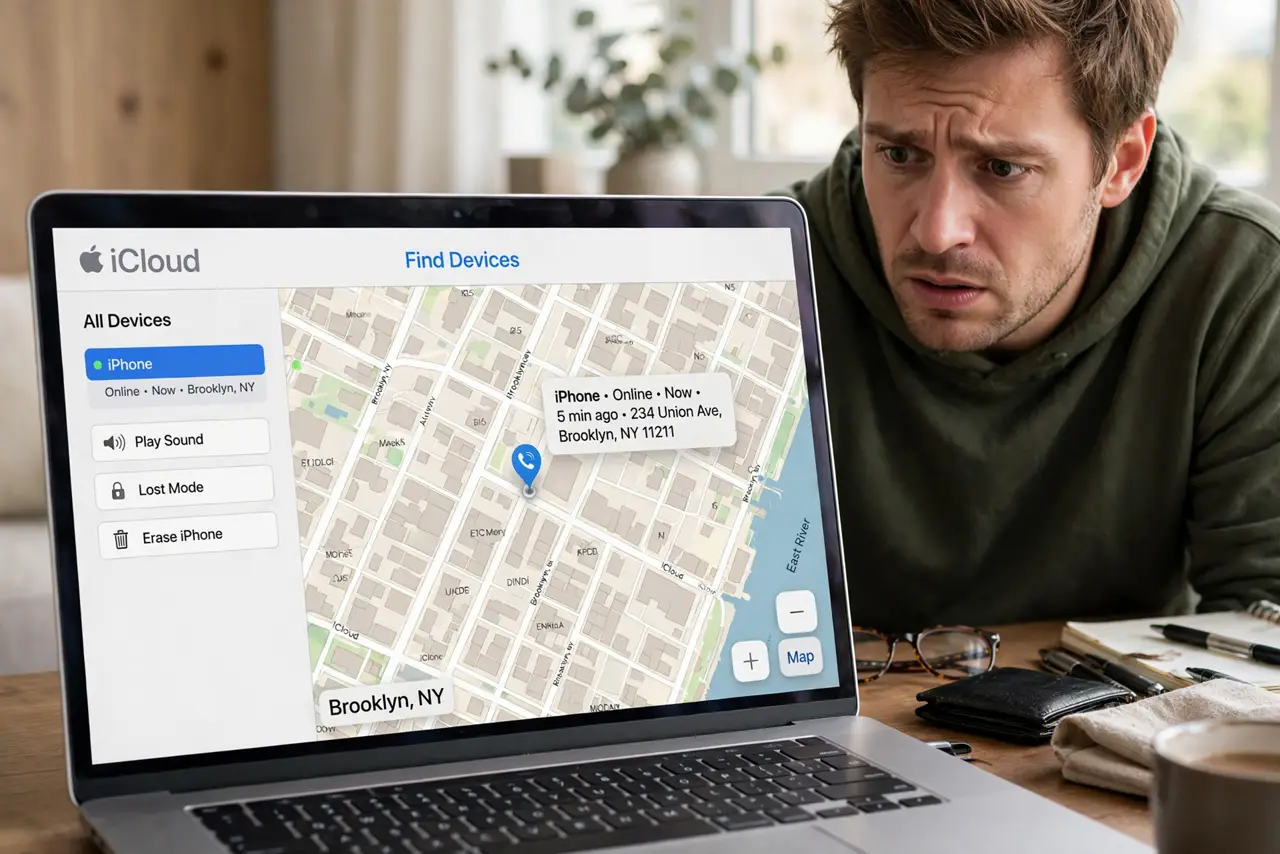
Quick fix: open iCloud Find My or Google Find My Device from any browser and use Mark As Lost or Secure Device first — that locks the phone and shows your contact info. Choose Erase only when you accept it is gone; the wipe runs when the phone next connects.
Follow these steps
- Open Find My from any browser. Use iCloud.com/find on iPhone or Google's Find My Device on Android. Sign in with the account that was on the phone.
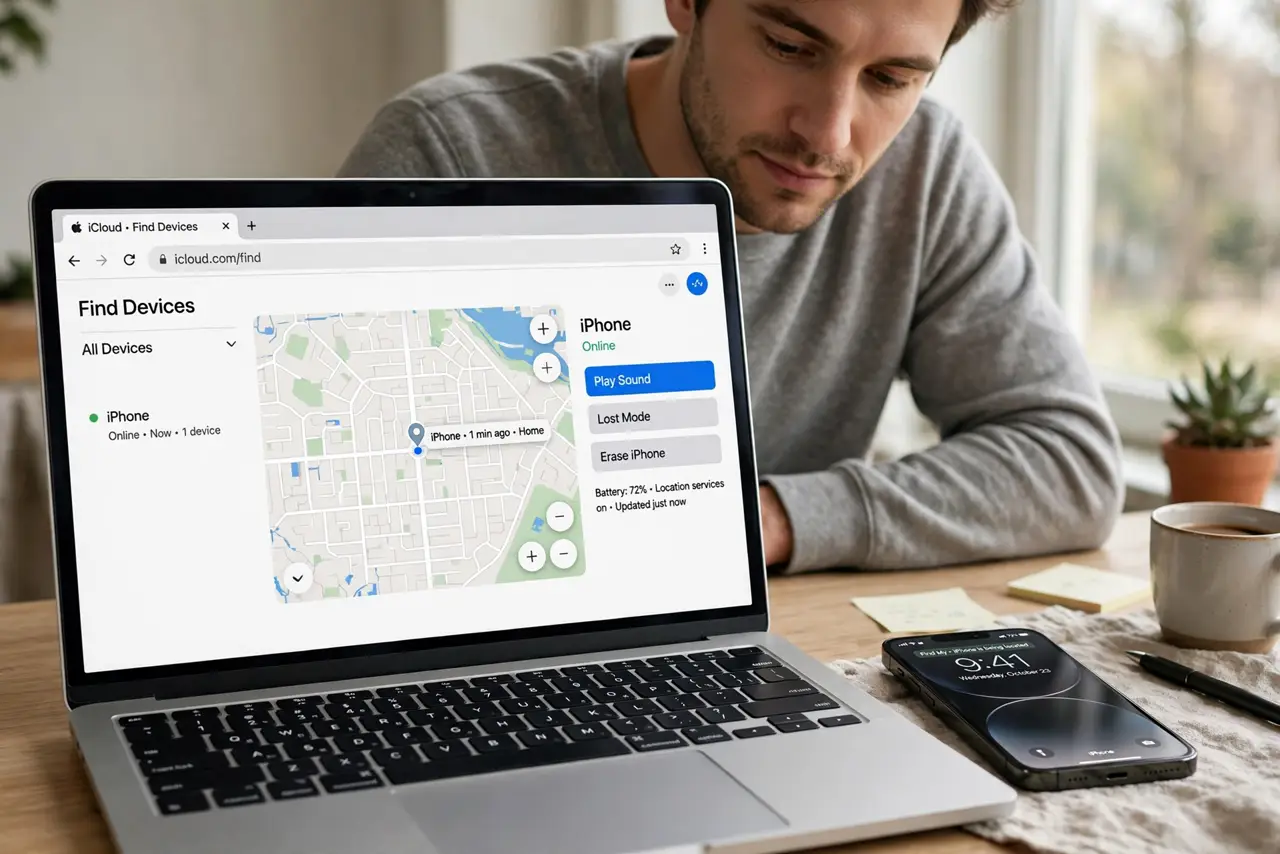
- Locate before you do anything else. Check the map and the last-seen time. A phone showing at your house is lost, not stolen — go look before wiping.
- Lock it with Mark As Lost / Secure Device. This locks the screen remotely, displays your contact number, and suspends payment cards. Do this immediately, even if you hope to recover it.
- Try Play Sound if it is nearby. A lost-in-the-house phone reveals itself fast. Useless for theft, perfect for couch cushions.
- Erase only when recovery looks hopeless. The remote wipe executes when the phone next comes online. After erasing, offline finding can no longer track it — so this is the point of no return.
- Change key passwords afterward. Email first, then banking and social. A wiped phone is safe, but change passwords anyway if the phone was unlocked when lost.
What NOT to do
- Do not erase first and ask questions later. Erasing kills your ability to track the phone — lock and locate come first.
- Do not remove the phone from your account before erasing. Removing it can disable Activation Lock and the wipe command.
- Do not confront a thief at the shown location. Send the location to the police; a phone is not worth a confrontation.
- Do not assume the wipe is instant. It waits for the phone to come online — a phone in airplane mode wipes the moment it reconnects.
Frequently asked questions
Will a remote erase work if the phone is off?
It queues. The moment the phone powers on and reaches the internet, the wipe executes before the home screen is usable.
Does erasing remove the Activation Lock?
No — Activation Lock survives the erase on iPhones. The phone stays tied to your Apple ID, which is exactly the theft deterrent.
Can a thief stop the remote wipe?
Only by never connecting it to the internet again — which also makes the phone useless to them. The lock screen still guards your data meanwhile.