How iPhone Finding Works With No Signal
A dead or offline iPhone can still show up on the Find My map — no signal, no Wi-Fi, seemingly impossible. It works because the lost phone whispers Bluetooth beacons that nearby Apple devices relay to Apple. Here's what the feature really does, its limits, and the one setting that must be on beforehand.
TL;DR / Quick Fix
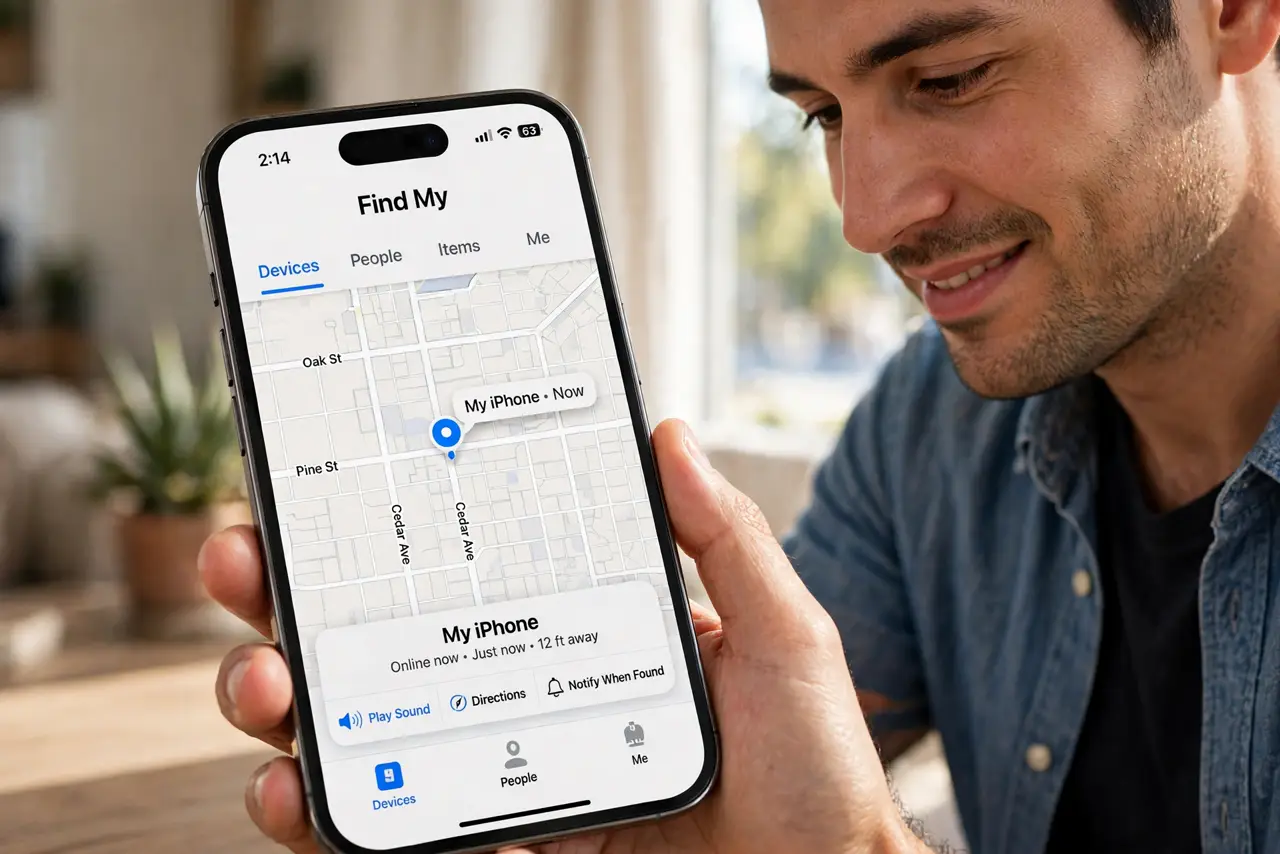
Quick fix: offline finding needs Find My iPhone plus the Find My network switch on — check Settings > your name > Find My. It works about a day after the battery dies, relayed by nearby Apple devices. Erasing the phone disables it, so locate before you wipe.
Follow these steps
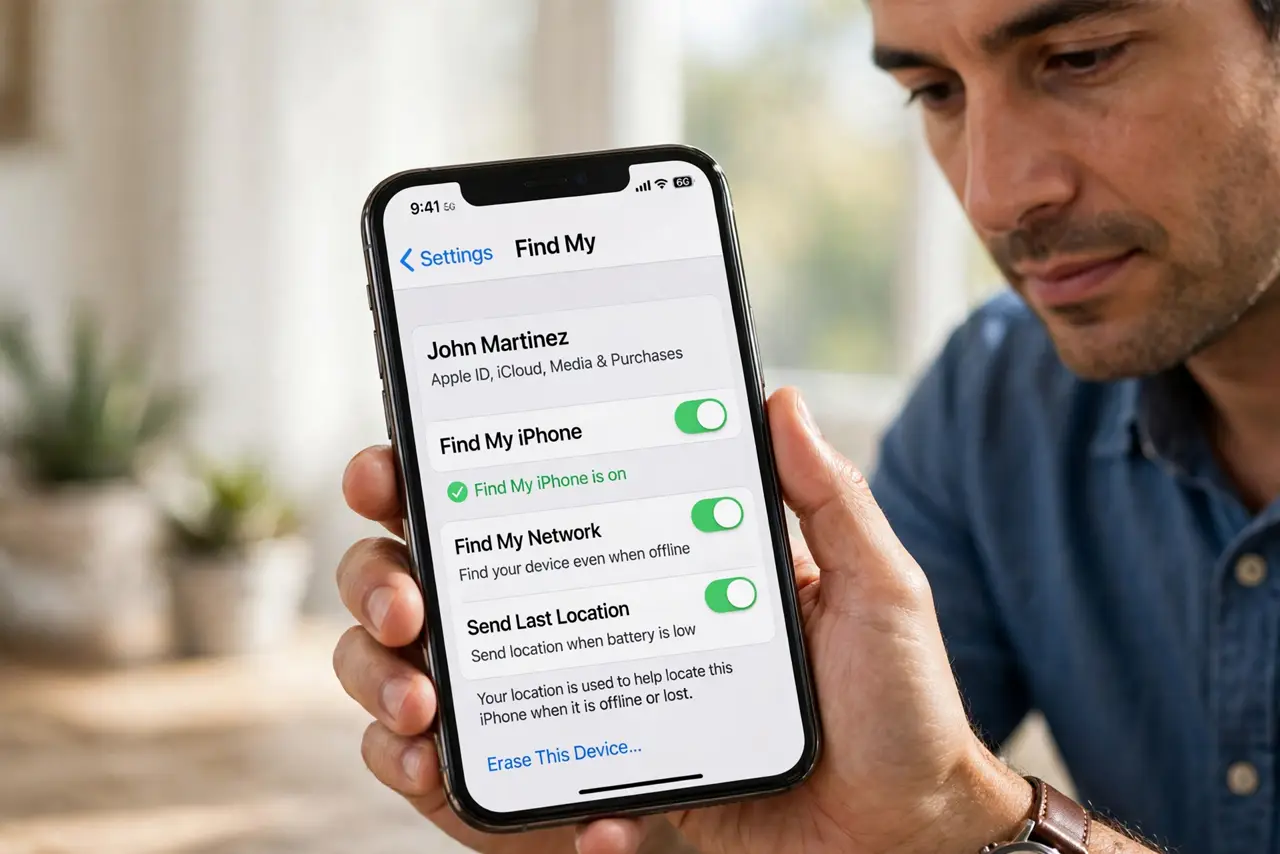
- Confirm Find My iPhone is on. Open Settings > your name > Find My > Find My iPhone. All three switches — Find My iPhone, Find My network, Send Last Location — should be on.
- Understand the Bluetooth relay. The lost phone broadcasts short Bluetooth beacons. Any nearby iPhone, iPad, or Mac picks them up and reports the location to Apple — anonymously.
- Know the after-death window. A powered-off iPhone with reserve power can beacon for roughly a day. After that, the map shows the last known location.
- Check the map from any browser. Use iCloud.com/find. The location updates whenever any Apple device passes near the lost phone.
- Know the dead-zone limit. No Apple devices nearby means no relay. A phone lost on an empty trail may show only its last location from hours ago.
- Keep Send Last Location on. This uploads the location when the battery hits critical — often the most useful ping you will ever get.
What NOT to do
- Do not assume offline finding works if you never enabled Find My. The switches must be on before the phone is lost — there is no retroactive fix.
- Do not erase the phone while still hoping to track it. Erasing disables the offline beacon — locate first, erase last.
- Do not expect real-time tracking in the wilderness. The network needs other Apple devices nearby; remote areas give sparse updates.
- Do not share the live location publicly. Send it to police or a trusted person — not to social media.
Frequently asked questions
Does offline finding drain the lost phone's battery?
Barely. The Bluetooth beacons are extremely low-power — that is why the phone can keep broadcasting after it 'dies'.
Can someone intercept the Bluetooth beacons?
The beacons are encrypted end-to-end; only your Apple ID can decrypt the location. Nearby relay devices never learn what they carried.
Does Android have anything like this?
Yes — Google's Find My Device network works on the same relay principle with nearby Android devices, though coverage varies by region.
What to read next
- Erase a Lost Phone Remotely? How To
- Fix Iphone find my device shows old location