Borrow Library eBooks
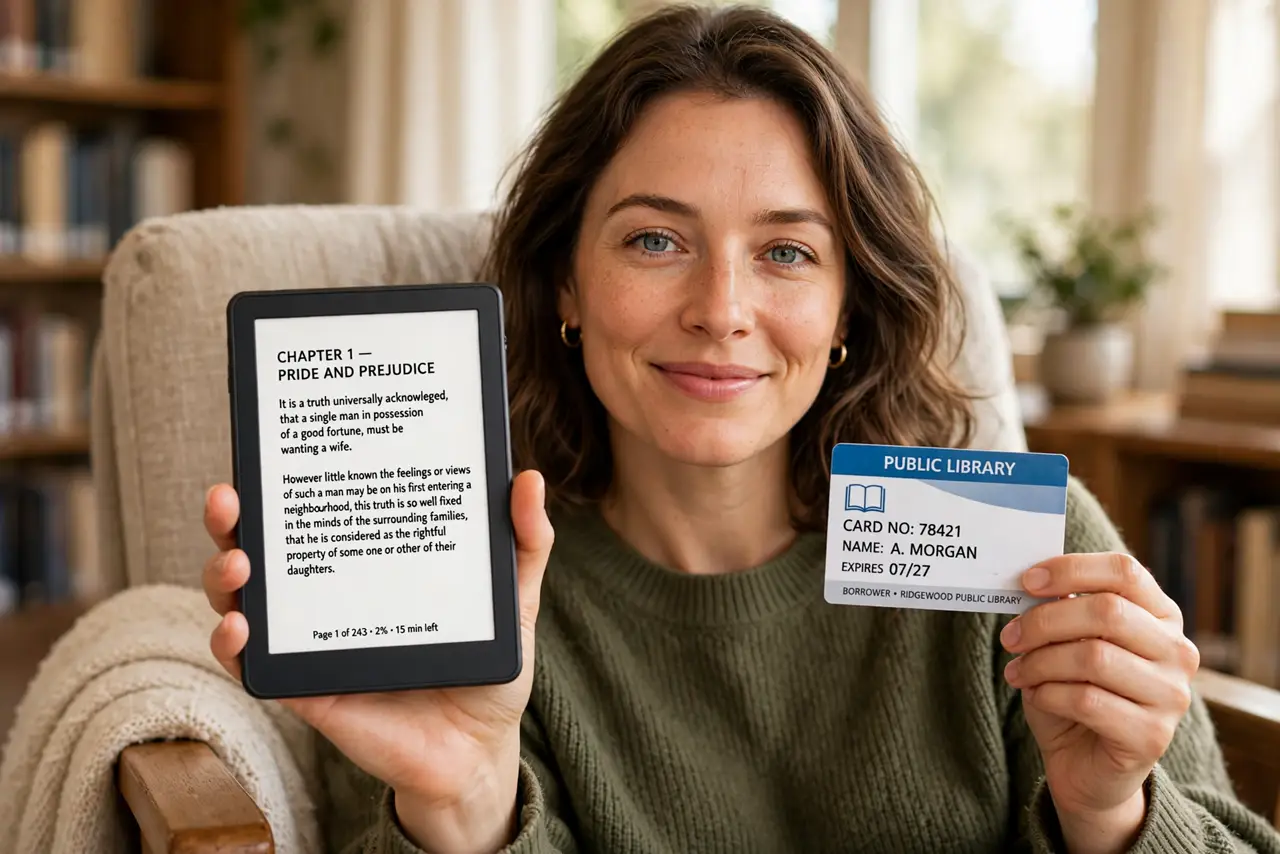
eReader books add up fast when every title costs as much as a paperback. Your public library probably lends the same eBooks for free — you borrow them with your library card and read them on your eReader, just like a physical book with a due date. For bestsellers you will read once, the library beats the bookstore every time. Pair this with the eReader or tablet decision if you are still choosing a device.
TL;DR / Quick Fix
Quick fix: most public libraries lend eBooks free through their e-book app — borrow with your library card and send titles to your eReader. Holds beat purchases for bestsellers you will read once. Check your library's catalog before buying; the book you want is often already waiting there.
Follow these steps
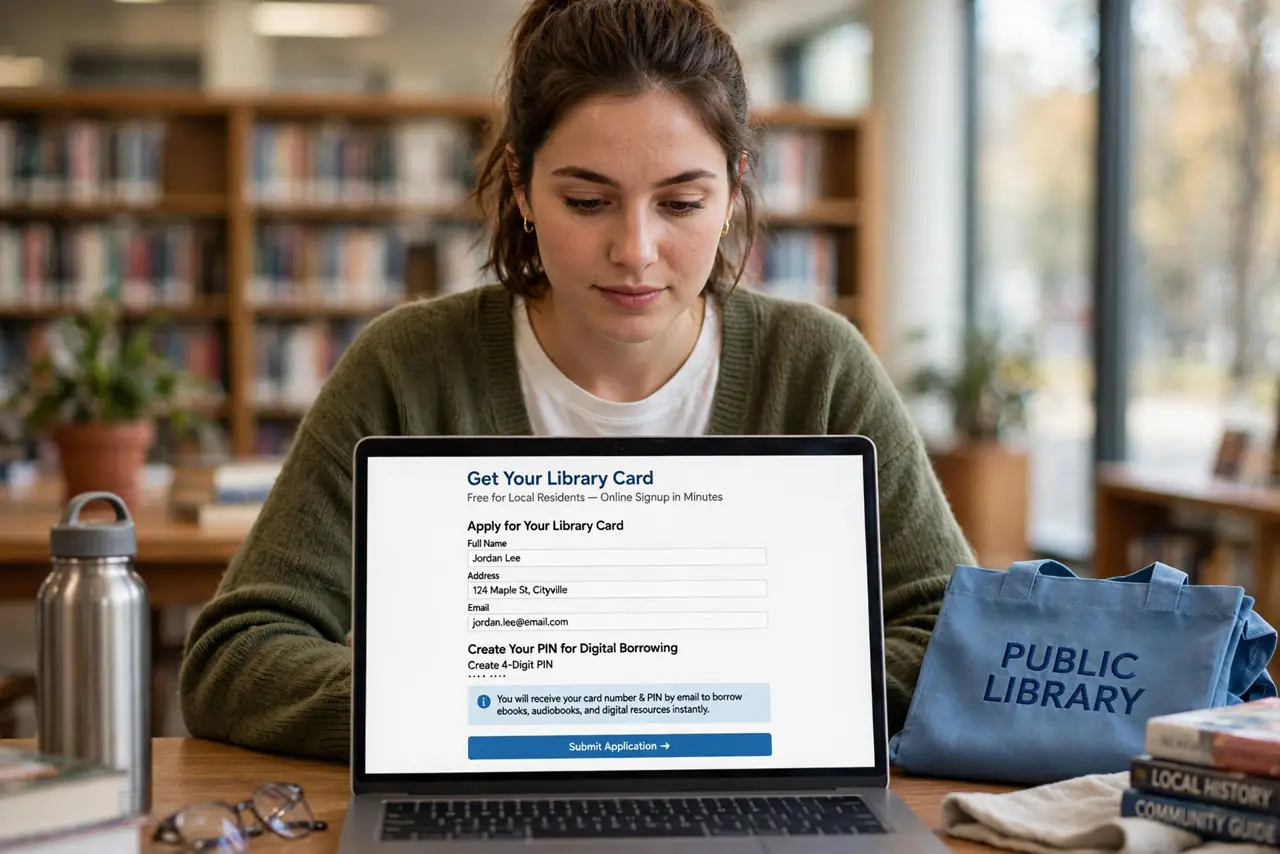
- Get a library card. Most public libraries issue cards free to local residents, often with online signup. You need the card number and PIN to borrow digitally.
- Install your library's e-book app. Many libraries use a dedicated borrowing app — check your library's website for which one they support, then sign in with your card.
- Browse and borrow. Search the catalog, borrow available titles instantly, or place holds on popular ones. Loan periods are typically one to three weeks.
- Send the book to your eReader. From the app, choose to read on your eReader — the book appears in your library over Wi-Fi. This works with most major eReader brands.
- Use holds strategically. Place holds on new releases early; your turn comes automatically. Reading the hold queue beats paying full price for a book you will finish in a week.
- Return early when done. Finished books can be returned with a tap, which moves the next person in the hold queue up faster. Good karma, and your shelf stays tidy.
What NOT to do
- Do not buy a bestseller before checking the library. The title you want is often available or a short hold away.
- Do not let holds pile up. Five books arriving at once is stressful — stagger your holds to match your reading pace.
- Do not ignore loan periods. Overdue eBooks simply vanish from your device, which is painless — but you lose your place in line for popular titles.
- Do not assume every book is available. Some publishers limit library eBook copies, so obscure titles may be missing.
Frequently asked questions
Is borrowing eBooks really free?
Yes, with a library card — your taxes already paid for the collection. There are no late fees for eBooks since they return themselves.
Can I read library books on any eReader?
Most eReaders support library borrowing directly over Wi-Fi. A few ecosystem-locked devices need extra steps — check your model's help pages.
What happens when the loan expires?
The book disappears from your device automatically. Your bookmarks usually survive if you borrow it again later.