Wire Your Mesh Nodes
Your mesh Wi-Fi fixed the dead zones but everything feels... meh. The nodes talk to each other wirelessly, and each wireless hop steals speed. Wiring the nodes together with ethernet — backhaul — gives each node a full-speed private highway to the router. Same mesh, dramatically faster: the upgrade hiding inside the system you already own.
TL;DR / Quick Fix
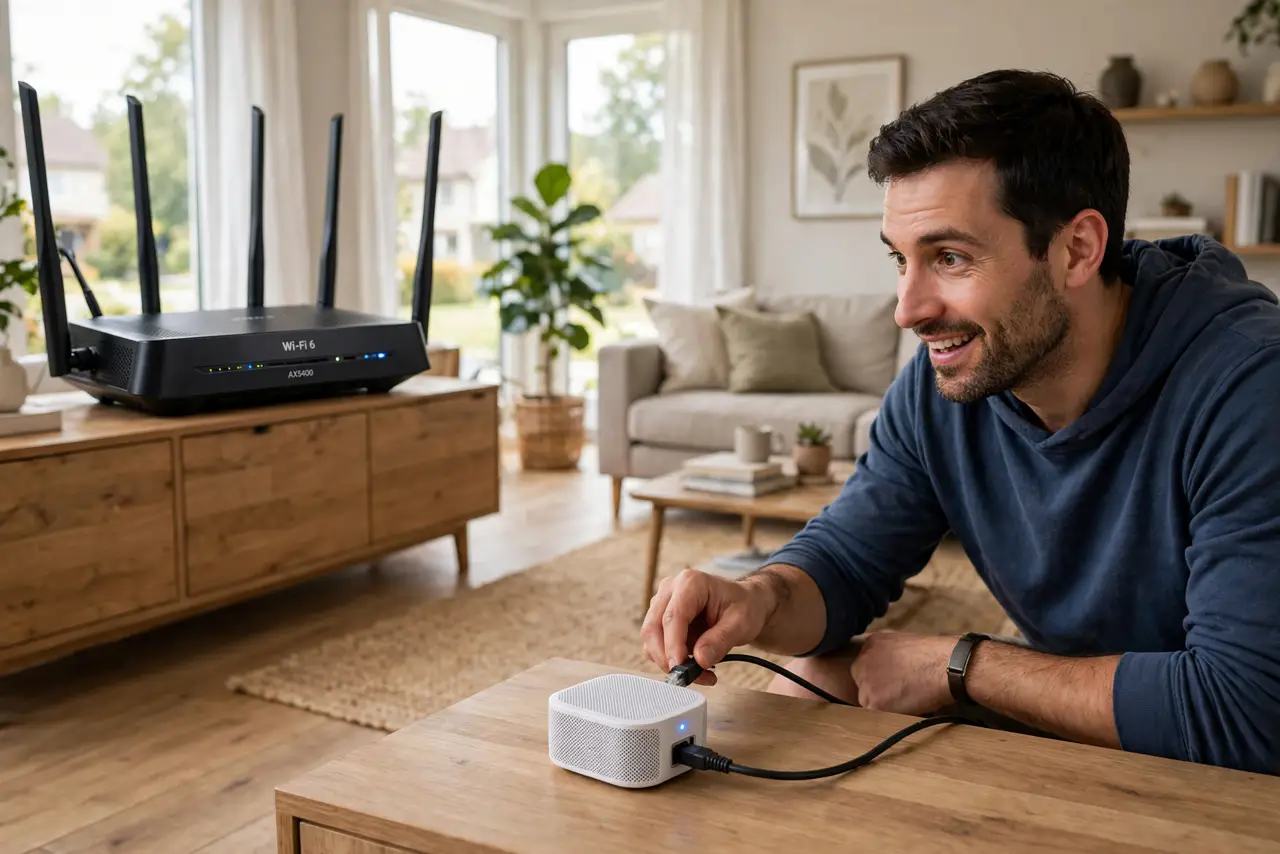
Quick fix: run ethernet from your main router to each mesh node and plug them in — most systems detect the wired backhaul automatically and switch over. No settings to change on most brands. Speeds at far nodes can double; test before and after to see the gain.
Follow these steps
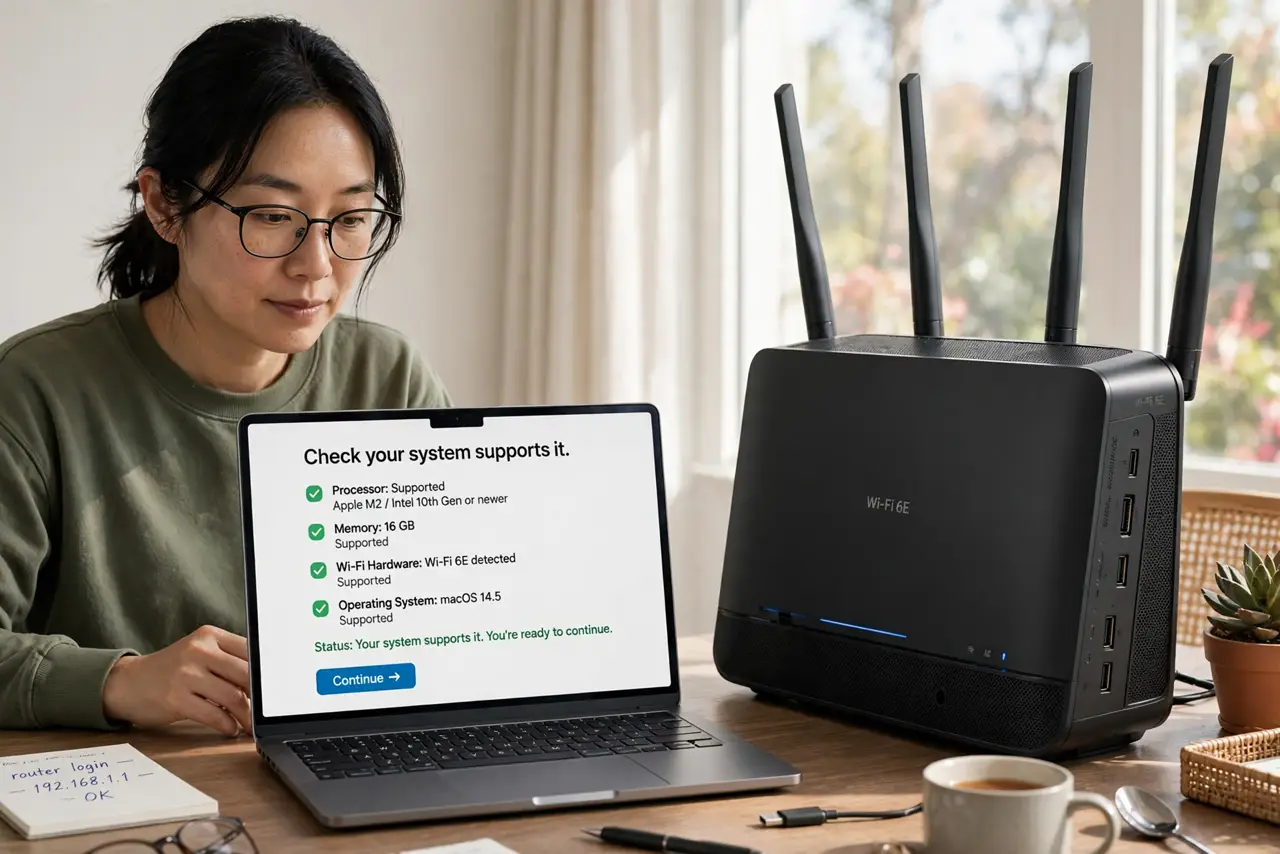
- Check your system supports it. Most modern mesh systems support wired backhaul — check the specs or app. If yours does not, this upgrade is not available, and no cable will change that.
- Plan the cable runs. Map the path from the router to each node — along baseboards, through the attic, behind furniture. Measure twice; buy cables slightly longer than you think.
- Connect node to router. Plug one end into a LAN port on the main router or a switch, the other into the mesh node's ethernet port. Use Cat5e or better — Cat6 is the sweet spot for price and future-proofing.
- Let the system switch over. Most mesh apps detect the wired connection and switch that node to ethernet backhaul automatically. Check the app's topology view — it should show the node as wired.
- Test the difference. Run speed tests at the far node before and after wiring. Doubling is common; the numbers make the cable-running effort feel worth it.
- Wire what you can, wireless the rest. Every wired node helps, even if one node stays wireless. Partial backhaul still beats full wireless — wire the easy runs first.
What NOT to do
- Do not expect miracles from bad placement. Wired backhaul fixes hop speed, not a node stuffed in a closet — placement still matters.
- Do not use ancient cables. That dusty Cat5 from 2005 caps at 100 Mbps — Cat5e or Cat6 for the real gains.
- Do not plug into the WAN port. Nodes connect via LAN ports; the WAN/internet port is only for the main router's modem link.
- Do not skip the before-test. Without a baseline speed test, you will never know what the cables bought you.
Frequently asked questions
Do I need to configure anything?
Usually not — the system detects wired nodes automatically. Some apps show a confirmation; a few need a toggle in advanced settings.
Can I wire just one node?
Yes — every wired node improves the whole mesh. Start with the farthest node for the biggest single gain.
What about powerline instead of ethernet?
Powerline adapters can fake a wired backhaul where cables cannot run. Real ethernet is faster and more reliable; powerline is the pragmatic fallback.