MoCA or Powerline?
You need wired-speed internet in a far room, but running ethernet means drilling holes you do not want to drill. Two technologies fake a wire through existing cables: MoCA rides your coax TV wiring, powerline rides your electrical wiring. One is clearly better — but the right pick depends on what is already in your walls.
TL;DR / Quick Fix
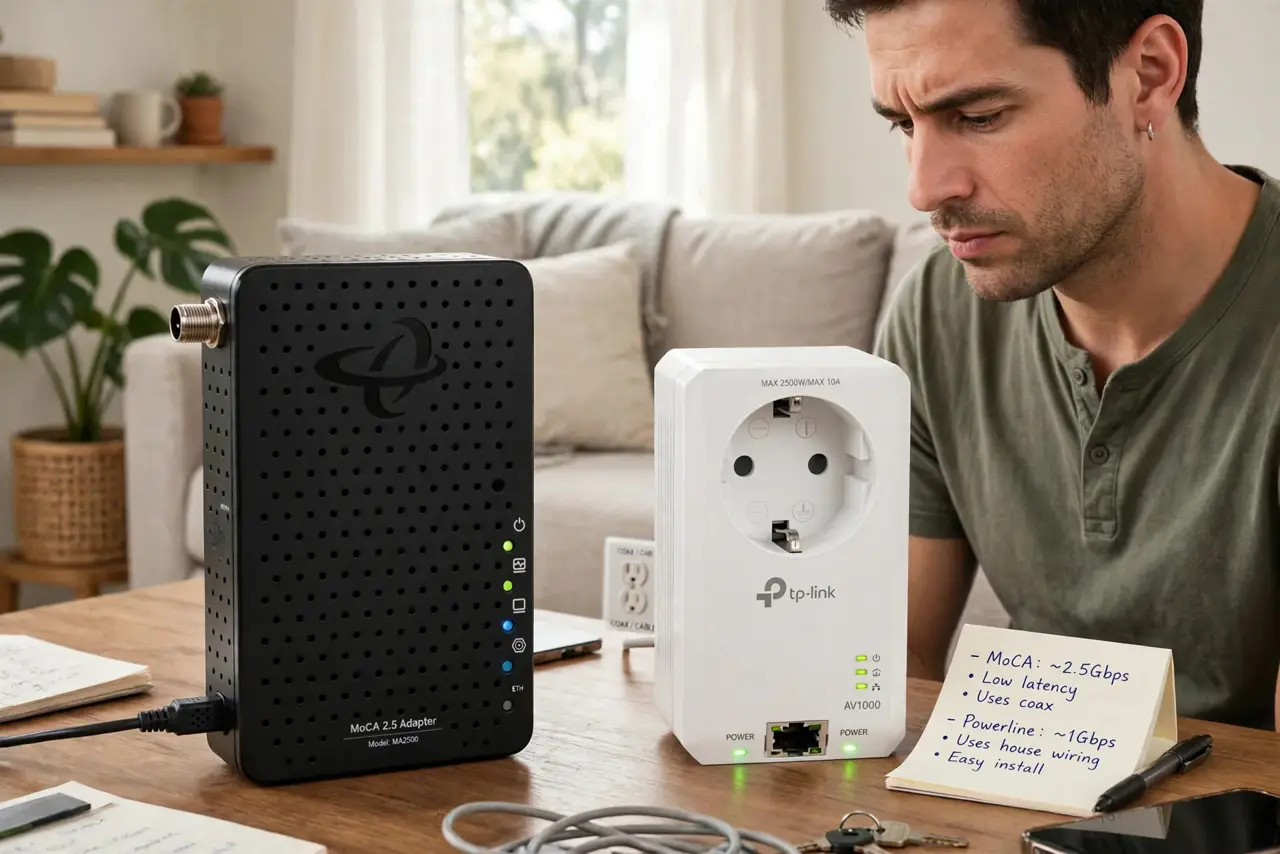
Quick fix: if your home has coax cable outlets in the rooms you need, MoCA wins — near-gigabit speeds, rock solid. Without coax, powerline is the fallback: easy to set up but slower and fussier. Check for coax first; it decides the answer.
Follow these steps
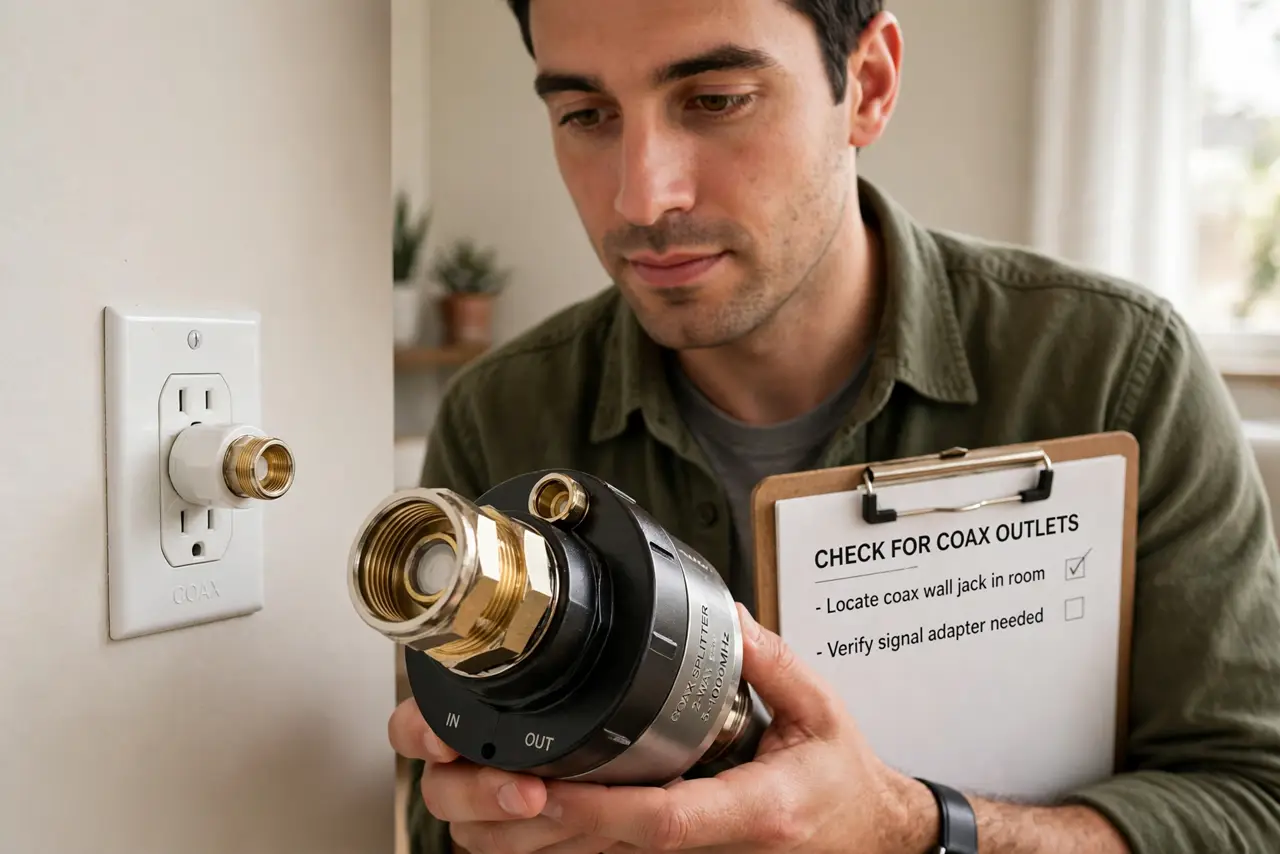
- Check for coax outlets. Look for the round threaded cable-TV outlets in the rooms you need wired. Coax in the walls means MoCA is on the table — this one check decides most of the debate.
- Understand MoCA's edge. MoCA turns coax into a near-gigabit network backbone — fast, low-latency, stable. It is the closest thing to real ethernet without running new cable, because coax was built for signals.
- Understand powerline's compromise. Powerline plugs into wall outlets and networks over your electrical wiring — dead simple, no coax needed. But speeds vary wildly with your home's wiring quality, and latency is higher.
- Know powerline's enemies. Power strips, surge protectors, and AFCI breakers all degrade powerline badly — plug adapters directly into wall outlets. Old or noisy wiring turns 'up to' speeds into wishful thinking.
- Price the pair. Both need at least two adapters — one at the router, one at the far room. Compare kit prices for your speed needs; MoCA kits cost more but deliver more.
- Consider the hybrid path. MoCA for the backbone where coax exists, powerline for the odd room without it. And either one can feed a mesh node its wired backhaul — these technologies stack.
What NOT to do
- Do not buy powerline before checking for coax. Five minutes checking outlets can save you from the slower technology.
- Do not plug powerline into power strips. Strips and surge protectors strangle the signal — wall outlet direct, always.
- Do not expect advertised speeds from powerline. 'Up to 2000 Mbps' is lab fantasy; real homes see a fraction — budget for disappointment.
- Do not forget a switch. One adapter gives one ethernet port — add a cheap switch at the far end for multiple devices.
Frequently asked questions
Is MoCA hard to install?
No — screw the adapters onto coax outlets, connect ethernet, done. If the coax is already live for TV, add a simple filter where it enters the house.
Will powerline work between floors?
Sometimes — it depends on your electrical panel layout. Same-circuit outlets work best; cross-panel runs are the hardest case.
Can I use both at once?
Yes — they are independent networks that both feed your router. Use each where it fits best.