Ethernet Cable Says Unplugged? Fix It
The computer says the ethernet cable is unplugged, even though the cable looks connected. The cause is usually a loose end, a bad cable, a dead port, or a disabled adapter, and each is quick to test.

TL;DR / Quick Fix
Quick fix: unplug the cable at both ends, plug it back in until it clicks, and check the lights at each end. If it still says unplugged, try another cable and another router port before changing any setting. Write down what worked for next time.
Follow these steps
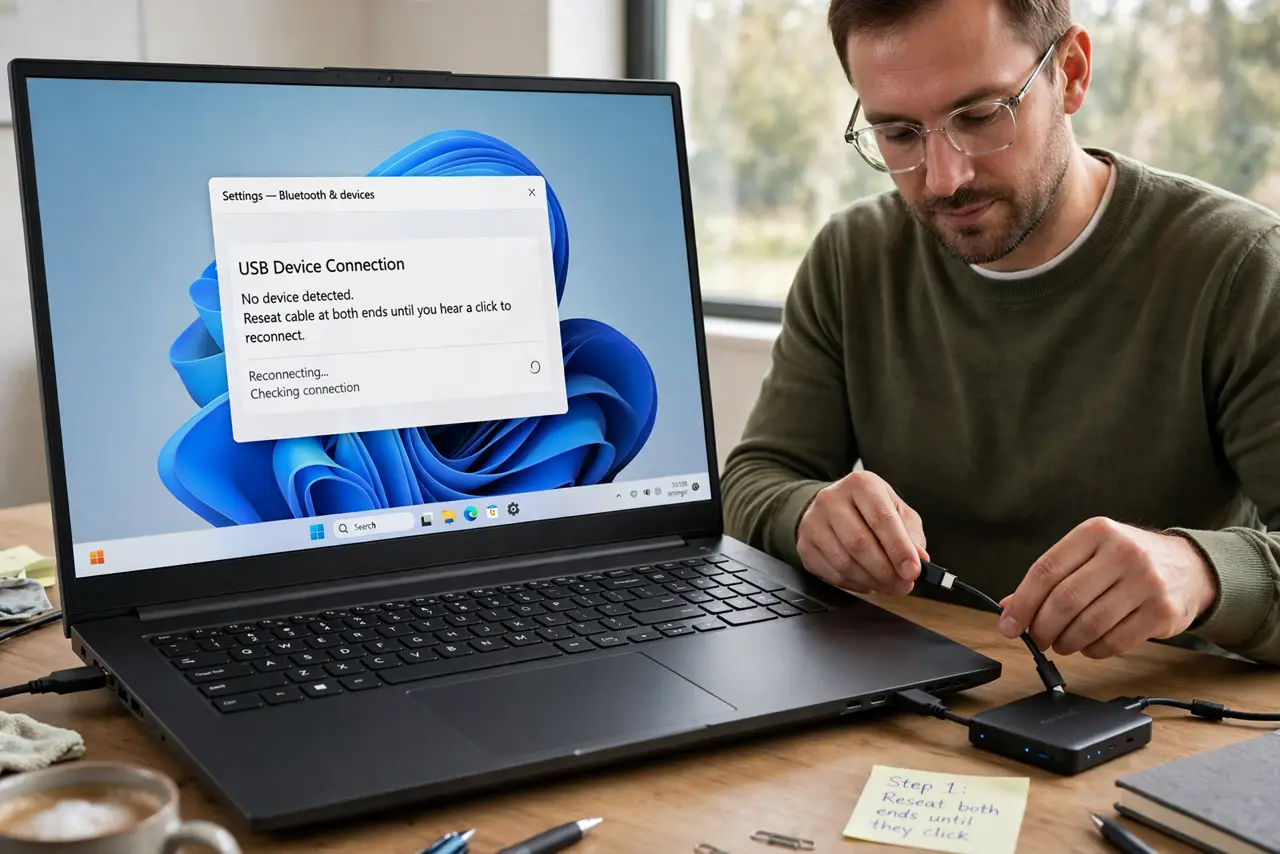
- Reseat both ends until they click. Unplug the cable from the computer and the router, then plug each end back in firmly until it clicks. A half-seated cable looks connected but never links.
- Check the lights at both ends. Look for small lights beside the ethernet ports on the computer and router. No lights on either end means no link at all, which points to cable or port.
- Try another cable. Swap in a different cable and test again. Cables fail silently, and a second cable is the fastest way to rule the cable out.
- Try another router port. Move the cable to a different port on the router. If the new port links, the old port is faulty, not the cable or computer.
- Confirm the adapter is enabled. On the computer, open network settings and confirm the ethernet adapter is enabled and not turned off. A disabled adapter reports unplugged even with a good cable.
- Test with a second device. Connect the same cable to a second device. If the second device links, the first computer adapter is the problem, not the cable.
What NOT to do
- Do not force a cable into a port that resists. A bent pin or wrong port can damage the socket, so check the plug shape first.
- Do not ignore the lights. Lights are the fastest diagnosis, and skipping them sends you to settings that cannot fix a dead cable.
- Do not reinstall drivers before trying another cable and port. A cable or port swap is faster and rules out the most common causes.
- Do not leave a faulty cable in the setup. Mark it or discard it, so it does not cause the same mystery again later.
Frequently asked questions
Why does it say unplugged when the cable is in?
The cable may be half-seated, damaged, in a dead port, or facing a disabled adapter. Each looks like no cable at all.
What do the port lights mean?
Lights beside the port show a live link. No lights on either end means the link never formed.
Can a disabled adapter say unplugged?
Yes. If the adapter is off, the computer reports unplugged even with a perfect cable.