Ethernet Slower Than Wi-Fi? Fix It
A wired computer tests slower than a phone on Wi-Fi, which feels backwards, since wired is usually faster. The cable, the port, or the computer itself is usually capping the wired speed, not the internet line.
TL;DR / Quick Fix
Quick fix: try a different cable and a different router port, and check the port speed shows gigabit, not a slower rate. Then close downloads and backups on the wired computer and test again. Test once more after a restart. Write down what worked for next time.
Follow these steps
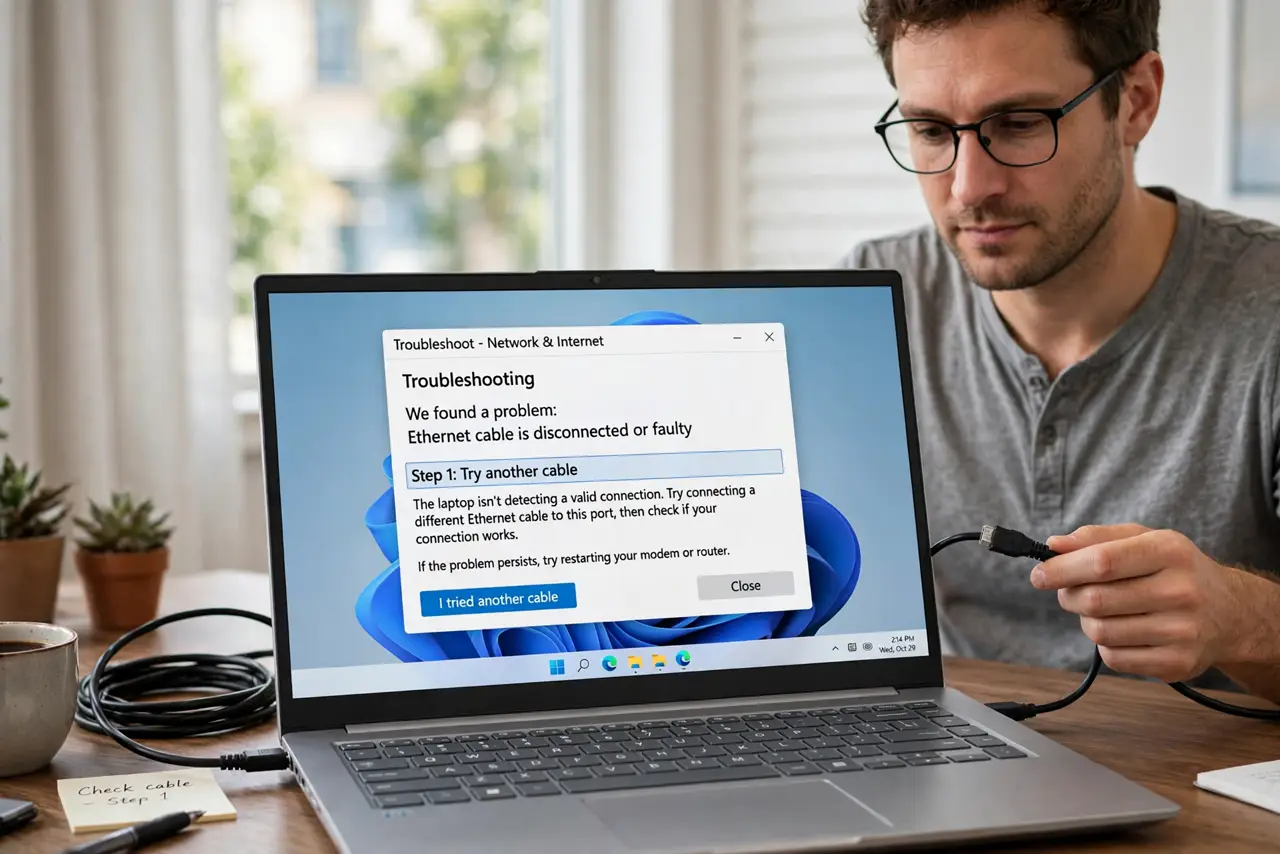
- Try another cable. Swap in a different ethernet cable, preferably a short, undamaged one, and test again. A damaged or very old cable can cap speed far below Wi-Fi.
- Try another router port. Move the cable to a different port on the router and test again. A single faulty port can throttle one wired device while Wi-Fi stays fast.
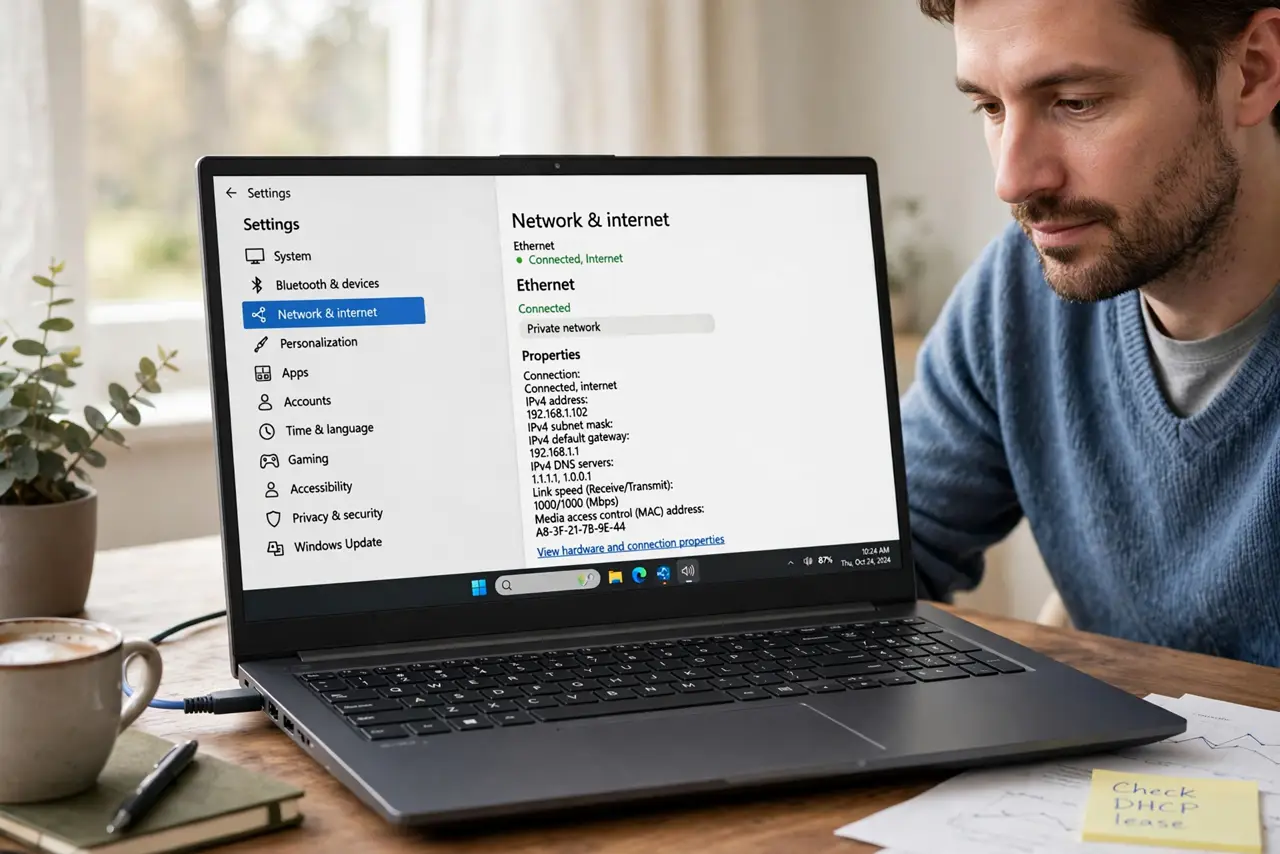
- Check the port speed. Open the network details on the computer and confirm the link speed. A link capped at a slow rate points to the cable or port, not to the internet plan.
- Close background work on the computer. Pause cloud backups, game downloads, and updates on the wired computer. Background work eats wired speed just as it eats Wi-Fi speed.
- Test with a second wired device. Connect a second device with a cable and test it. If the second device is fast, the first computer is the problem, not the cable or router.
- Check the network adapter settings. On the computer, confirm the network adapter is enabled and set to automatic speed, not forced to a slow rate. A forced slow setting caps every wired test.
What NOT to do
- Do not buy a faster plan for a slow cable. If the cable or port caps speed, a faster plan will still crawl through the same bottleneck.
- Do not run a cable across a room as a permanent fix without securing it. Loose cables are a trip risk and get damaged fast.
- Do not force the adapter to a high speed it cannot hold. Automatic speed negotiation is safer and usually picks the fastest stable rate.
- Do not ignore background backups when testing. A backup in progress makes wired and Wi-Fi tests alike look slow.
Frequently asked questions
Why is ethernet slower than Wi-Fi here?
The cable, port, or computer adapter is likely capping wired speed, while Wi-Fi uses a clean path to the same line.
Does cable quality matter?
Yes. A damaged or very old cable can cap speed well below what Wi-Fi delivers in the same home.
What link speed should I expect?
A healthy wired link usually shows gigabit. A much slower link points to the cable, port, or adapter.