Powerline vs Mesh: Which Reaches That Room
One far room has no usable Wi-Fi, and you are choosing between powerline adapters and a mesh system. They solve the problem in totally different ways — and the right pick depends on your home's wiring and walls.
TL;DR / Quick Fix
Quick fix: choose powerline if your home has simple, modern wiring and you need one room wired; choose mesh if the walls are the problem and several rooms suffer. Either way, test with a returnable kit before committing, since every home behaves differently.
Follow these steps
- Map the real problem first. Check whether one room or the whole far side of the house suffers. One dead room favors a targeted fix, while a weak far half favors mesh coverage.
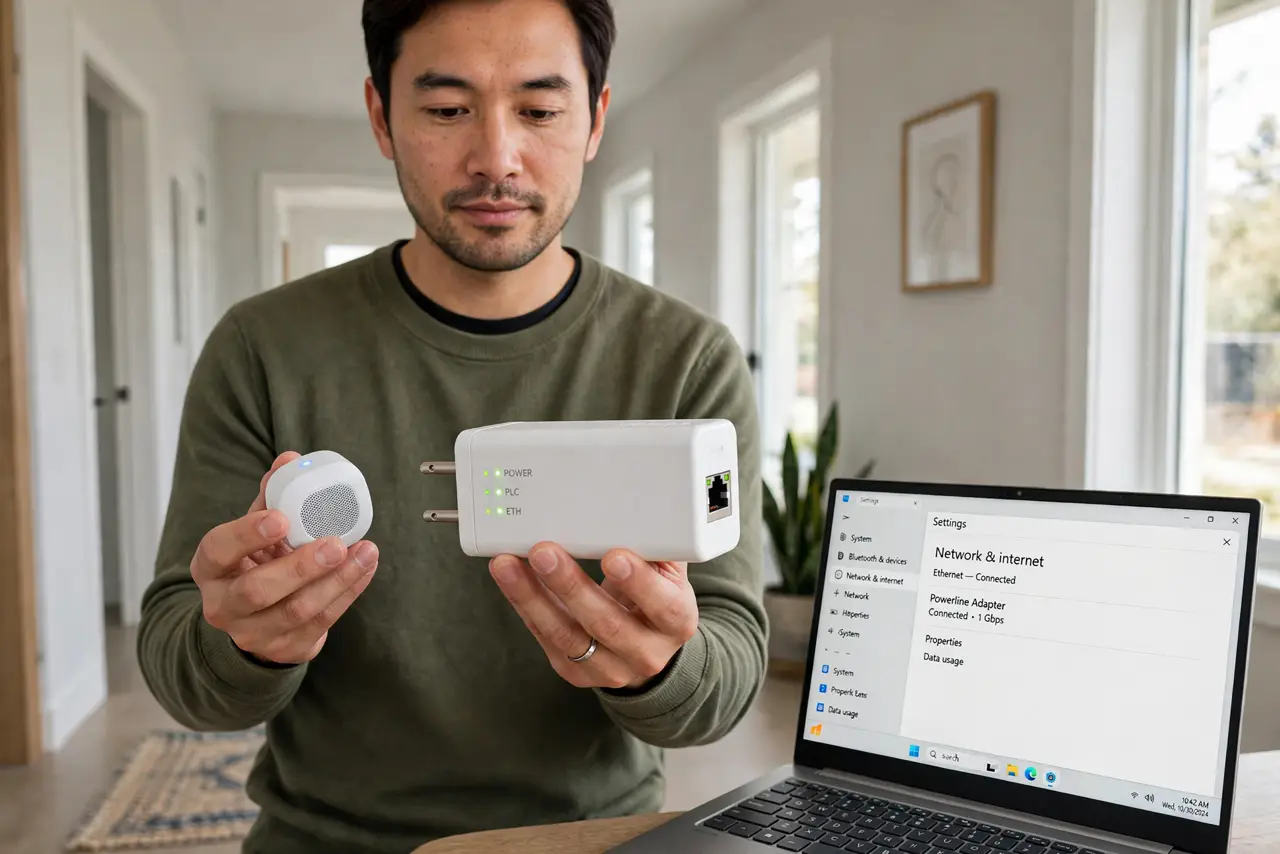
- Know what powerline needs. Powerline sends internet through your electrical wiring. It works best when both adapters sit on the same electrical circuit with modern wiring, and poorly across breakers or old wiring.
- Know what mesh needs. Mesh spreads Wi-Fi through placed nodes that talk to each other. It needs decent node placement with each node in good range of the last, not daisy-chained through dead zones.
- Test powerline with a returnable pair. Plug one adapter near the router and one in the dead room, then run a speed test. If the speed is good, you are done for the price of the pair.
- Test mesh with the app's guidance. Place nodes per the maker's app and check each node's signal. A node placed in the dead zone itself just repeats a bad signal — the classic hallway placement mistake — so keep nodes where the signal is still decent.
- Wire the important device either way. Whichever you pick, plug the TV or work computer into the adapter or node with a cable. A wired final hop beats wireless for the devices that matter most.

What NOT to do
- Do not buy powerline for a house with ancient wiring and expect miracles. Old or split wiring cripples powerline, and no adapter fixes the wires in the walls.
- Do not place mesh nodes in the dead zone itself. A node needs a good signal to repeat, so parking it where Wi-Fi already died just moves the problem.
- Do not run both systems fighting each other. Pick one approach per area, since overlapping powerline and mesh networks can confuse devices.
- Do not skip the return window. Test in your actual rooms within the return period, because a friend's great result says nothing about your wiring.
Frequently asked questions
Which is better, powerline or mesh?
Neither always. Powerline wins on simple modern wiring for one room; mesh wins when walls block signal across several rooms.
Can I use powerline and mesh together?
You can feed a mesh node with a powerline link, but keep it simple: one system per area, tested, beats two systems tangled together.
Why is my powerline so slow?
Likely the adapters sit on different circuits or old wiring. Try outlets closer to the breaker panel on the same circuit.