Ethernet Says Unidentified Network? Fix It Fast
Your wired connection says Unidentified network and gives you no internet, even though the cable is plugged in. The router, the cable, or the adapter state is usually behind it. Work from the cable inward.
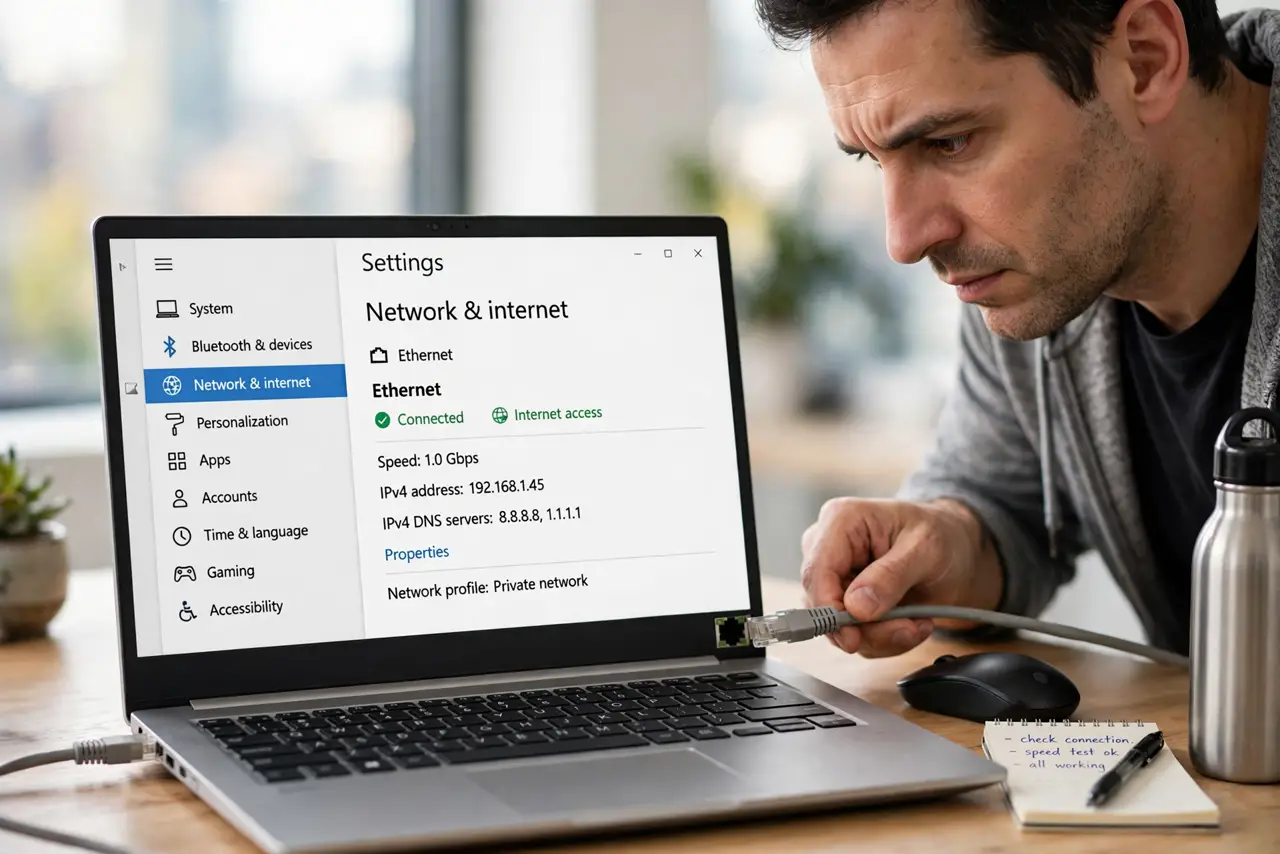
TL;DR / Quick Fix
Quick fix: unplug the Ethernet cable at both ends, plug it back firmly, then restart the router and wait for its lights to settle. If the message stays, disable and re-enable the Ethernet adapter in Settings, then try another router port.
Follow these steps
- Reseat the Ethernet cable. Unplug the cable from the computer and the router, check both ends for bent pins or dust, plug it back firmly until it clicks, and wait a few seconds for Windows to recognize it.
- Restart the router. Unplug the router power, wait thirty seconds, plug it back in, and wait until its lights settle. A router that has lost its network assignment often recovers with a clean restart.
- Try another router port. Move the cable to a different LAN port on the router. A single dead port produces exactly this message while every other port works fine.
- Disable and re-enable the adapter. Open Settings, then Network and internet, then Advanced network settings, find Ethernet, disable it, wait a few seconds, and enable it again.
- Try another cable. Swap in a different Ethernet cable, even if the first one looks fine. A cable with internal damage can show a link light while failing to carry a proper network connection.
- Test another device on the same cable. Plug the same cable into another computer if you can. If it also says Unidentified network, the cable or router is at fault. If it works, your computer adapter is the suspect.
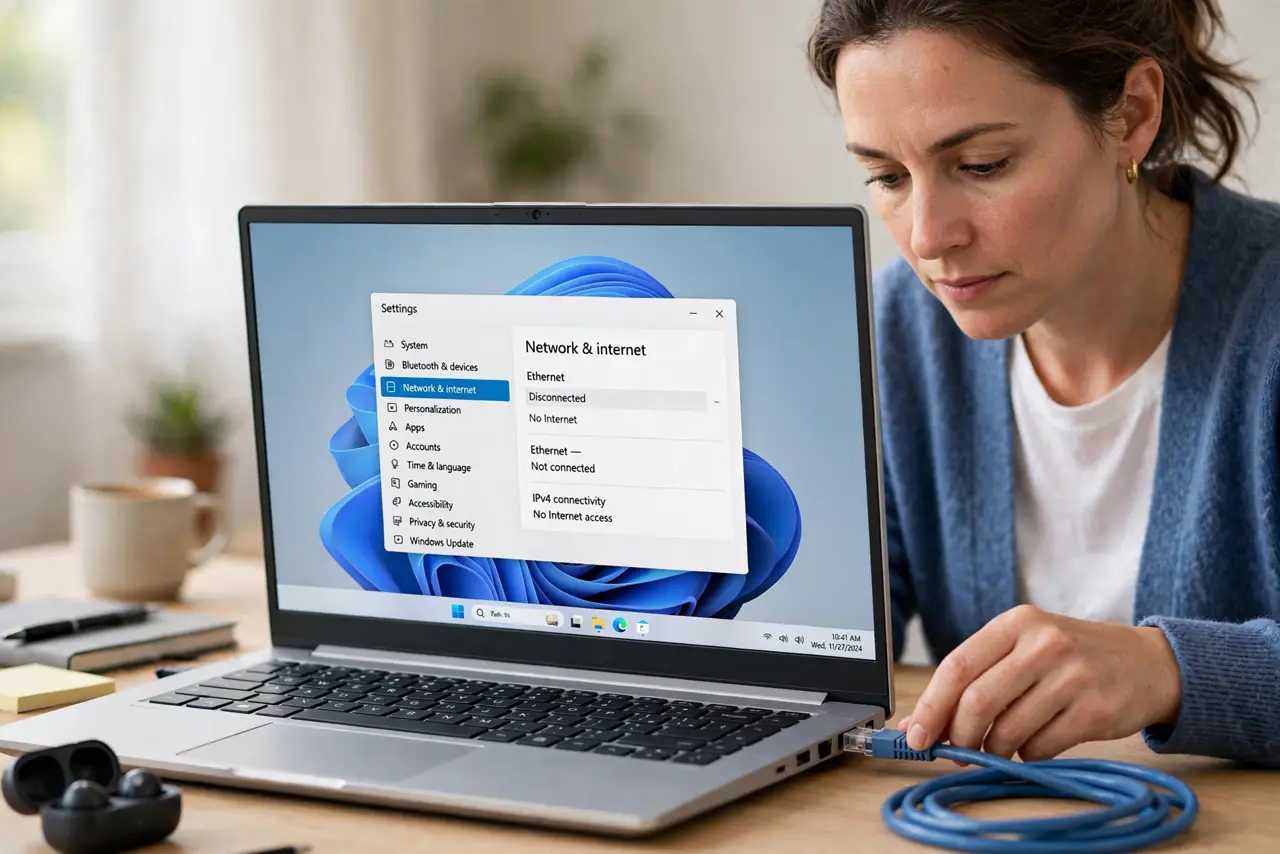
What NOT to do
- Do not set a manual network address as a first fix. A wrong manual address can make the problem harder to undo, and the cause is usually the cable or router.
- Do not keep restarting the computer while the router is still confused. Restart the router first, then the computer, so each device starts from a clean state.
- Do not ignore a cable that looks fine. Internal cable damage is invisible, and a swap is the fastest test for it.
- Do not assume Wi-Fi and Ethernet share the fault. Test them separately, because a wired-only message points at the cable, port, or adapter, not at Wi-Fi.
Frequently asked questions
What does Unidentified network mean?
Windows sees a wired link but cannot identify the network behind it, so it blocks internet access. It is a network identification failure, not proof the cable is unplugged.
Why does it happen after a power cut?
Routers can restart in a confused state after a power cut. A clean router restart usually restores the network assignment.
Should I try Wi-Fi instead?
Wi-Fi is a useful workaround for now, but it does not fix the wired problem. Keep the Ethernet fault separate and test cable, port, and adapter.