Add Ports with a Switch
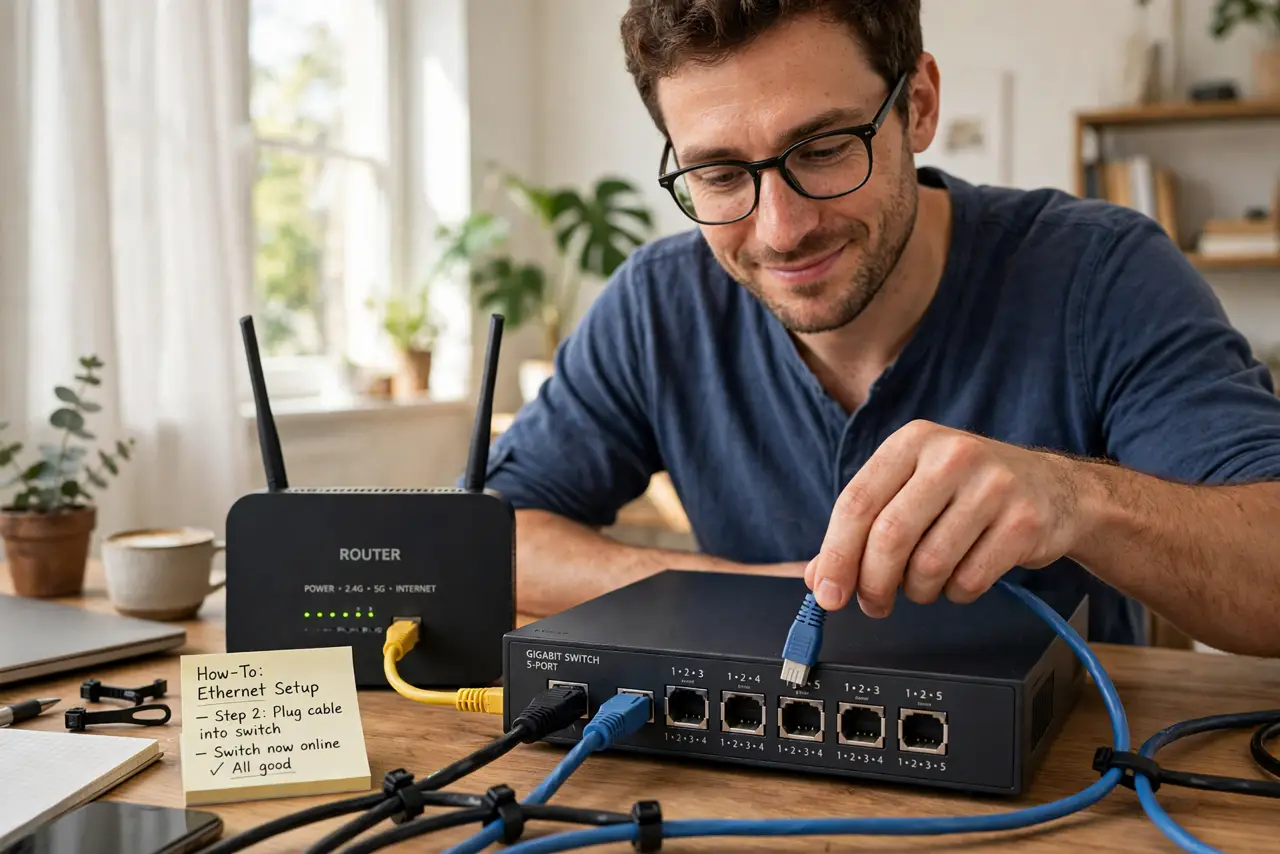
Your router has four ethernet ports and you have six devices that want wires. An ethernet switch is a cheap box that turns one port into many — plug it in, connect your devices, and everything just works. No configuration, no passwords, no drama.
TL;DR / Quick Fix
Quick fix: buy an unmanaged gigabit switch with enough ports, connect one port to your router with a short cable, and plug your devices into the rest. Everything gets full speed automatically. Place it where your wired devices already live.
Follow these steps
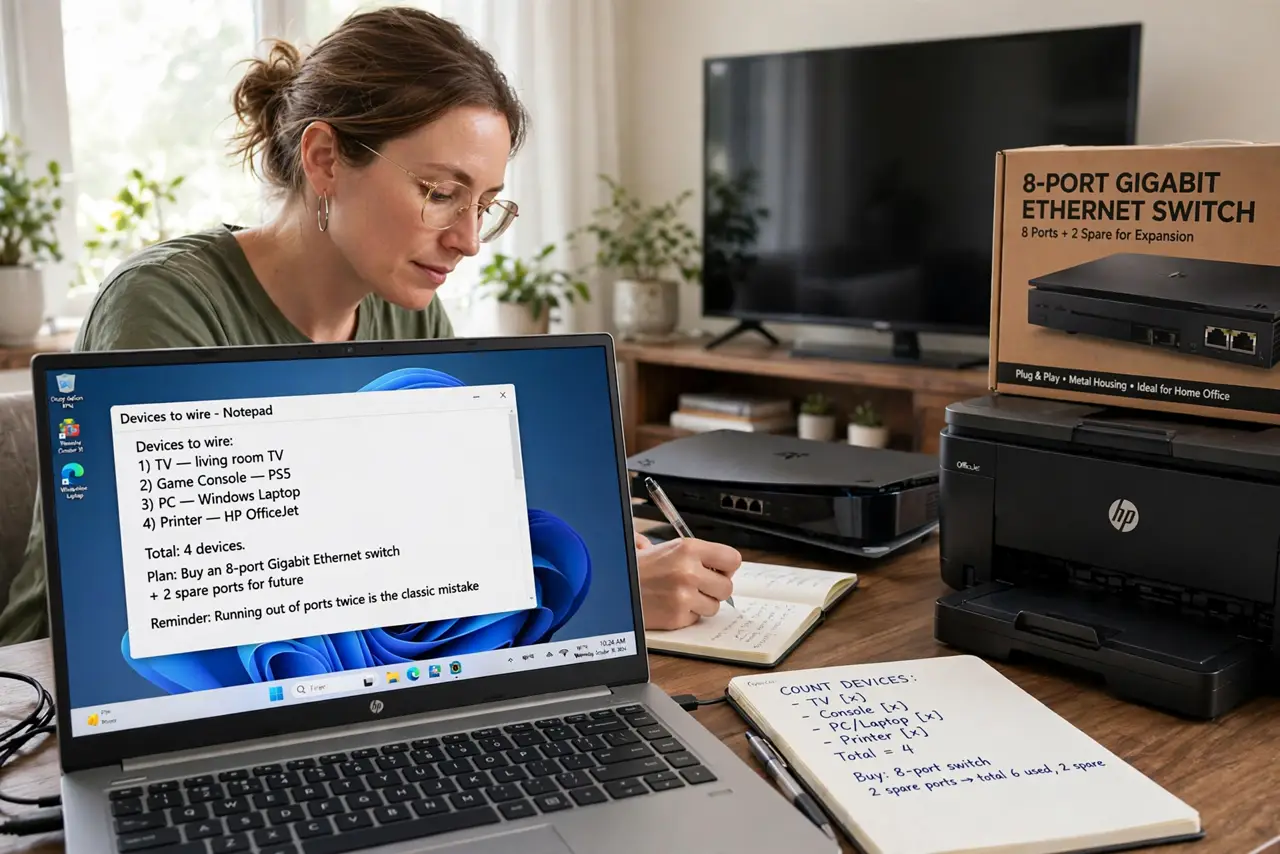
- Count the devices you will wire. TV, console, PC, printer — count them all, then buy a switch with a couple of spare ports. Running out of ports twice is the classic mistake.
- Buy unmanaged gigabit. Unmanaged means no configuration — plug and play. Gigabit means full modern speed. Avoid ancient 10/100 models; check the switch types if you are tempted by managed features.
- Connect the switch to the router. Run one ethernet cable from any router LAN port to any switch port. That single cable carries everything.
- Plug devices into the switch. Any port works — switches are not picky. Use decent cables; see the cable categories so you buy the right grade.
- Power it and check lights. Plug in the power adapter and confirm the link lights blink. No lights means a bad cable or port — swap and retest.
- Label your cables. A strip of tape and a marker saves future-you from unplugging the wrong thing during troubleshooting.
What NOT to do
- Do not buy a hub. Hubs are obsolete — they split bandwidth instead of switching it. See switch vs hub for why it matters.
- Do not chain many switches. One switch off the router is ideal; daisy-chaining several adds failure points.
- Do not use damaged cables. A flaky cable on a switch port causes mysterious dropouts for one device.
- Do not hide it somewhere airless. Switches run warm — give the little box some ventilation.
Frequently asked questions
Do I need to configure a switch?
No — unmanaged switches are plug-and-play. Managed switches add features most homes never need.
Will a switch slow my internet?
No. A gigabit switch passes full speed to every port simultaneously.
Switch vs. second router?
A switch, almost always. A second router creates a separate network and double-NAT headaches you do not want.