Expense Category Totals Do Not Match Receipts
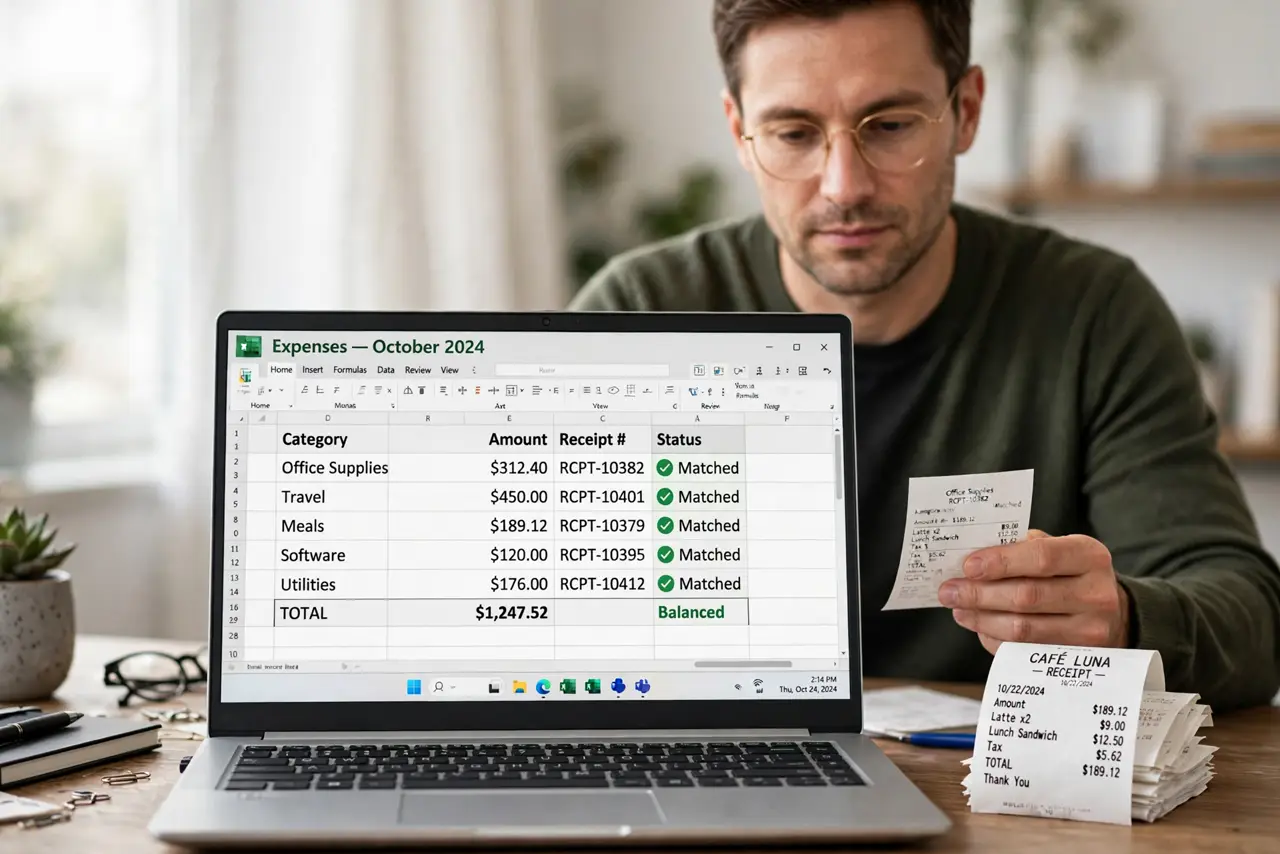
The spreadsheet says you spent one amount on supplies, but the receipts add up to another. Somewhere a receipt landed in the wrong category, got entered twice, or never got entered at all, and the totals quietly disagree.
TL;DR / Quick Fix
Quick fix: export the category totals, then match each total against its receipts one category at a time. Most mismatches come from a receipt filed in the wrong category or a duplicate entry, and both are easy to fix once spotted.
Follow these steps
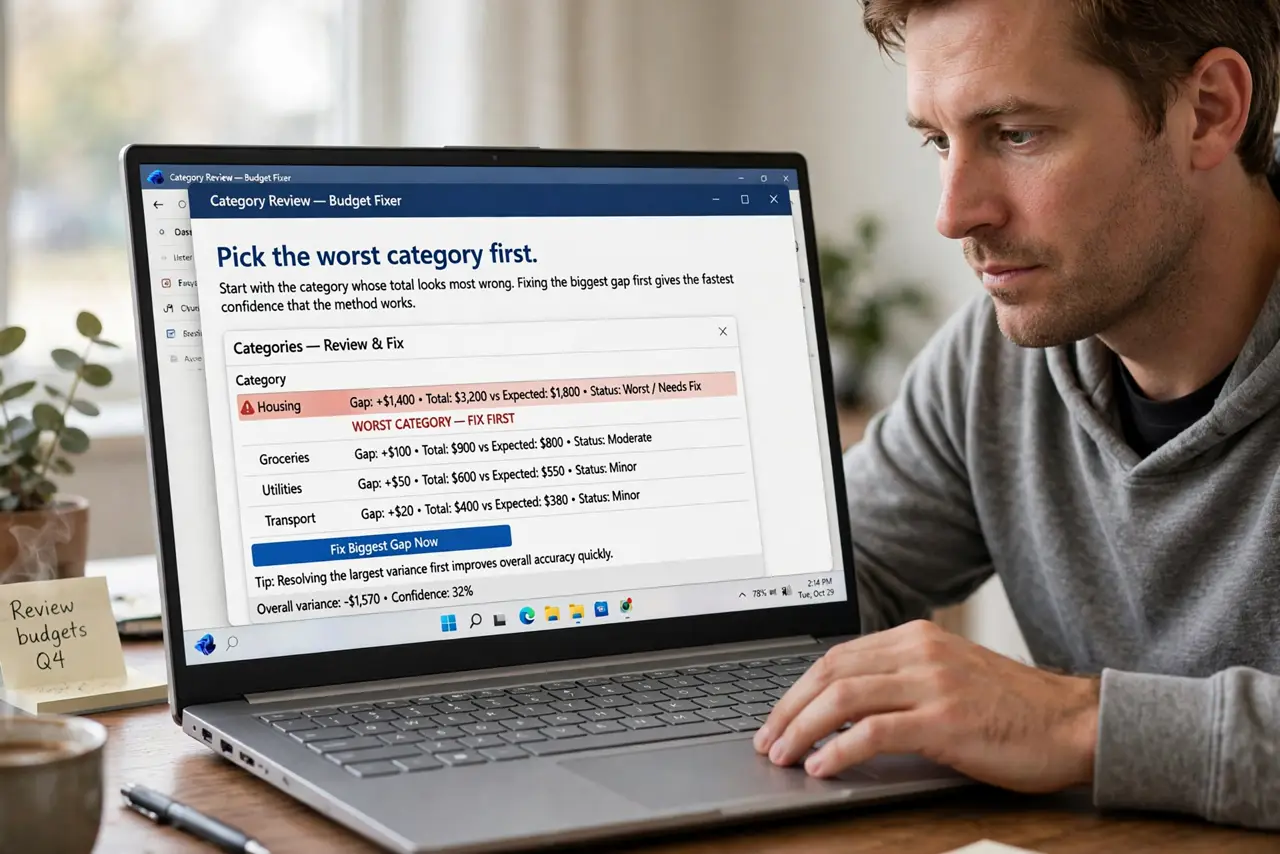
- Pick the worst category first. Start with the category whose total looks most wrong. Fixing the biggest gap first gives the fastest confidence that the method works.
- Pull every receipt for that category. Gather the paper and digital receipts tagged to it. A total you cannot tie to receipts is a guess, not a number.
- Add the receipts up separately. Sum them with a calculator, away from the sheet. An independent sum catches sheet errors that rechecking the same cells would miss.
- Hunt for duplicates and wrong categories. Look for the same receipt entered twice, or a receipt filed under meals that belongs under travel. These two mistakes cause most mismatches.
- Fix the entries, not just the total. Correct the wrong row in the sheet rather than typing an adjusted total. Fixed rows stay fixed next month, while adjusted totals rot.
- Photograph receipts as you go. Snap each receipt with your phone when you get it, since a blurry photo beats a lost receipt. Future reconciliations take minutes instead of an evening.
What NOT to do
- Do not force the total to match by typing a fudge number. A fudged total hides the real error, which will bite you again next month.
- Do not reconcile from memory. Pull the actual receipts, because memory smooths over the duplicate entry you are hunting.
- Do not skip the small categories. Small miscategorized receipts add up, and the big gap is often five small errors, not one big one.
- Do not throw receipts away before reconciling. The paper is the evidence, so file it until the month's totals are confirmed.
Frequently asked questions
Why don't my totals match the receipts?
Usually a receipt in the wrong category, a duplicate entry, or a missing receipt. One of those three explains nearly every mismatch.
How do I prevent this next month?
Photograph each receipt at purchase and file it in the right category the same day, while the memory is fresh.
Should I reconcile monthly?
Yes. Monthly reconciliation catches errors while the receipts still exist and the purchases are still memorable.