Expense Receipt Photo Blurry? Fix It
A blurry receipt photo can mean a rejected expense claim, and receipts fade, so retaking promptly matters. Most blur comes from movement, poor light, or a dirty lens, all fixable in seconds before you shoot again.
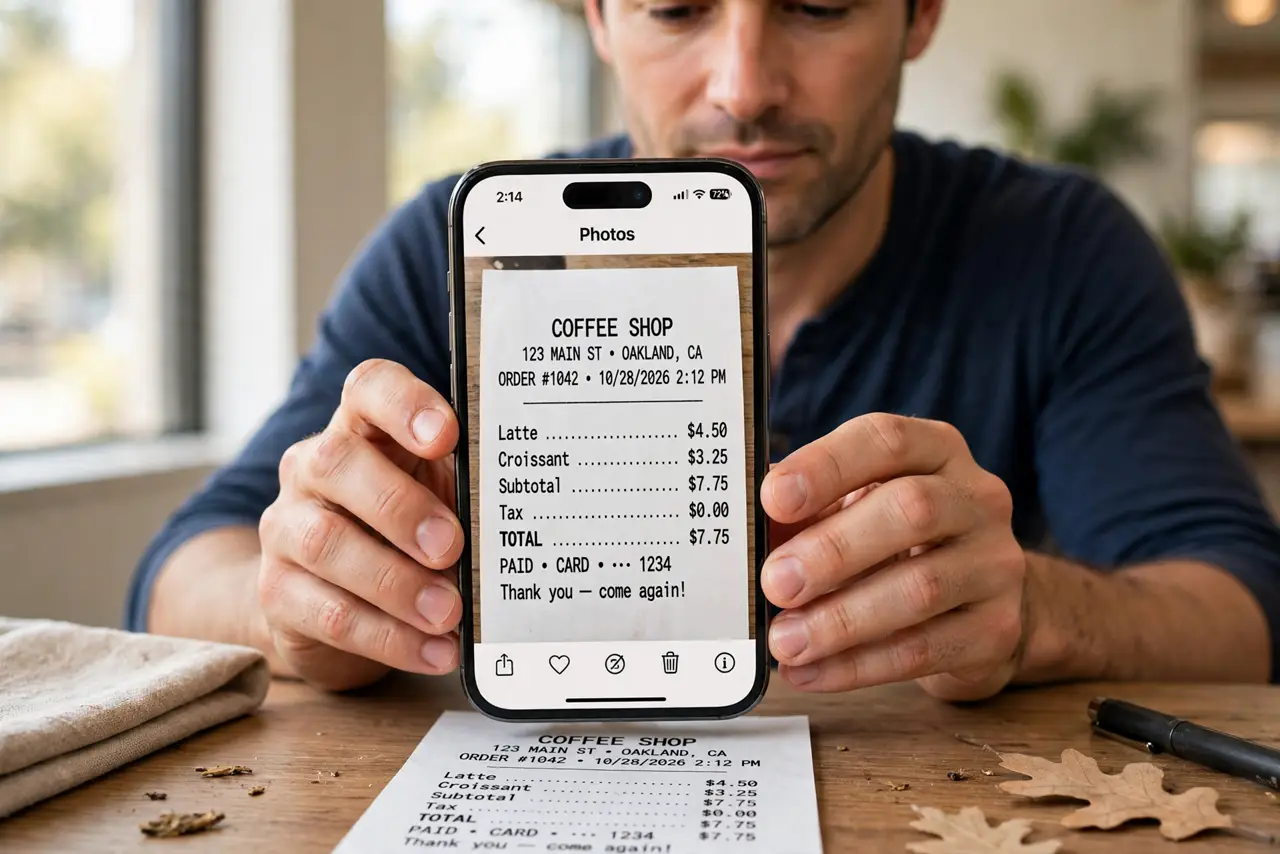
TL;DR / Quick Fix
Quick fix: Clean the camera lens first. Use bright, even light. Hold steady and let the camera focus. Fill the frame with the receipt. Check the photo immediately, at full size. File the good photo in your expense spreadsheet workflow.
Follow these steps
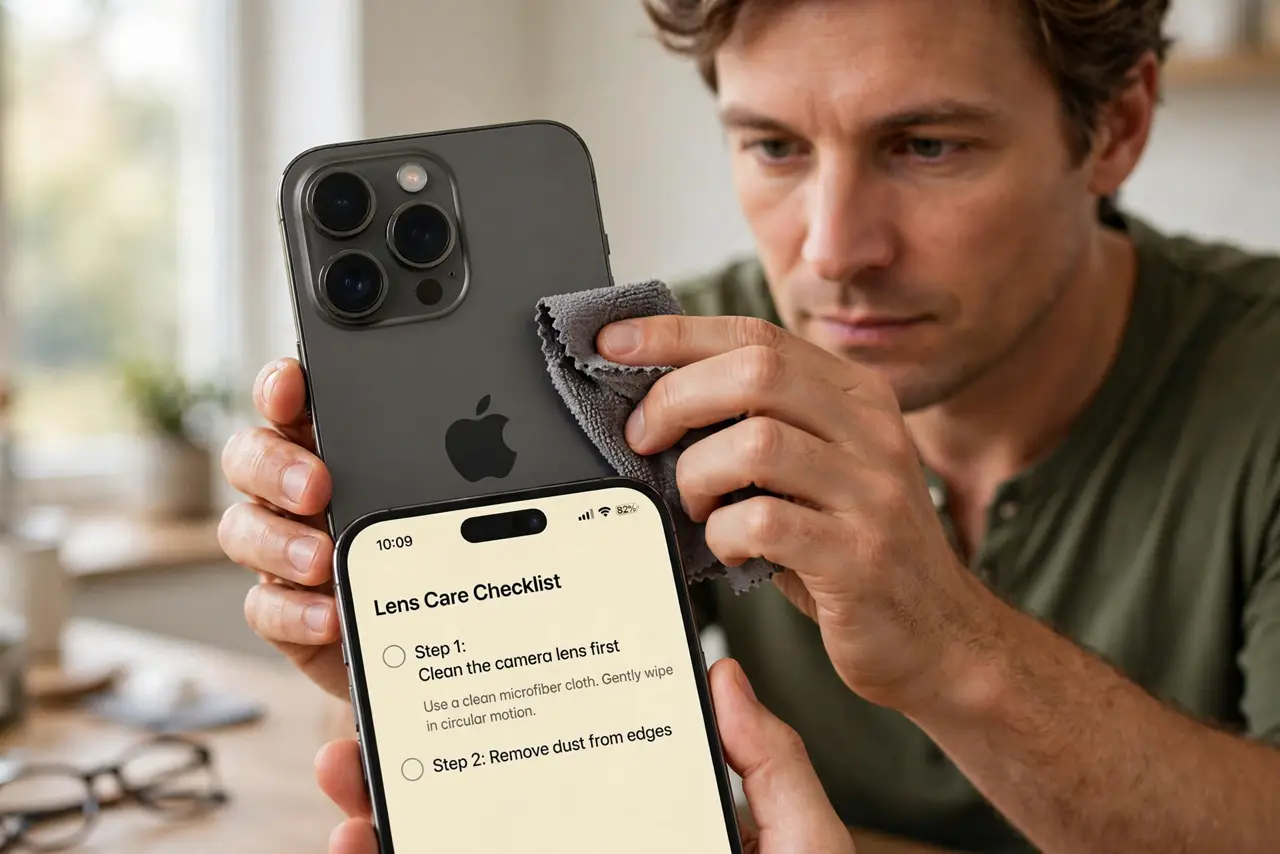
- Clean the camera lens first. Wipe the lens with a soft cloth. A pocket-smudged lens is the most common cause of a generally soft photo.
- Use bright, even light. Move near a window or under a bright lamp, and avoid shadows falling across the receipt. Even light beats a flash, which can wash out printed text.
- Hold steady and let the camera focus. Rest your elbows on the table, tap the receipt on screen to focus, and wait a beat before shooting. Rushing the shot is how blur happens.
- Fill the frame with the receipt. Move close enough that the receipt fills the frame edge to edge. Small receipts in large photos lose detail when cropped later.
- Check the photo immediately, at full size. Zoom into the photo and read the total and date before filing the receipt away. A blurry photo noticed now can be retaken; one noticed later cannot.
- File the good photo in your expense spreadsheet workflow. Attach the sharp photo to the matching expense entry right away, while the amount and date are fresh in your mind.
What NOT to do
- Do not file a blurry photo and hope the reviewer can read it. Reviewers reject what they cannot verify.
- Do not use flash on glossy receipts. Glare washes out exactly the numbers you need.
- Do not wait weeks to retake a receipt photo. Paper receipts fade, and faded originals cannot be re-photographed sharply.
- Do not crop a distant photo and expect detail to appear. Cropping enlarges blur; it does not remove it.
Frequently asked questions
Why are my receipt photos blurry?
Usually movement, a dirty lens, or poor light. Clean the lens, steady your hands, and use even light.
Is flash good for receipts?
Usually not. Flash creates glare on glossy paper. Bright, even room light works better.
What if the receipt already faded?
Photograph it now anyway, in the best light you can, and keep the original. A partial record beats none.