Expense Spreadsheet Total Mismatch? Fix It
When a spreadsheet total does not match your receipts, the gap is usually a formula that misses rows, a mistyped amount, or a hidden row feeding the total. Working through those three suspects in order finds most mismatches fast.
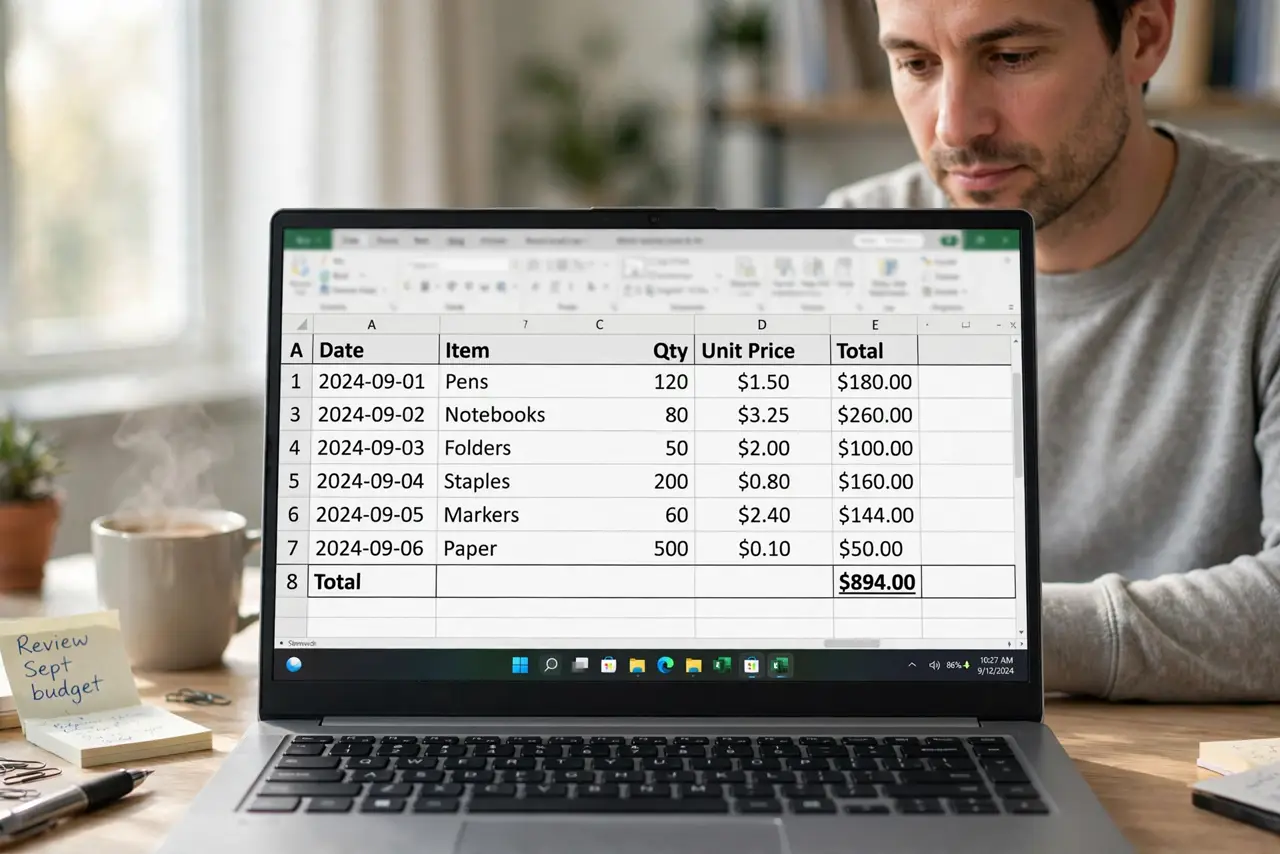
TL;DR / Quick Fix
Quick fix: Recalculate the total by hand for a sample. Read the total formula's range. Scan amounts for typos and misplaced decimals. Unhide rows and check filters. Compare against receipts in small batches. Check the budget categories after fixing the total.
Follow these steps
- Recalculate the total by hand for a sample. Add a handful of rows manually and compare with the formula result. A hand check tells you whether the formula or the data is wrong.
- Read the total formula's range. Open the total cell and confirm its range covers every expense row, including the newest ones. Totals that miss the last rows are a classic mismatch.
- Scan amounts for typos and misplaced decimals. Look for amounts that are ten times too large or small, and for numbers typed as text. One typo can explain a large gap.
- Unhide rows and check filters. Hidden rows still feed totals, and filtered views hide rows from your eyes but not from the formula. Unhide everything while investigating.
- Compare against receipts in small batches. Match receipts to rows in batches of ten, ticking each off. Batch matching finds the missing or duplicated entry without rechecking the whole sheet.
- Check the budget categories after fixing the total. A total fixed by moving rows can disturb category subtotals. Verify categories too, so the fix does not create a second mismatch.
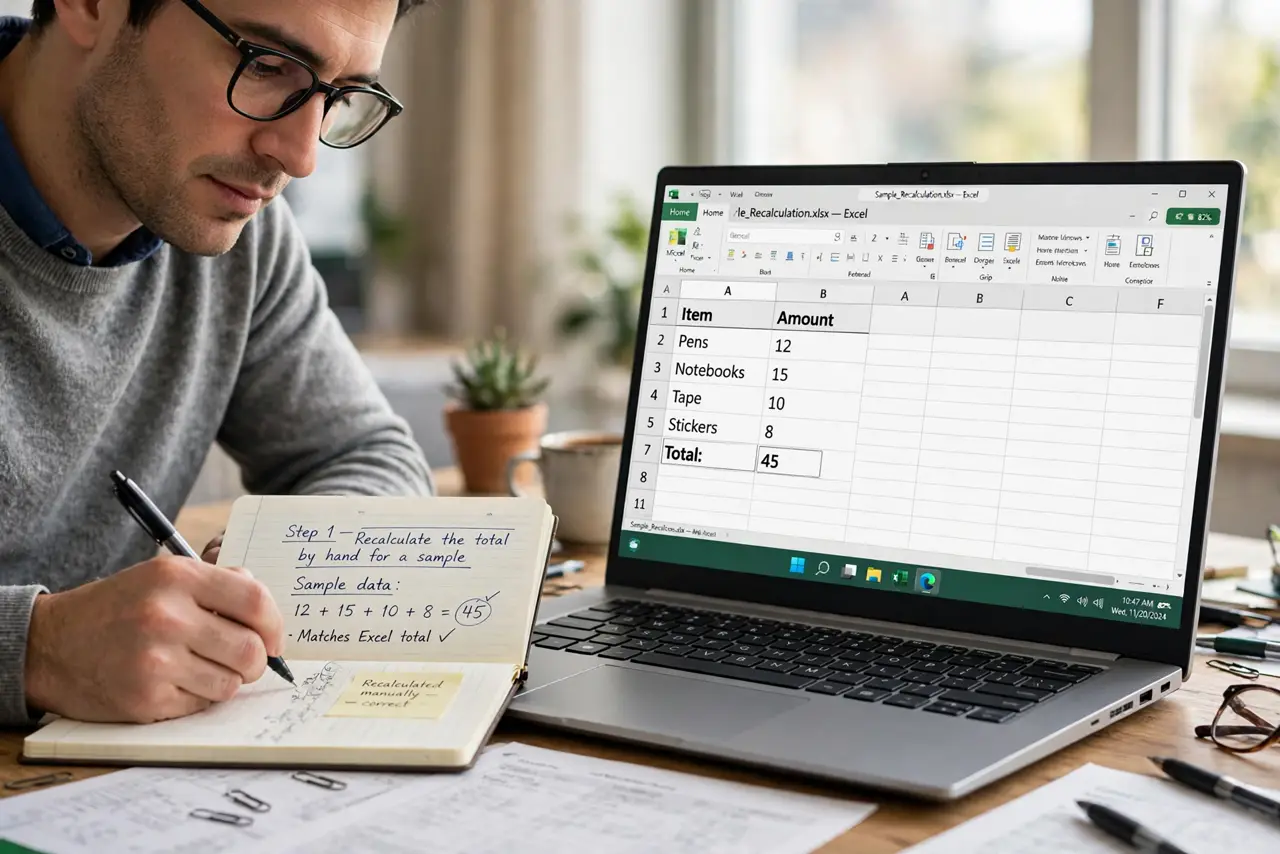
What NOT to do
- Do not overwrite the formula with a typed total. That hides the error and breaks the next update.
- Do not assume the mismatch is small enough to ignore. Small gaps grow, and auditors notice patterns.
- Do not delete rows to force a match. A forced match is a false record, not a fix.
- Do not work on a filtered view while investigating. Filters hide the very rows you need to see.
Frequently asked questions
Why does my total not match my receipts?
Usually the formula range misses rows, an amount is mistyped, or a hidden row feeds the total.
Should I type the total manually?
No. Fix the formula or the data, so the total stays correct as rows change.
How do I find one wrong row?
Match receipts in small batches. The batch that fails to match contains the error.