Fake Invoice in Your Inbox?
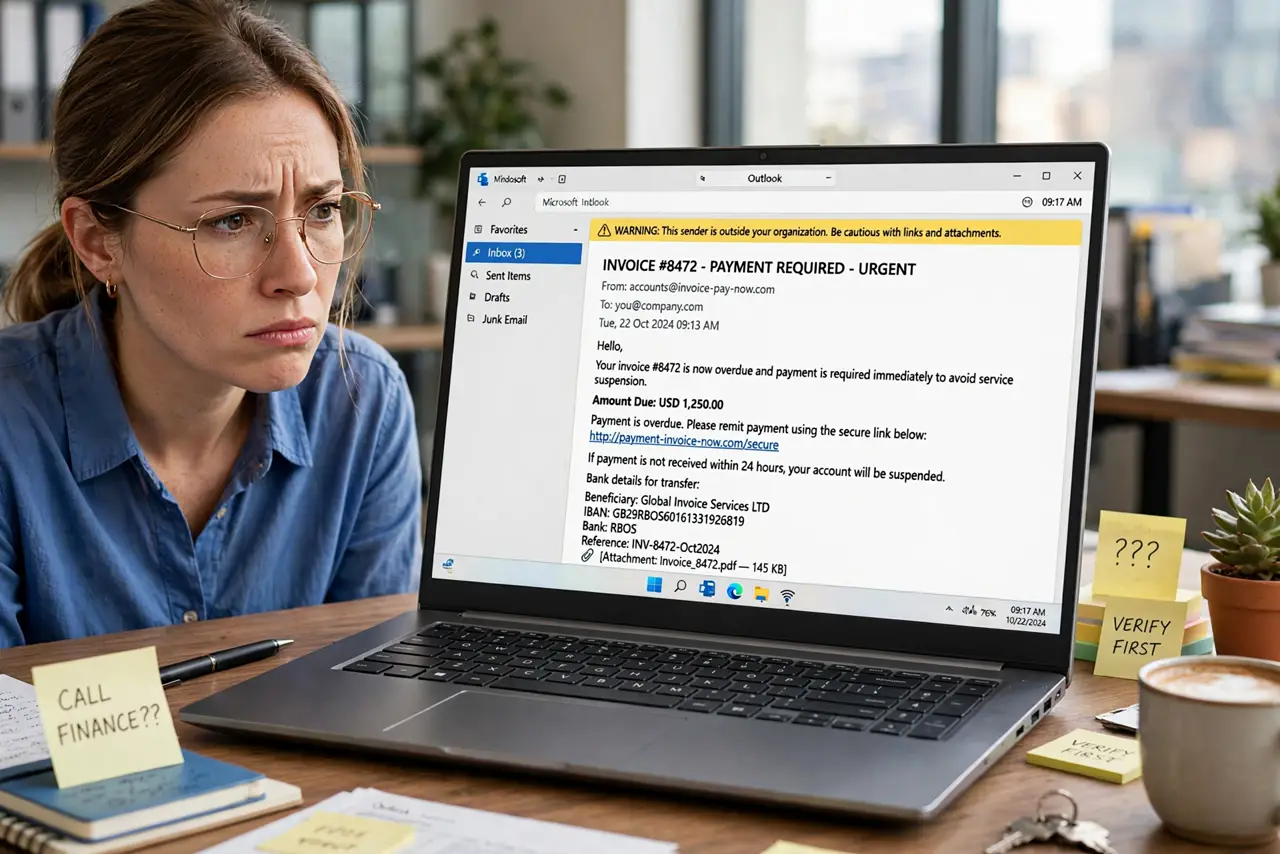
An invoice arrives for services you don't recognize — professional formatting, a real-looking vendor, payment due this week. Fake invoices either phish your credentials via the 'view invoice' link or trick your accounts team into paying a scammer's account. Verification before payment is the entire defense.
TL;DR / Quick Fix
An unexpected invoice attachment demanding quick payment is a classic phishing lure — verify before paying. Call the vendor at a known number to confirm, check the sender's real address, and never enable macros on invoice attachments. Forward suspicious invoices to your IT or finance team.
Follow these steps
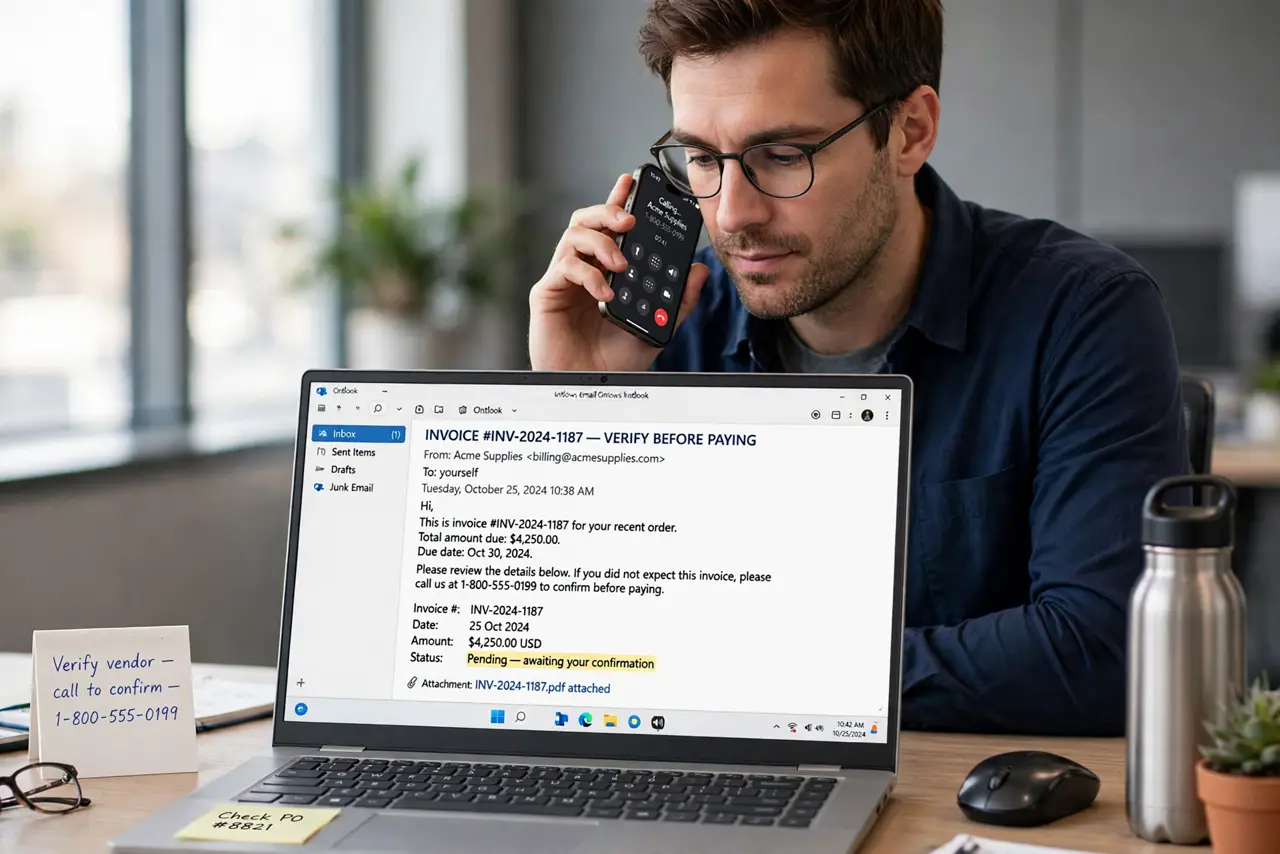
- Verify with the vendor directly. Call the vendor at a number you already have — not the one in the email. One call distinguishes real bills from fiction — see the CEO variant.
- Inspect the sender's real address. Display names lie; the actual address doesn't. Look past 'Vendor Billing' at the raw address for misspellings and odd domains.
- Never enable macros on attachments. 'Enable content to view invoice' is the malware trigger. Real invoices display without macros — see spotting phishing.
- Match invoices to purchase orders. No PO, no payment. Requiring PO matching in your process kills most fake-invoice attempts automatically.
- Check for changed bank details. 'We've updated our banking details' inside an invoice email is a top-tier fraud — verify account changes by phone, always.
- Forward to IT or finance. Don't just delete — forward suspicious invoices to your security team. Your report may be the one that exposes a campaign.
What NOT to do
- Do not pay an unexpected invoice on urgency alone. 'Due this week' pressure is the scammer's tool — verification takes one call.
- Do not click 'view invoice' portals from the email. Phishing portals harvest logins; navigate to the vendor's site yourself.
- Do not update vendor bank details from email instructions. This single action diverts real payments to criminals — verify by voice.
- Do not assume the attachment is safe because it's a PDF. Malicious PDFs exist — scan attachments and prefer vendor portals.
Frequently asked questions
How do scammers know who our vendors are?
Breaches, public procurement records, and compromised inboxes. Vendor names are rarely secret — verification is the control, not secrecy.
What if we already paid a fake invoice?
Call your bank immediately about recalling the wire, report to law enforcement, and review how it bypassed your process.
Should small businesses worry about this?
Especially — small teams often lack PO processes, making them softer targets than enterprises with controls.