Fiber Box Blinking Red? What It Means
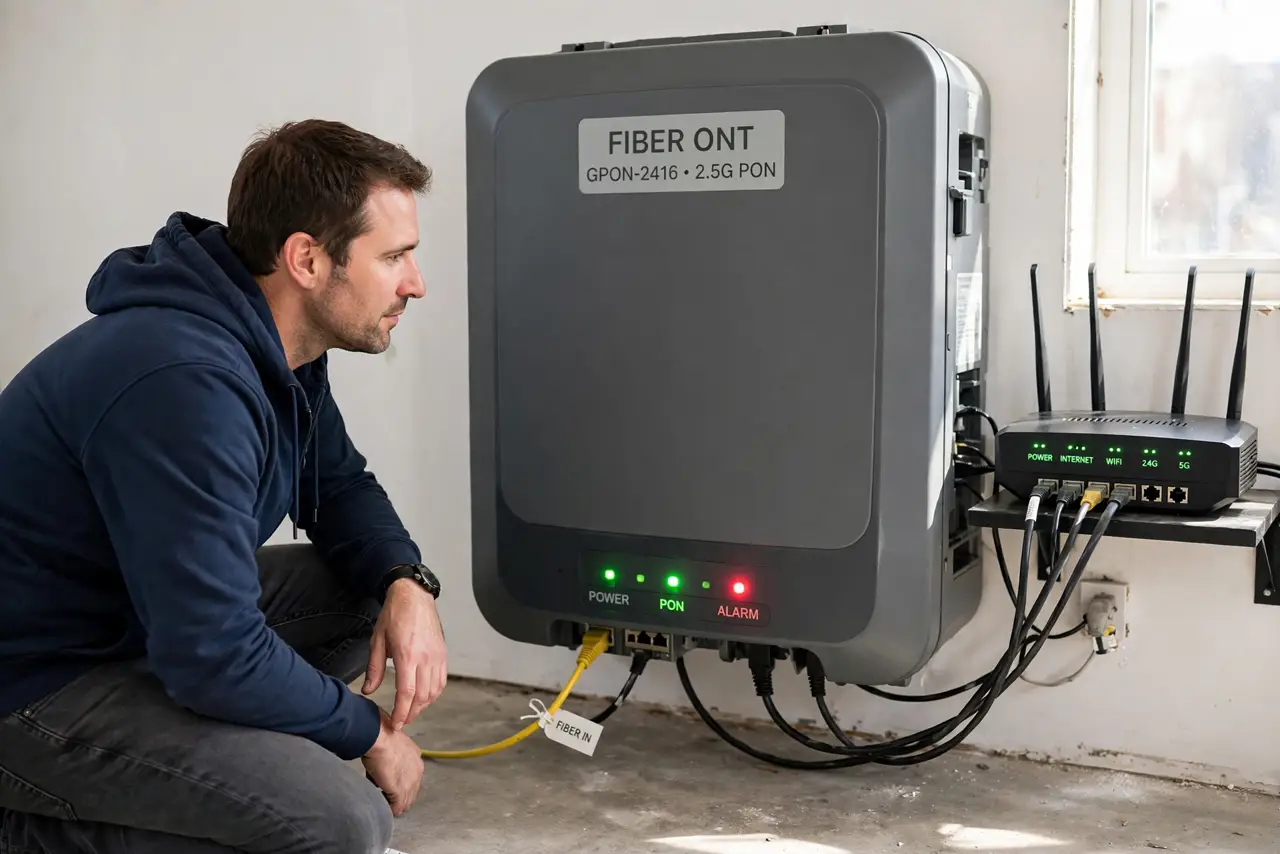
That small white box on the wall is the ONT — it turns the fiber signal into ethernet for your router. A red blinking light on it means the fiber signal is lost, and no amount of rebooting your router will bring it back. Here is what the light really means and what to do.
TL;DR / Quick Fix
Quick fix: check the fiber cable for tight bends or damage and reseat it firmly, then power the ONT off for a full minute. If the red light returns, learn [[what each light means|modem-lights-meaning]] and call your provider — a red ONT light is their line fault to fix.
Follow these steps
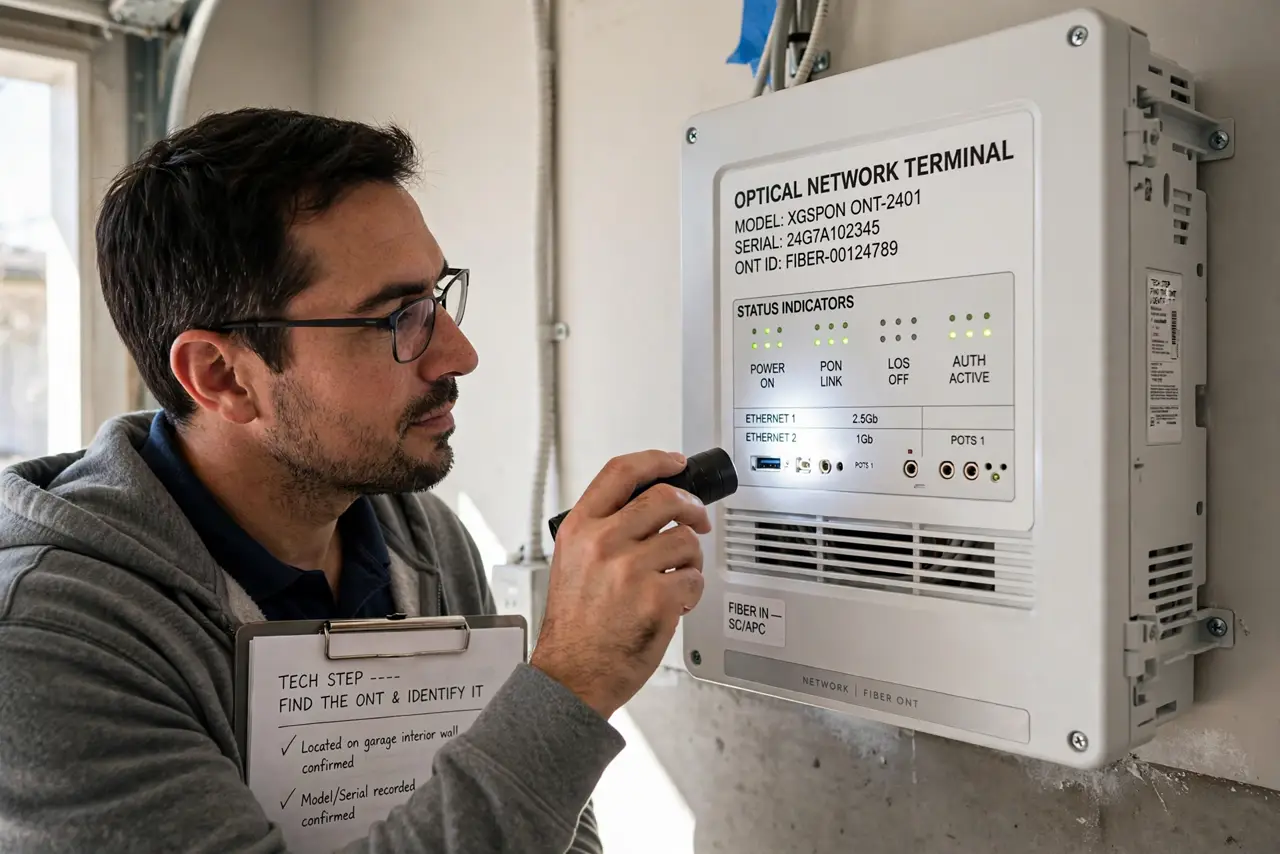
- Find the ONT and identify it. The ONT is the small box where the fiber line enters your home, usually mounted on a wall. It is not your router — your router plugs into the ONT with a normal ethernet cable.
- Read the exact light. A red blink on the LOS or PON light means the fiber signal from the street is missing. Note which label blinks; that word helps the support agent pinpoint the fault.
- Inspect the thin fiber cable. Fiber is hair-thin glass. Look for sharp kinks, pinched bends, or crushed spots behind furniture. Straighten gentle loops without yanking, and confirm both ends click in firmly.
- Power-cycle the ONT once. Unplug the ONT for a full 60 seconds, then plug it back in and wait up to five minutes. This clears rare glitches — but if the red light comes back, stop repeating it.
- Compare with your router's lights. If the ONT is green and your router shows red, the problem is your router, not the line — see how to tell them apart. A red ONT light points at the provider's line.
- Call your provider with the details. Report the red light, the label that blinks, and what you checked. They can test the line remotely and schedule a technician if the fiber outside is damaged.
What NOT to do
- Do not keep rebooting the ONT over and over. Once the red light returns after a proper power cycle, more reboots change nothing and waste your time.
- Do not pull the fiber connector out and blow on it. The glass tip is delicate and scratches easily; a firm reseat is enough.
- Do not bend the fiber into tight loops. A kink can crack the glass inside the jacket and kill the signal even though the cable looks fine.
- Do not open the ONT box. There is nothing user-serviceable inside, and providers may charge if tampering damaged it.
Frequently asked questions
What does a red LOS light mean on an ONT?
LOS means loss of signal — the fiber from the provider is not reaching your box. It is a line fault, not a settings problem.
Can bad weather cause the ONT red light?
Yes. Storms can damage aerial fiber or flooded street equipment. If the outage started during a storm, tell the provider that.
Why is only the ONT red while my router looks fine?
The router cannot fix a missing signal. Its normal lights just mean it is powered; it has nothing to route until the ONT turns green.