File Is Open in Another Program? Fix It
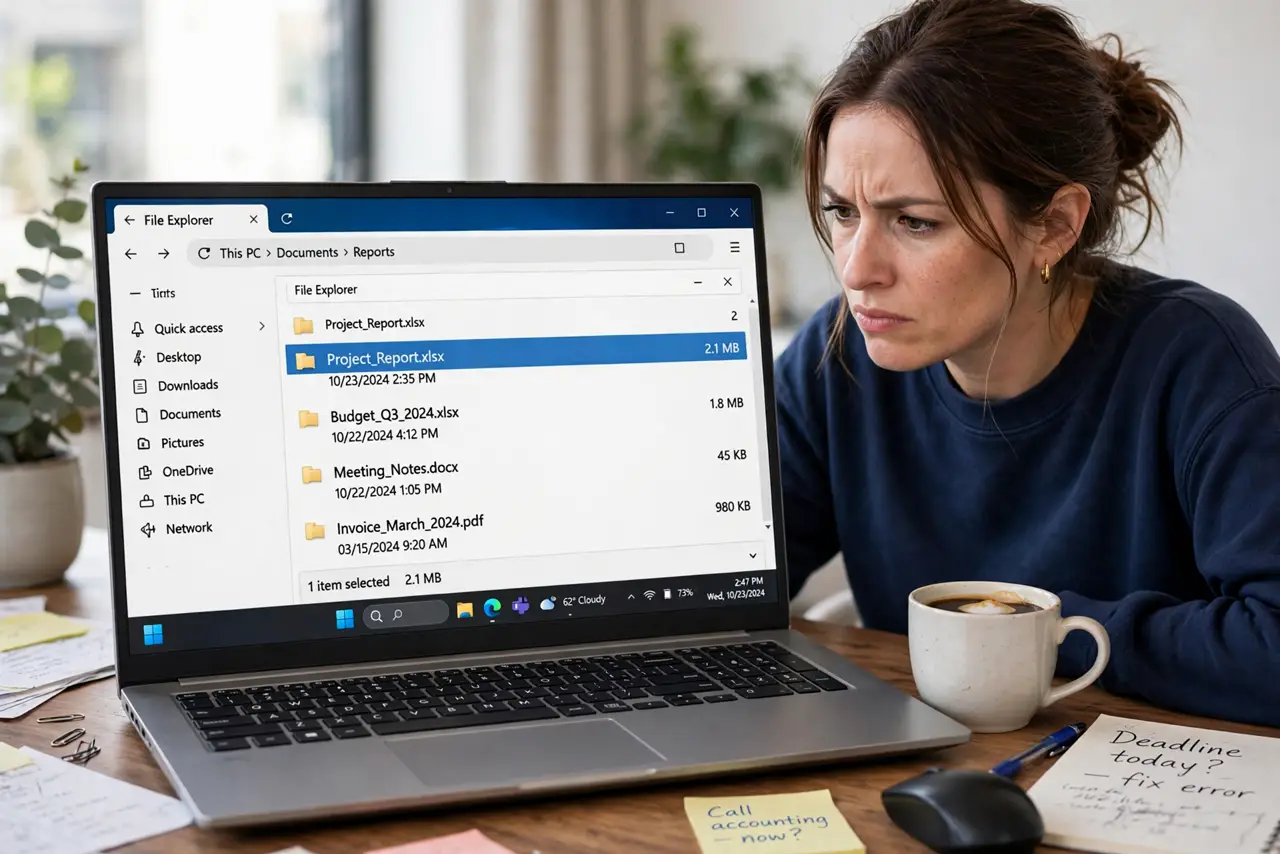
When Windows says a file is open in another program, the file is not broken: an app still holds it, even if you cannot see the window. Finding that app and closing it cleanly releases the file.
TL;DR / Quick Fix
Quick fix: save and close the app you last used for the file, then try again. If the message persists, open Task Manager, find the app in the list, and end only that app. Then try the move or delete once more before restarting.
Follow these steps
- Close the app you last used. Think which app last opened the file, and close that app fully, not just its window. Some apps keep running in the background after the window closes.
- Check the taskbar and system tray. Look at the taskbar and the hidden tray icons for the app. Right-click its tray icon and choose Quit or Exit if it is still running there.
- End only that app in Task Manager. Press Ctrl, Shift, and Esc, find the app by name, and end it. End only the app holding the file, not random processes you do not recognize.
- Try the move or delete again. After closing the app, try the move, rename, or delete again right away. If it works, the app was the holder, and the file itself is fine.
- Restart if the holder is unclear. If you cannot find the holder, save your work and restart. A restart releases every file lock, and the file will be free after sign-in.
- Check for a preview pane holding it. In File Explorer, turn off the preview pane and try again. A preview of a video or document can hold the file, even with no app window open.
What NOT to do
- Do not force-delete the file with a third-party tool as a first step. Closing the holding app is safer, and forced deletion can corrupt the file.
- Do not end random processes in Task Manager. Ending a system process can crash Windows, so end only the app you recognize as the holder.
- Do not keep clicking delete hoping it works. Each failed attempt does nothing, and it can hide the real message about which app holds the file.
- Do not rename the file while an app holds it open. Renaming a locked file can confuse the app and leave two versions that are hard to reconcile.
Frequently asked questions
The app is closed but the file is still locked. Why?
The app may still run in the background or in the system tray. Quit it from the tray, or end it in Task Manager, then try again.
Can a preview pane really lock a file?
Yes. File Explorer preview loads the file to show it, and that can hold it. Turning off the preview pane releases it.
Is restarting safe for a locked file?
Yes, after you save open work. A restart releases all locks, and the file itself stays intact.