File Named Final Final Really? Fix It
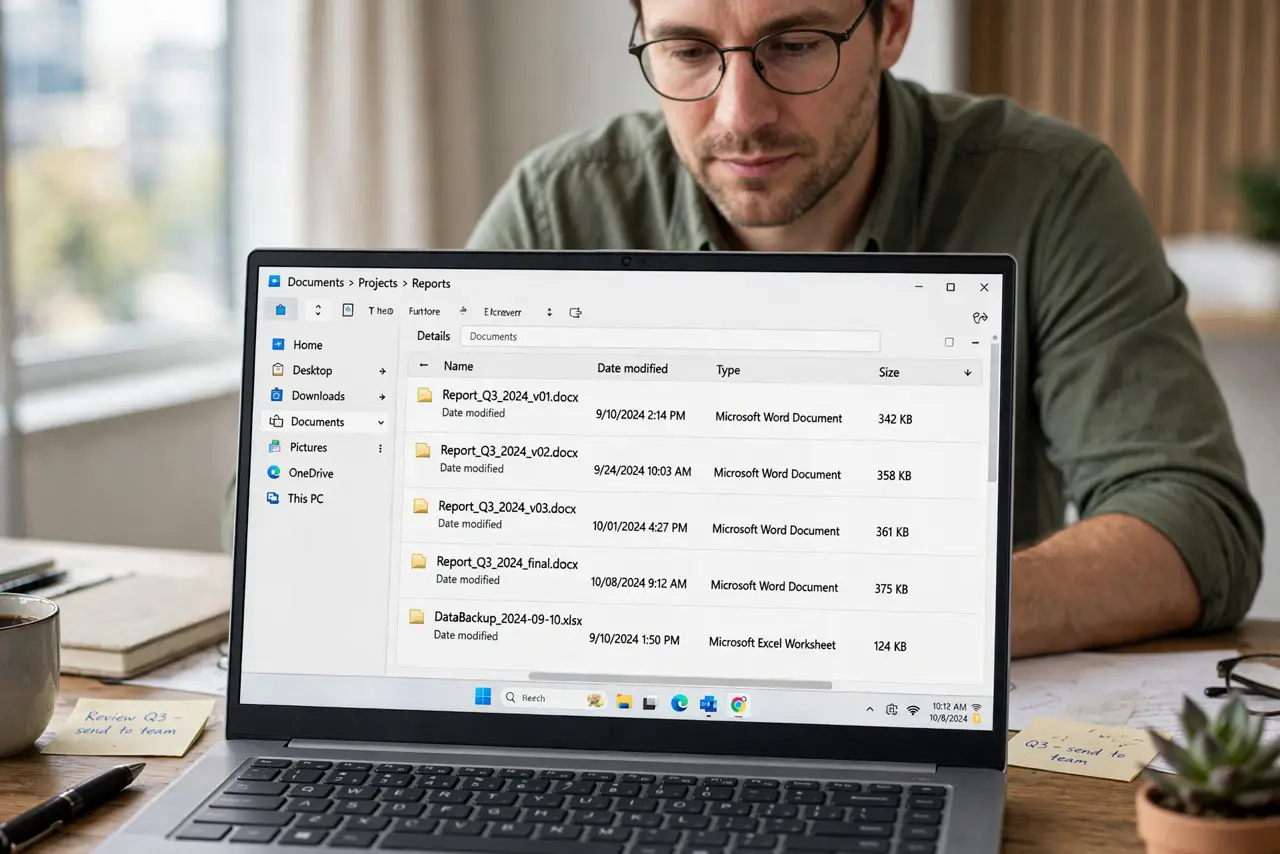
A folder full of final, final2, and final-really files is a trap: nobody knows which one is actually current, and the wrong one gets sent. Dated versions and one clearly current copy end the guessing for good.
TL;DR / Quick Fix
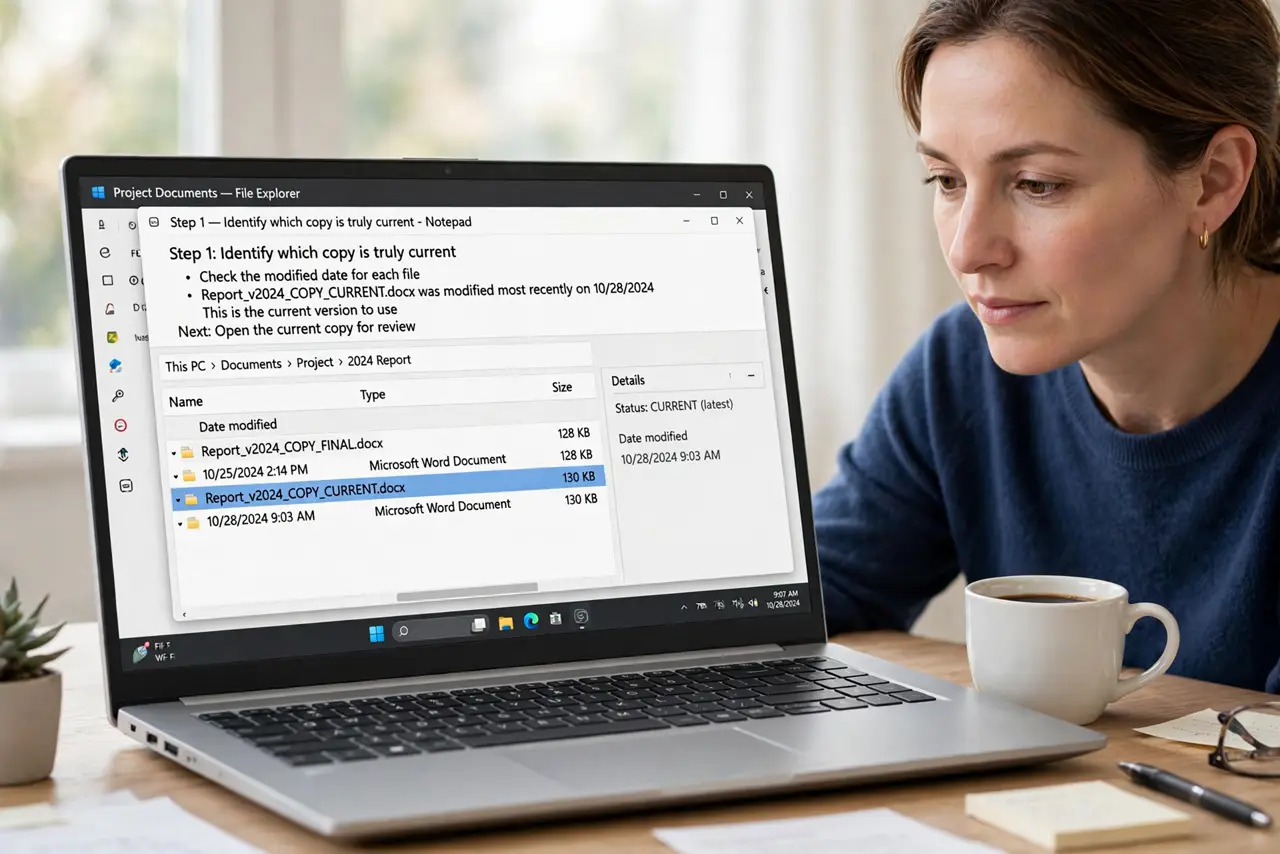
Quick fix: Identify which copy is truly current. Rename the current copy with today's date. Move older versions to an archive folder. Delete true duplicates, keep distinct drafts. Adopt the naming pattern for all new versions. Check the version history before deleting anything.
Follow these steps
- Identify which copy is truly current. Open the top candidates and compare their content or dates. Do not trust the word final; trust the content and the modified date.
- Rename the current copy with today's date. Give the current file a dated name and, if your system allows, mark it as current. From now on, the date, not the word final, says which is newest.
- Move older versions to an archive folder. Put superseded drafts in a folder named Archive with their dates intact. They stay available, but they stop competing with the current copy.
- Delete true duplicates, keep distinct drafts. If two files are byte-for-byte the same, keep one. If they differ, keep both in the archive with dates, since the difference may matter later.
- Adopt the naming pattern for all new versions. Use date-first names for every new version, every time. Consistency is what prevents the next final-final pile.
- Check the version history before deleting anything. If your app keeps history, the old versions may already be recoverable there, which makes deleting local duplicates safer.
What NOT to do
- Do not send a file named final without opening it first. The name is a claim, not a guarantee.
- Do not delete older versions before confirming the current one. A wrong guess can destroy the only good draft.
- Do not keep adding final, v2, and really to filenames. Each suffix makes the next guess harder.
- Do not store the current copy in three places with three names. One current location, clearly marked, is the rule.
Frequently asked questions
Why is final a bad filename?
Because every round creates a newer final, and soon no name can be trusted.
Should I delete old versions?
Archive distinct drafts, delete exact duplicates, and rely on dated names to tell them apart.
What if I already sent the wrong version?
Send the correct dated copy promptly with a short note. Do not quietly hope nobody notices.