Tracker Counts Steps While Driving? Why
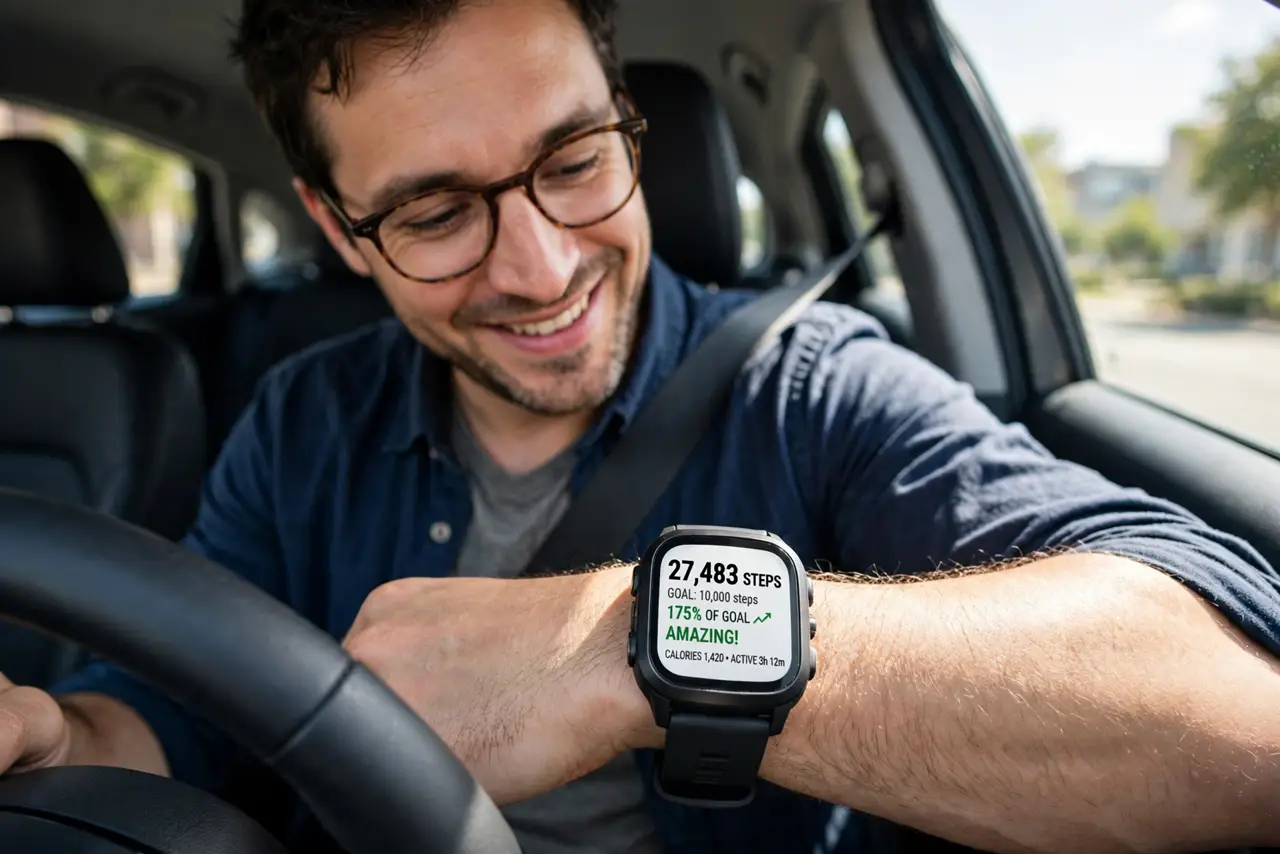
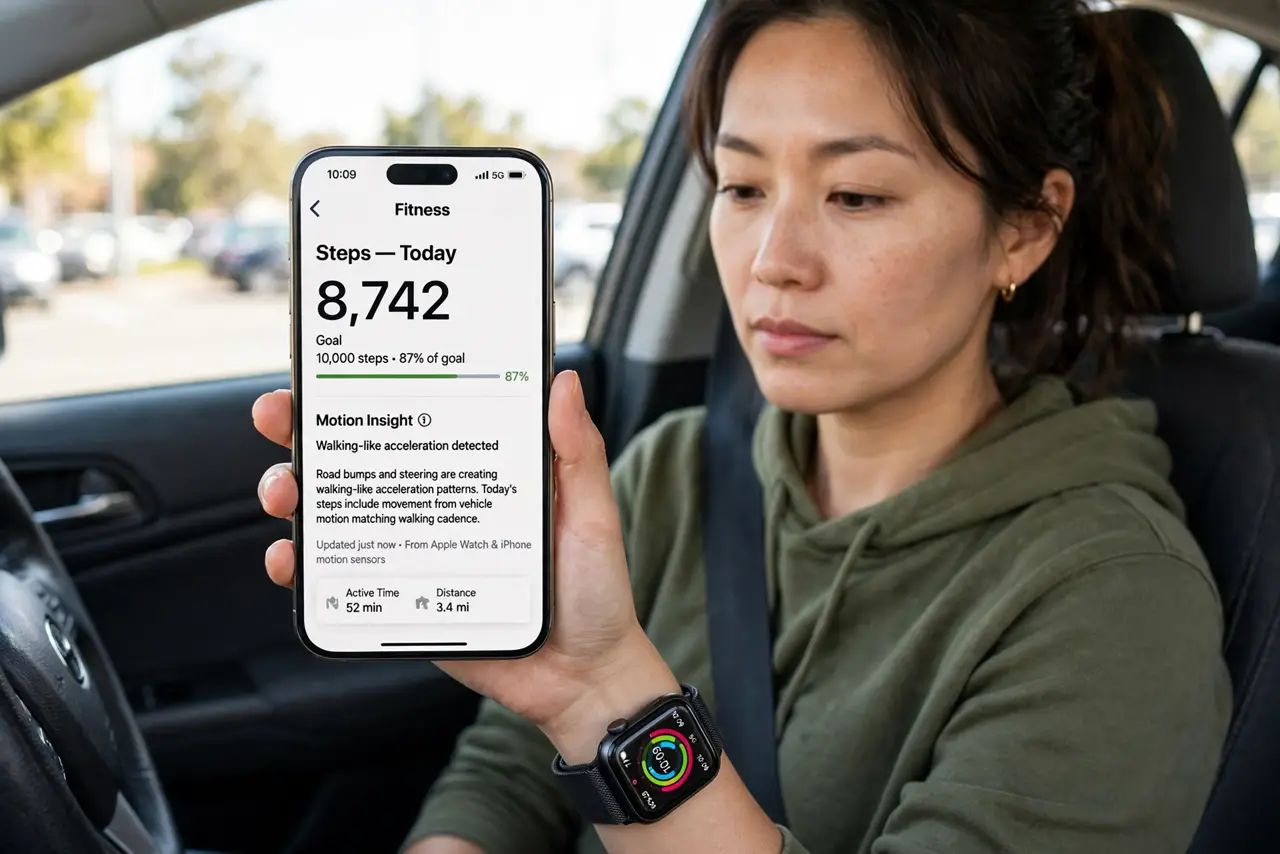
You arrive at work and your tracker proudly reports 2,000 steps — all from the steering wheel. Trackers count rhythmic motion, and a bumpy road plus steering movements fool the algorithm. It is a known limitation, not a broken device, and there are ways to keep your stats honest.
TL;DR / Quick Fix
Quick fix: take the tracker off or switch it to driving or Do Not Disturb mode for the commute. For honest stats, log the drive as an activity in the app so the algorithm learns. A few hundred phantom steps will not ruin your trends — consistency matters more.
Follow these steps
- Understand what the tracker sees. Accelerometers detect rhythmic acceleration patterns. Bumps, turns, and steering create patterns close enough to walking that the algorithm counts them.
- Remove it or enable driving mode. The simplest fix: take the tracker off for the drive, or use the app's driving detection if offered. No wrist motion means no phantom steps.
- Log the drive as an activity. Record the commute as driving in the companion app. Many algorithms use logged activities to discount the motion they contain.
- Wear it snugger while driving. A loose tracker slides and amplifies every bump. Worn snugly, it moves less and the algorithm gets a cleaner — less step-like — signal.
- Check for firmware updates. Manufacturers refine step-detection algorithms regularly. An update can noticeably reduce driving false positives.
- Judge trends, not days. A few hundred phantom steps barely move a weekly average. If your trend is rising honestly, one commute will not corrupt it — unlike a misread heart rate, which affects workout zones.
What NOT to do
- Do not buy a new tracker to fix this. Every wrist tracker has some driving false positives — it is an algorithm limit, not your model's defect.
- Do not shake the tracker to 'test' it. Deliberate shaking just confirms that accelerometers detect motion, which you already knew.
- Do not delete the whole day's data in frustration. Edit out the drive period if the app allows, and keep the real activity.
- Do not wear it on your ankle while driving. Creative placements confuse the algorithm differently and corrupt the stats you actually want.
Frequently asked questions
Why does my Fitbit count steps when I drive?
Road vibration and steering mimic the rhythmic motion of walking closely enough to fool the step-detection algorithm.
How do I stop my tracker counting driving as steps?
Remove it for the drive, use driving detection, or log the commute as a driving activity in the app.
Are phantom steps ruining my fitness data?
Barely. A few hundred extra steps do not change weekly trends — the pattern over weeks is what matters.