Fix PS5 Stick Drift
Your character walks left on its own, the camera spins without input — classic stick drift, where the analog stick reports movement you never made. It is usually dust or wear in the stick mechanism, and there are safe fixes to try before buying a new controller. This guide goes from simplest to last resort.
TL;DR / Quick Fix
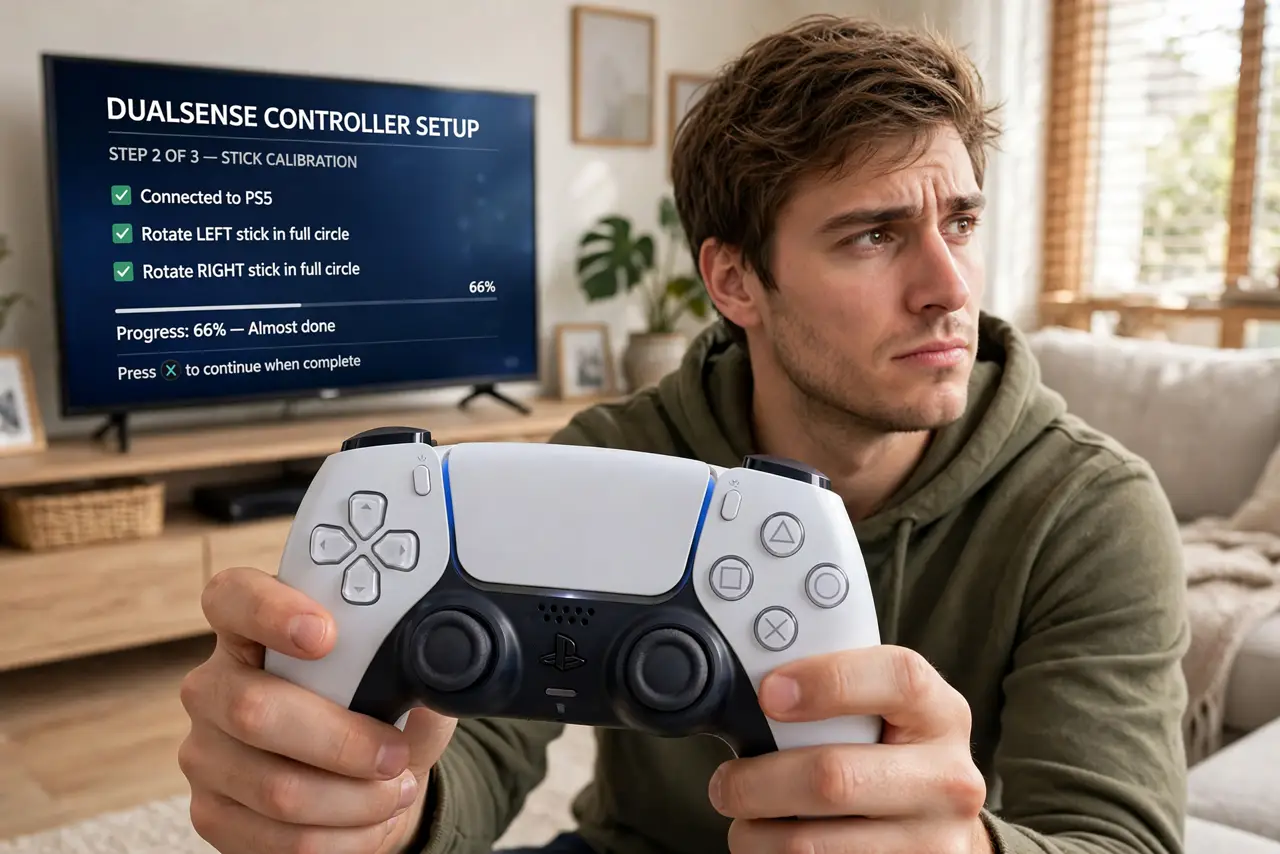
Quick fix: power off the controller, then blow compressed air around the base of the drifting stick while tilting it in circles. Update the controller firmware in PS5 settings and recalibrate the stick. If drift persists after cleaning, the stick module is worn — replacement is the lasting fix.
Follow these steps
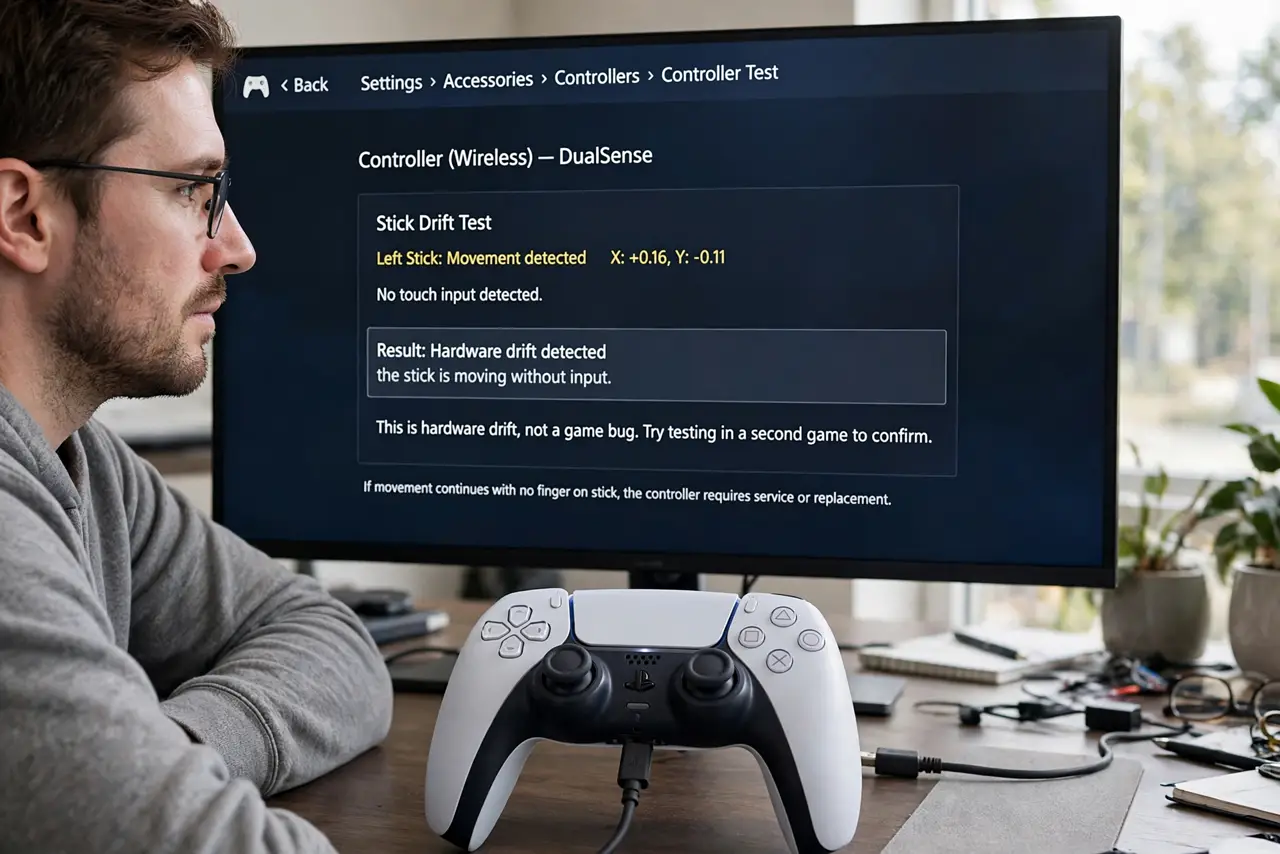
- Confirm it is drift, not the game. Test the controller in the PS5's accessory settings or a second game. If the stick reports movement with no touch in the system tester, it is hardware drift, not a game bug.
- Clean around the stick. Power the controller off. Spray short bursts of compressed air around the stick base while slowly rotating the stick — this dislodges the dust causing most mild drift.
- Update the controller firmware. Connect the controller by USB, then check for a controller update in the PS5's Accessories settings. Firmware updates occasionally fix miscalibrated sticks.
- Recalibrate in settings. Some games and the system let you adjust stick dead zones — increasing the dead zone slightly can mask mild drift without affecting play.
- Reset the controller. Press the small reset button on the back of the controller with a pin for a few seconds, then re-pair it. This clears any glitched calibration.
- Accept when it is worn out. If drift returns days after cleaning, the internal sensor is worn. No cleaning fixes worn parts — a replacement controller (or a professional stick replacement) is the real answer.
What NOT to do
- Do not spray liquids or WD-40 into the stick. Liquids damage the electronics inside — compressed air only.
- Do not open the controller unless you accept the risk. DIY stick replacement voids the warranty and needs soldering skill.
- Do not crank the in-game dead zone to maximum. Huge dead zones mask drift but ruin fine aiming — it is a bandage, not a fix.
- Do not buy a new controller before trying cleaning. A surprising amount of drift is just dust, fixed in two minutes.
Frequently asked questions
What causes stick drift?
Usually dust under the stick or wear on the internal sensor from thousands of hours of use. Both are common; dust is fixable, wear is not.
Will Sony fix drift under warranty?
Controllers are covered for a limited period — check your warranty status. Out-of-warranty controllers are usually replaced, not repaired, by Sony.
Do thumbstick covers prevent drift?
They reduce wear slightly and keep dust out, but they do not make a controller drift-proof.