Fn Keys Do the Opposite? Fix Them on Windows
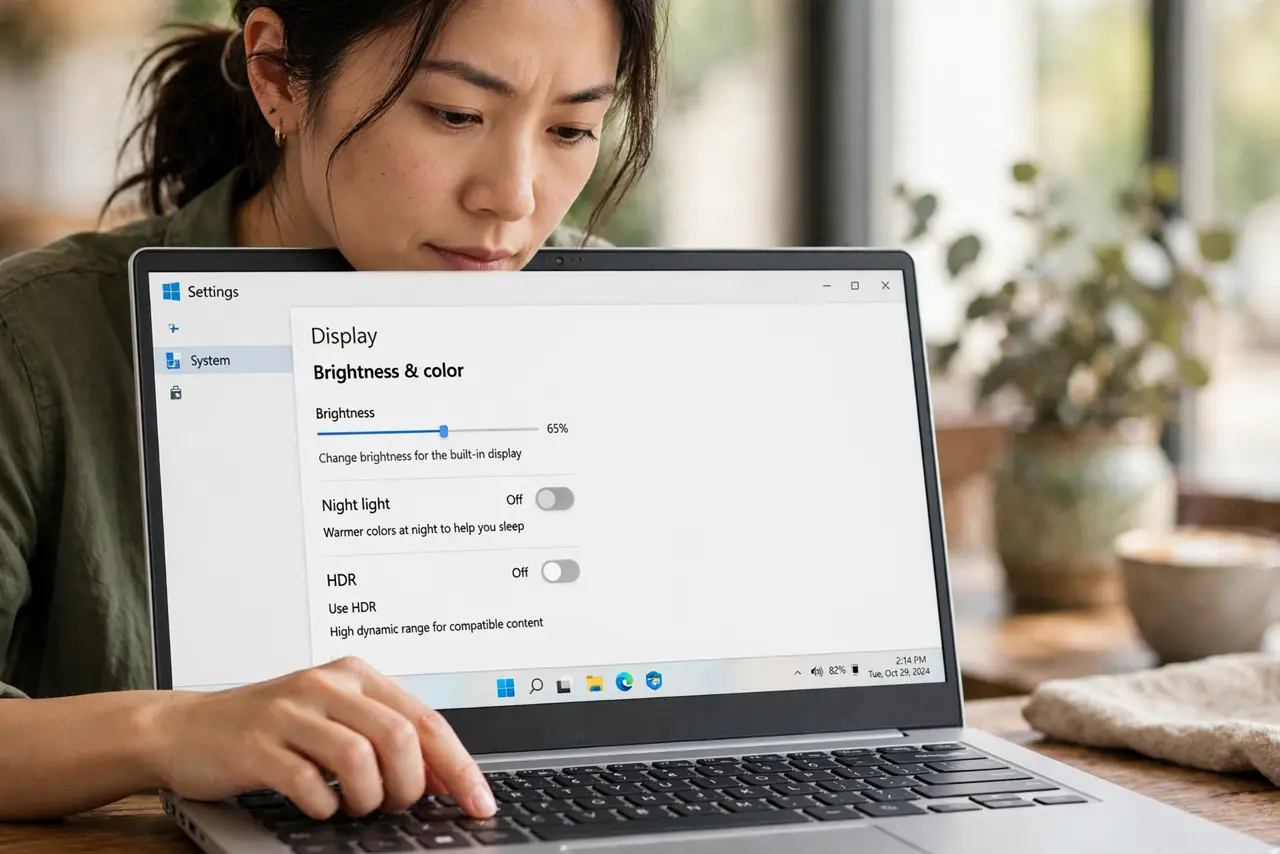
You press a brightness key and get a function key instead, or the reverse. Fn lock flips what the top row does, so the keys are not broken, they are just in the other mode. Flip it back and test.
TL;DR / Quick Fix
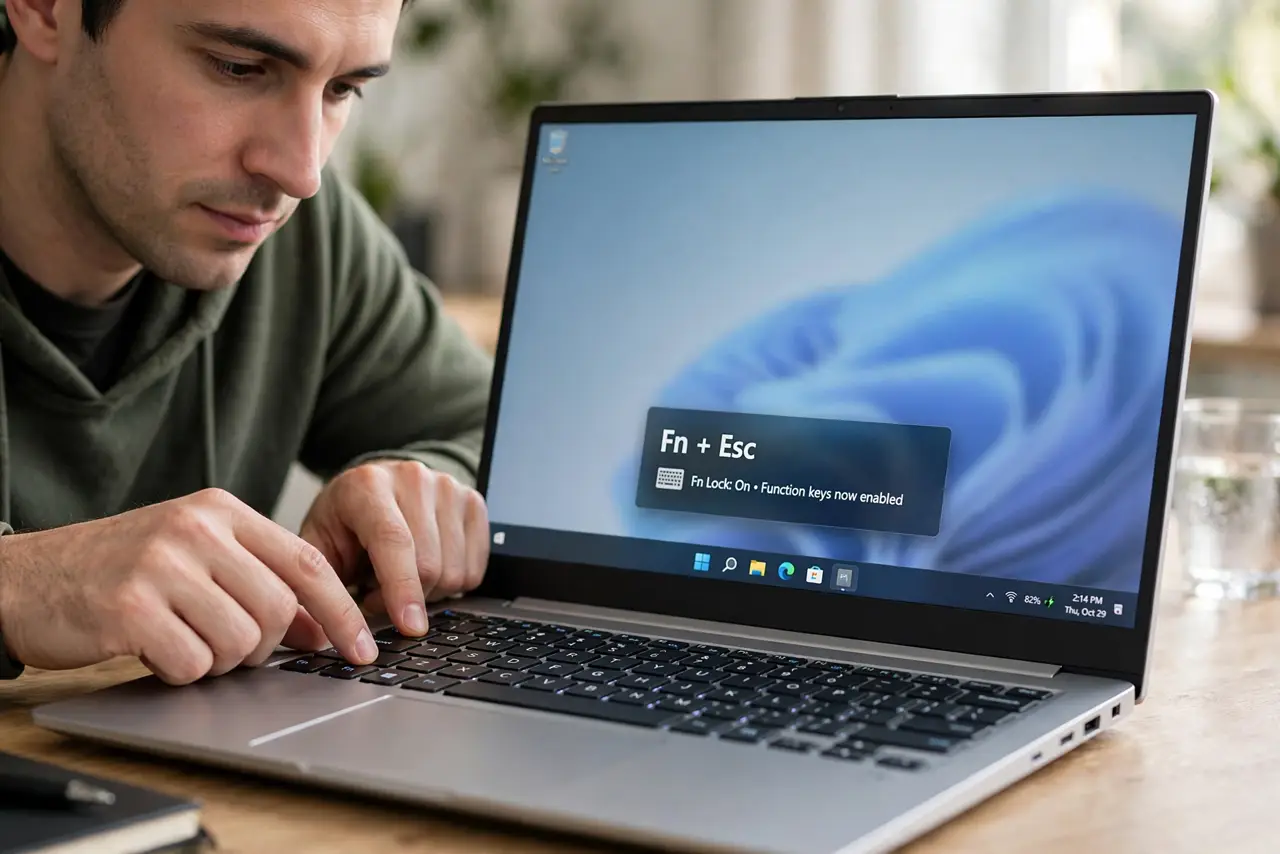
Quick fix: press Fn plus Escape to toggle Fn lock, then try the key again. If it still acts reversed, hold Fn while pressing the key, check the laptop maker setting, and restart to confirm the mode sticks for good afterwards.
Follow these steps
- Toggle Fn lock once. Press Fn plus Escape, which toggles Fn lock on many laptops, then try the key again. One toggle is enough to flip the whole top row back to the mode you expect.
- Try Fn plus the key. Hold Fn and press the key together. If the key now does the right thing, Fn lock was the cause, and you can decide which mode you prefer for daily use.
- Check the Fn lock light. Look for a small light on the Fn key or Escape key. A lit Fn lock indicator confirms the mode, so you can stop guessing and simply toggle it off.
- Check the laptop maker setting. Look in the laptop maker settings app for a function key behavior option. Some laptops let you choose whether the top row acts as function keys or media keys by default.
- Test in a plain app. Open Notepad and try the keys there. If they behave correctly in Notepad but not in one app, that app is overriding the keys, and the laptop setting is fine.
- Restart and retest. Save your work, restart, and try the keys before opening other apps. If the reversed behavior returns after restart, the maker setting is the place to change it permanently.
What NOT to do
- Do not remap keys to work around a flipped Fn lock. Fixing the lock restores every key at once, while remapping hides the cause and confuses later use.
- Do not press Fn lock repeatedly without testing. Each press flips the mode, so rapid presses can land you back where you started.
- Do not assume the keyboard is faulty because one row acts reversed. A uniform reversal across the row is a mode setting, not a set of broken keys.
- Do not change settings in two places at once. Toggle Fn lock first, test, and only then look at the maker app, so you know which change mattered.
Frequently asked questions
What is Fn lock?
It locks the top row of keys into one of two modes: function keys, or media and brightness controls. Toggling it flips the whole row at once.
Why did the keys flip by themselves?
Fn plus Escape is easy to press by accident, and some laptops remember the last mode across restarts, so the change can feel sudden.
Which mode should I use?
Whichever you press more often. If you adjust brightness and volume daily, media mode is handier; if you use function keys in apps, function mode fits better.