Focus Assist Blocks Important Calls? Let Them Through
Important calls go silent while Focus Assist is on, and you only notice them afterwards. A priority list is the intended fix: it lets chosen contacts through while everything else stays quiet. Set the list, then test it.
TL;DR / Quick Fix
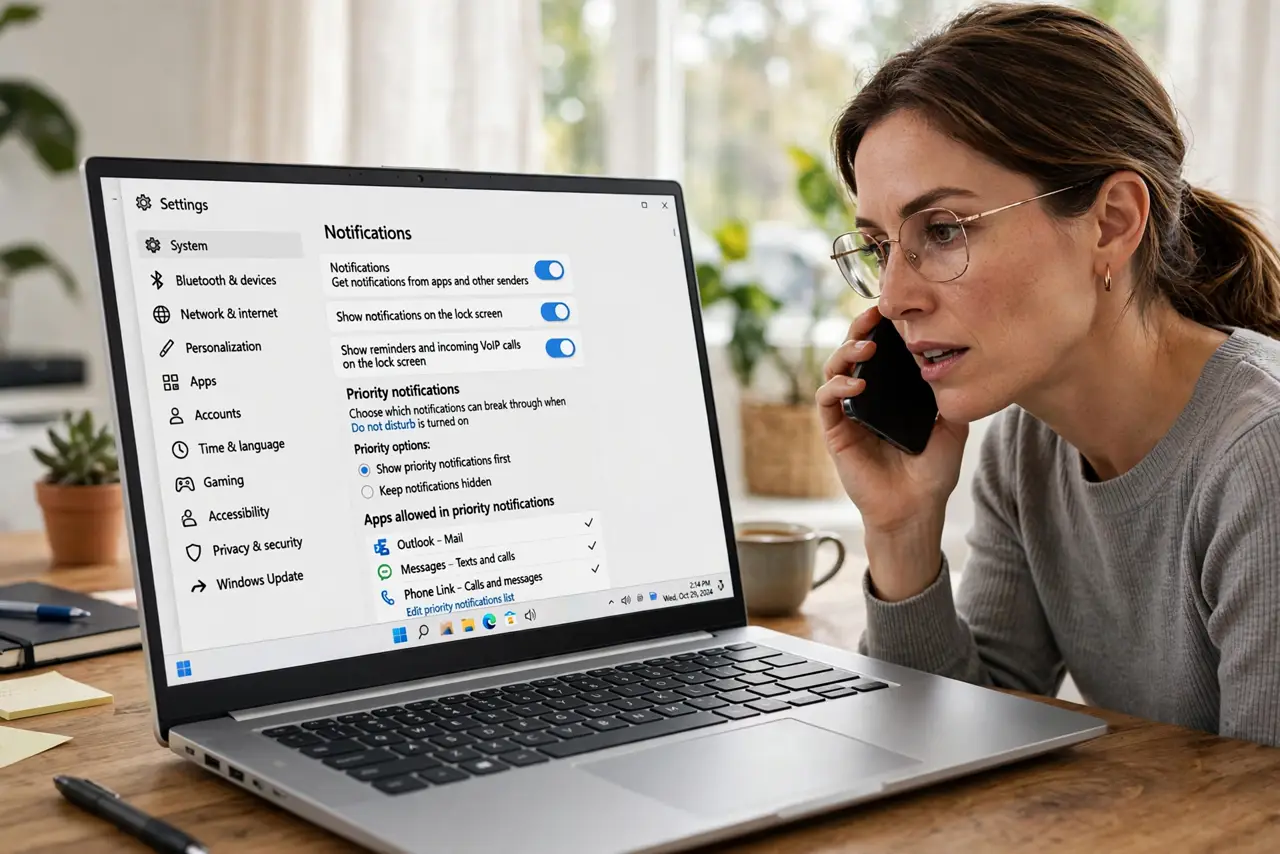
Quick fix: open Settings, then System, then Notifications, and set Do not disturb to allow calls from your priority contacts. Add the people who must reach you, turn off automatic rules you do not need, and test with a call.
Follow these steps
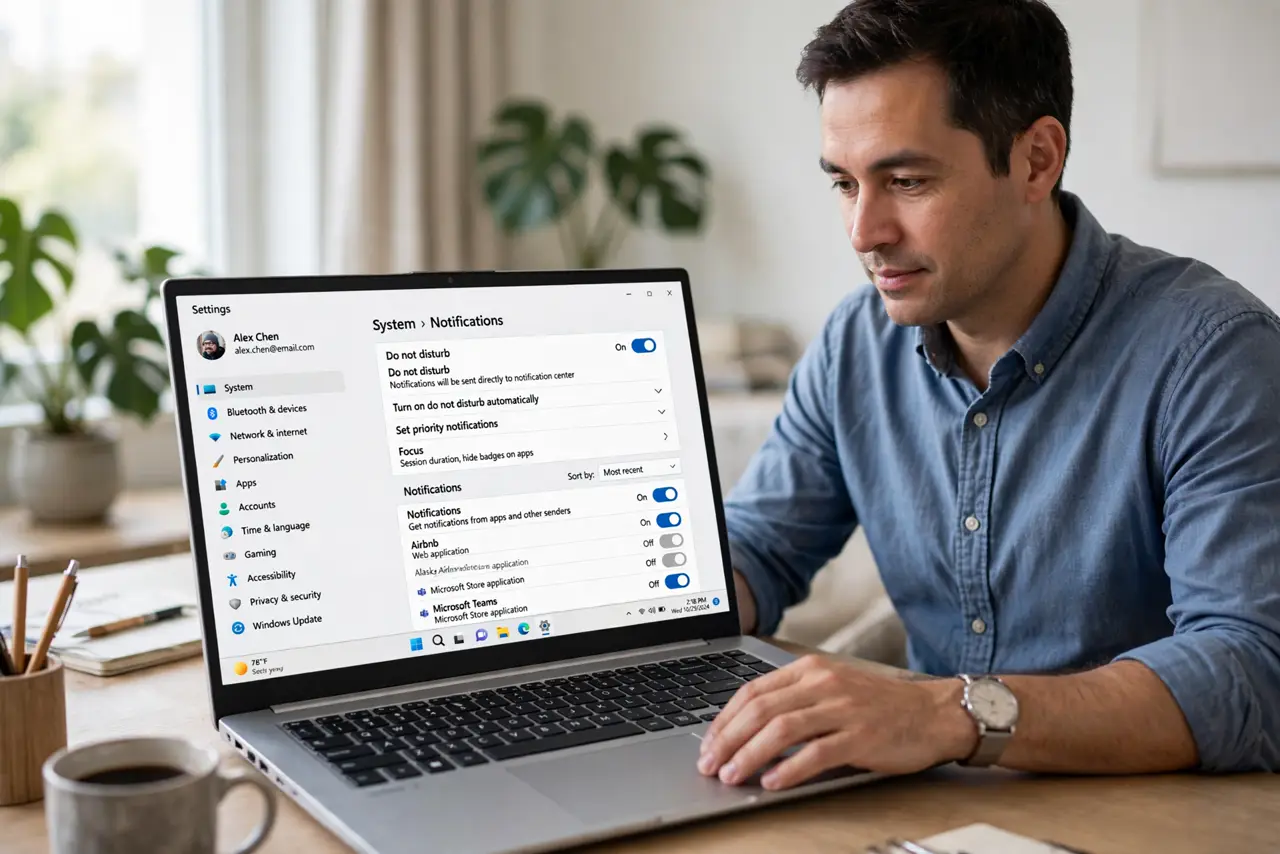
- Open Do not disturb settings. Open Settings, then System, then Notifications, and find the Do not disturb section. This is where Focus behavior and its exceptions live.
- Allow priority contacts. Look for the priority or allowed contacts option and add the people who must always reach you. Without names on that list, every call is treated the same.
- Allow repeat callers if offered. If your settings offer an option for repeat callers, consider turning it on. A second call shortly after a first one can signal urgency even from a contact not on the list.
- Turn off automatic rules you do not need. Review the automatic rules for presenting, gaming, and display duplication, and turn off any you do not use. A rule you forgot can silence calls at the worst moment.
- Check app notification priority. Confirm your calling app itself is allowed to show notifications. A priority contact cannot get through if the calling app is silenced entirely.
- Test with a real call. Ask a priority contact to call you while Do not disturb is on, and confirm the call alerts. A live test beats assuming the list works.
What NOT to do
- Do not turn Do not disturb off entirely to fix missed calls. A priority list keeps quiet time quiet while letting urgent people through.
- Do not add every contact to the priority list. A list with everyone on it is the same as no list, and Focus loses its purpose.
- Do not assume a missed call means Focus failed. Check the notification center first, since silenced calls often leave a record there.
- Do not ignore automatic rules. A rule can re-enable silence on its own schedule, undoing a manual fix you just made.
Frequently asked questions
What is a priority list?
It is a list of contacts and apps allowed to break through Do not disturb. Everyone else stays silenced while the list members alert normally.
Why do calls still go silent with a list?
Either the caller is not on the list, the calling app is silenced, or an automatic rule re-enabled silence after you changed the setting.
Can repeat callers break through?
On many setups, yes, if the repeat-caller option is on. A second call within a short window is treated as urgent.