App Passwords? When You Need One
An old mail app or printer asks for your Gmail password and Google rejects it, even though the password is right. That app cannot do Google's modern sign-in, so it needs a special 16-character app password instead. Here is when you need one and how to make it safely.
TL;DR / Quick Fix
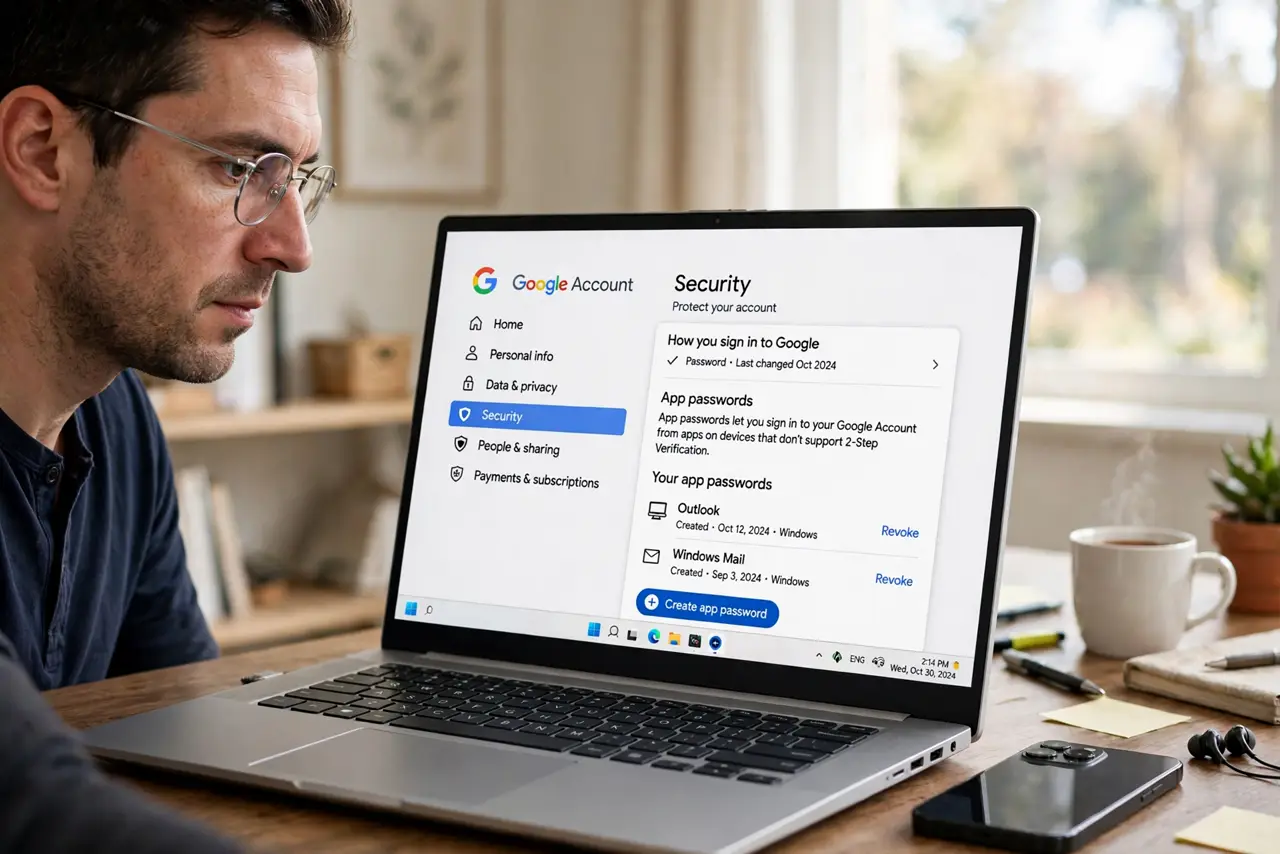
Quick fix: app passwords are 16-character codes for mail apps that cannot do Google's modern sign-in. Turn on two-step verification first, then generate one from Google Account security and paste it instead of your real password. Each app gets its own code, and you can revoke any code anytime.
Follow these steps
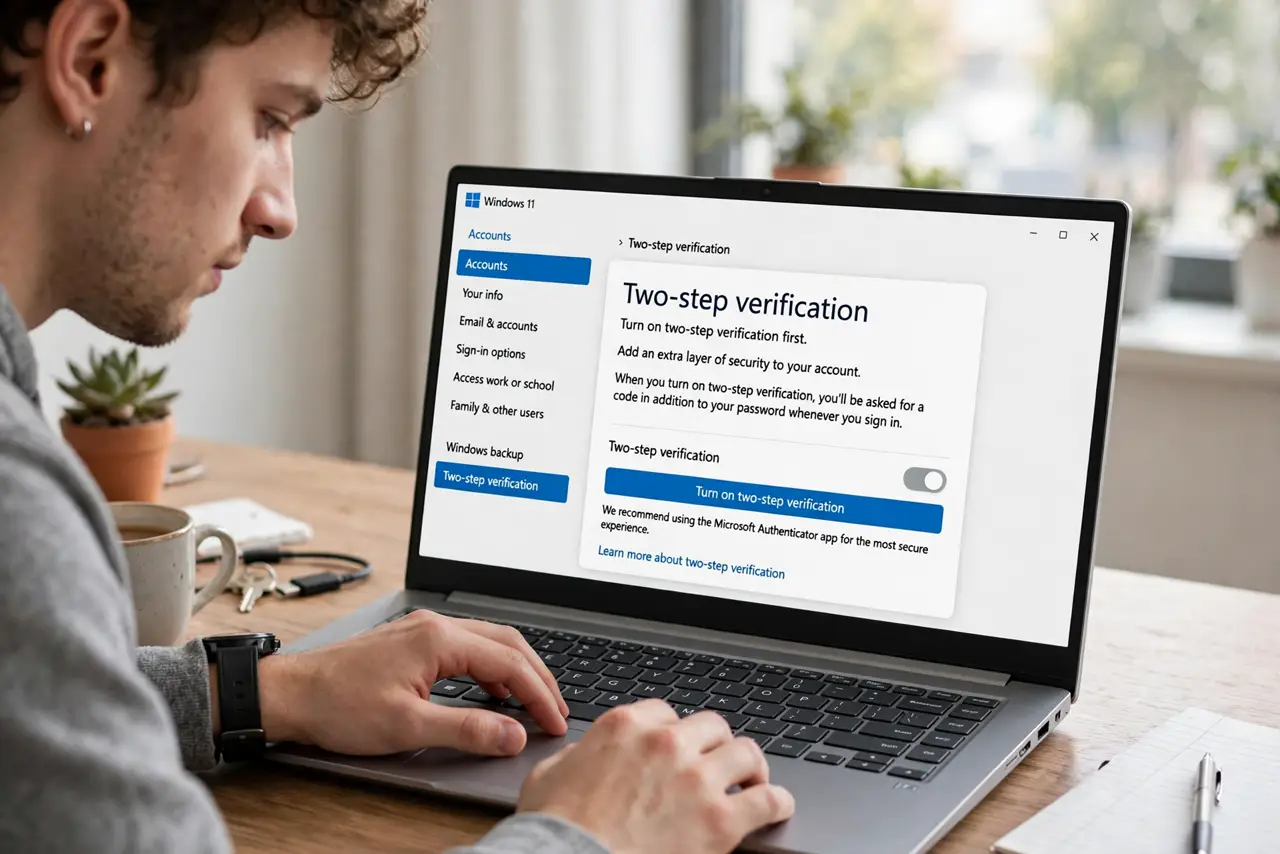
- Turn on two-step verification first. App passwords only exist for accounts with 2-Step Verification enabled. Enable it under Security — you need it anyway.
- Open App passwords. In Security settings, find App passwords. You may need to sign in again.
- Name the app and generate. Pick the app type or enter a custom name like 'Old scanner,' then generate. Google shows a 16-character code once.
- Paste it instead of your password. In the old app's password field, enter the app password — no spaces. It signs in like a normal password from the app's view.
- Give each app its own code. Generate separately per device or app. That way revoking one does not break the others.
- Revoke codes you no longer use. Retired the old phone? Delete its app password. Fewer live codes means a smaller attack surface — and see IMAP setup for which apps actually need this.
What NOT to do
- Do not use your real Google password in old apps. That is exactly the scenario app passwords exist to avoid.
- Do not reuse one app password everywhere. Per-app codes let you revoke surgically.
- Do not screenshot the code and keep it in Photos. Copy it once into the app, then close the window.
- Do not generate app passwords for apps that support Google sign-in. Use the modern sign-in when offered.
Frequently asked questions
Why does Google reject my correct password?
The app uses old-style password login, which Google blocks. An app password is the sanctioned workaround.
Can I see an app password again later?
No — Google shows it once. If you lose it, revoke and generate a fresh one.
Do app passwords expire?
They stay valid until you revoke them. Review the list yearly and clean out dead ones.