What Gmail Confidential Mode Really Does
Gmail's Confidential Mode sounds like encryption, but it is not quite that. It adds expiry dates and blocks forwarding — useful controls, but the email still passes through Google's servers normally. Knowing what it really does keeps you from over-trusting it.
TL;DR / Quick Fix
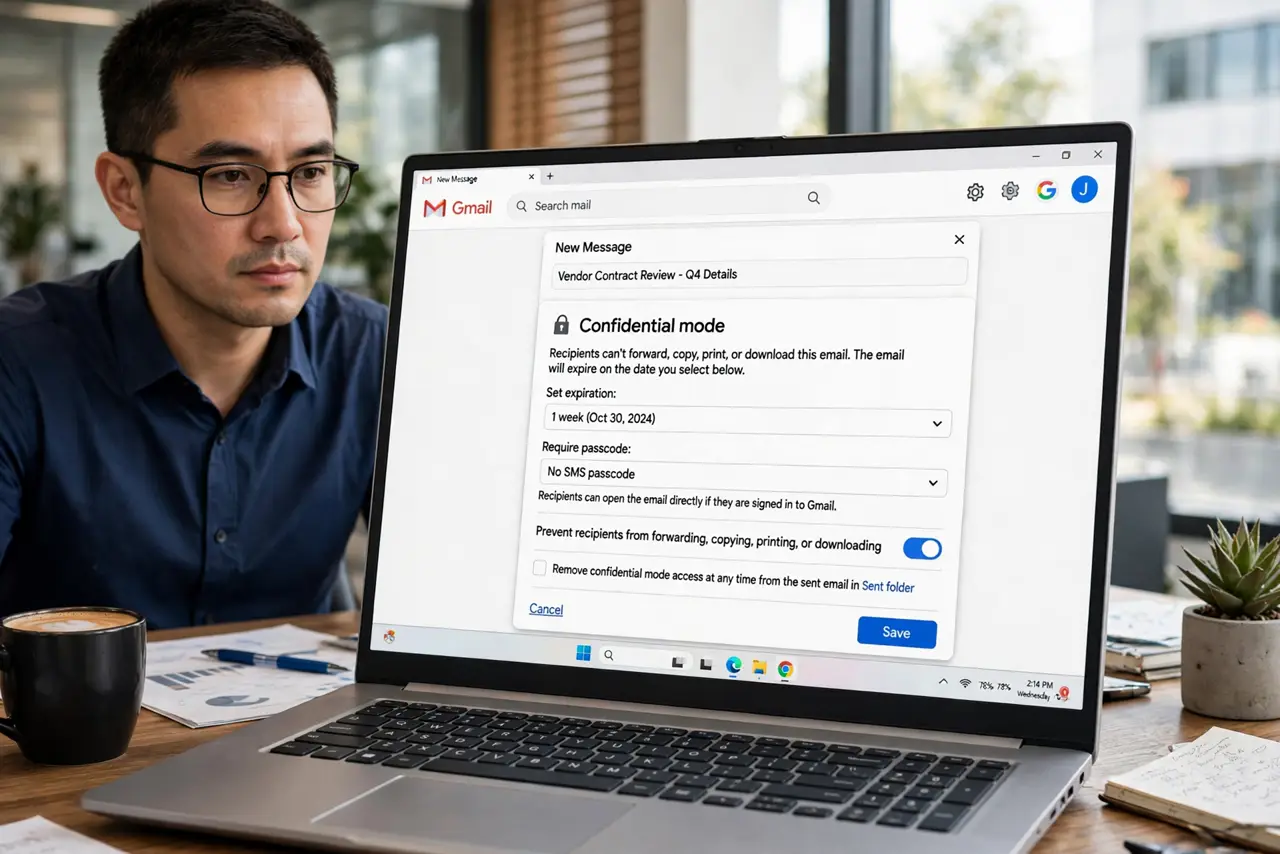
Quick fix: use Confidential Mode for time-sensitive or semi-private mail — set an expiry and optionally an SMS passcode for non-Gmail recipients. Treat it as access control, not encryption: for truly secret content, assume screenshots defeat it and use a safer channel.
Follow these steps
- Learn what it actually controls. Confidential Mode can set an expiry date, revoke access anytime, and disable forwarding, copying, printing, and downloading for the recipient.
- Understand what it does NOT do. It is not end-to-end encryption. Google still processes the email, and recipients can photograph the screen — it deters, not prevents.
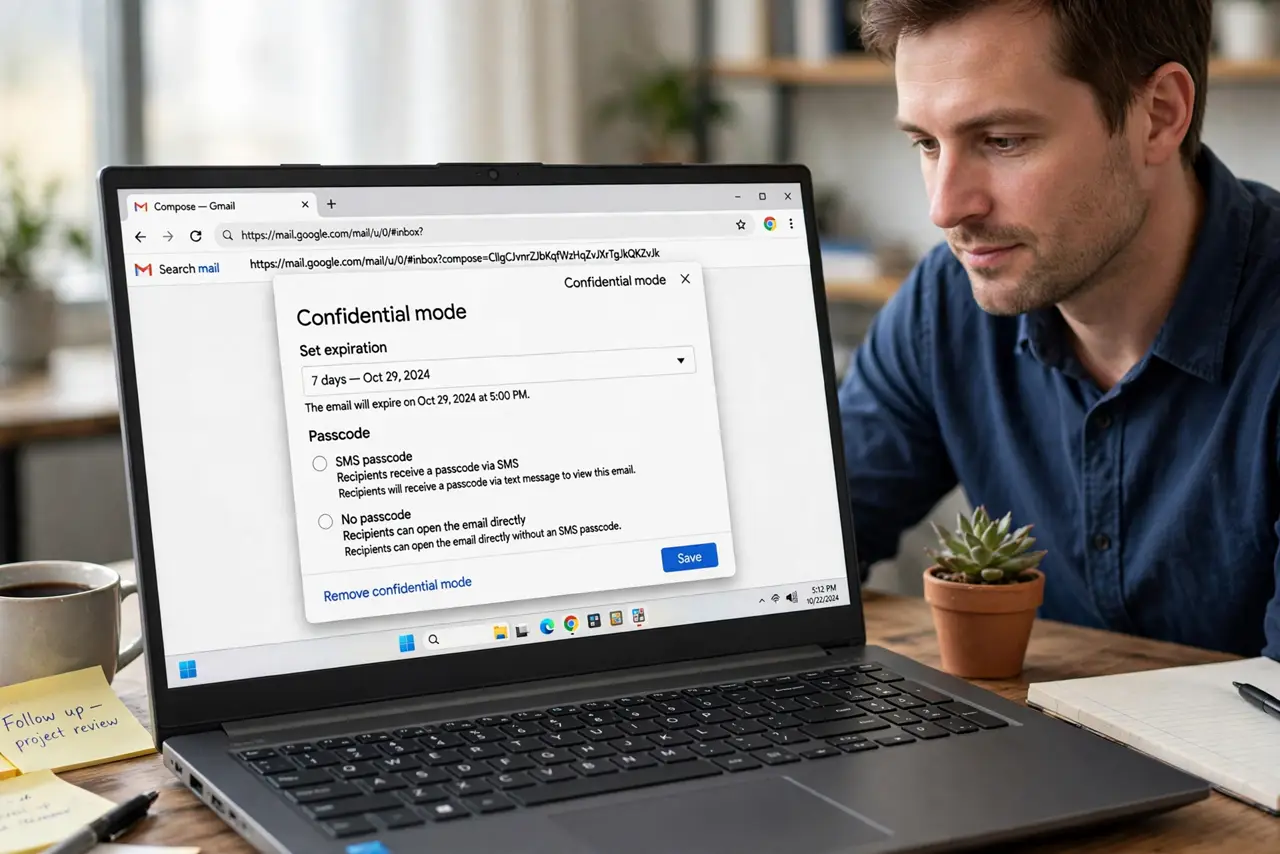
- Set an expiry for sensitive mail. When composing, open Confidential Mode and pick an expiry — a week is plenty for most time-sensitive messages.
- Add an SMS passcode for extra care. For non-Gmail recipients, require a passcode sent by text. It proves the recipient holds the phone number you trust.
- Revoke access if you change your mind. Open the sent email and choose to remove access. The recipient's copy goes dark immediately — a genuinely useful power.
- Use it for the right things. Contracts with deadlines, job offers, personal news — situations where expiry and no-forwarding add real value.
What NOT to do
- Do not treat it as real encryption. Anyone can screenshot the message, and Google still scans it like normal mail — adjust your trust accordingly.
- Do not use it for passwords or credentials. Expiring access does not make email a safe channel for secrets; use a password manager's sharing instead.
- Do not assume the recipient cannot copy it. Blocking copy-paste stops casual copying, not a determined recipient with a camera.
- Do not enable it on every email. Overuse trains recipients to ignore it, and it can break legitimate forwarding people actually need.
Frequently asked questions
Is Gmail Confidential Mode encrypted?
Not end-to-end. It controls access and expiry, but the message still travels through Google's systems like normal email.
Can the recipient still screenshot it?
Yes. Nothing stops a screenshot or photo of the screen — treat it as a deterrent, not a guarantee.
Does it work with non-Gmail addresses?
Yes. Non-Gmail recipients open the message through a secure link, optionally guarded by an SMS passcode.