Make a Calendar Event From Email
The email says 'dinner Friday at 7' and you know you will forget it by Thursday. Gmail can turn emails into Google Calendar events in two clicks — with the email linked inside the event so the address and details travel along. Here are the three ways to do it, fastest first.
TL;DR / Quick Fix
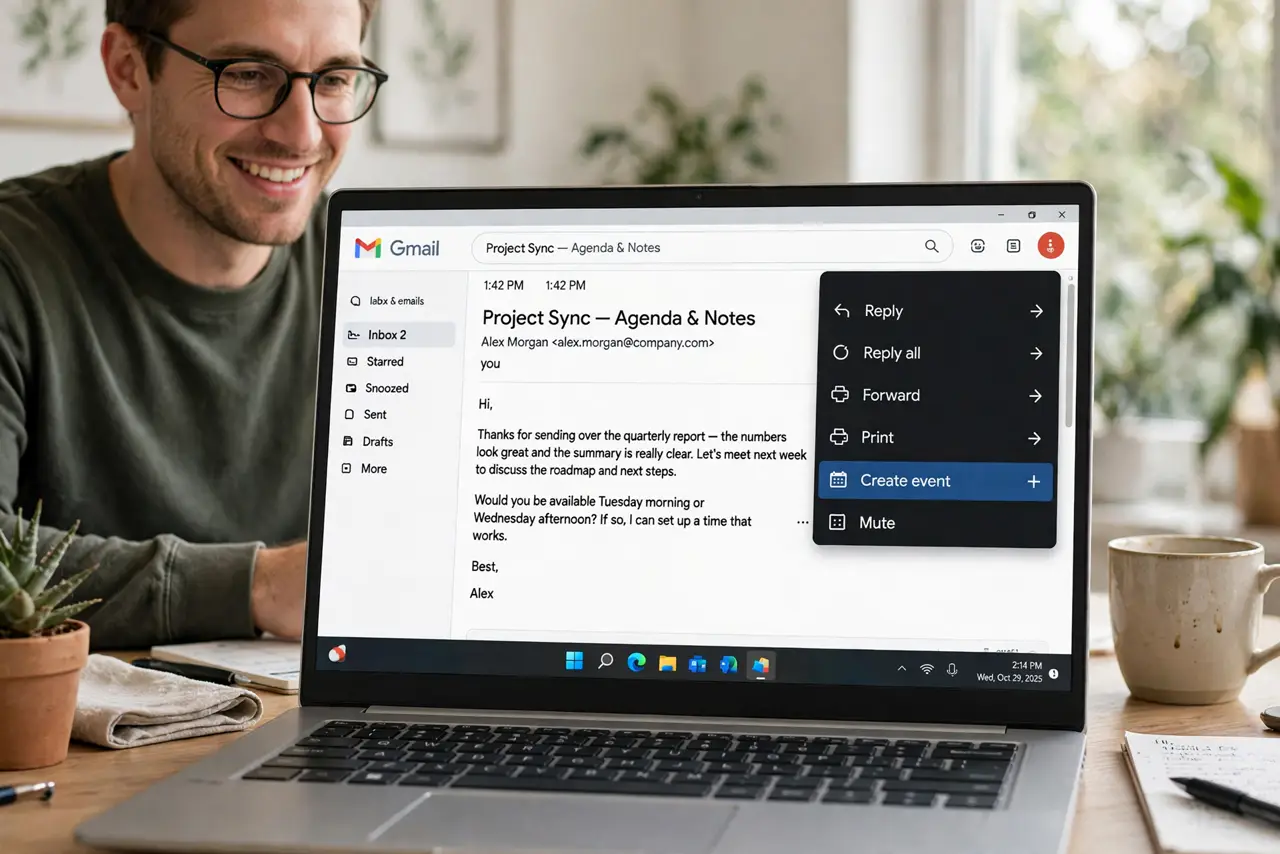
Quick fix: open the email, click the three-dot menu, and choose Create event — Gmail makes a calendar event with the email's title and a link back to the message. Adjust the date and time, add a reminder, and save. The event keeps the email attached for reference.
Follow these steps
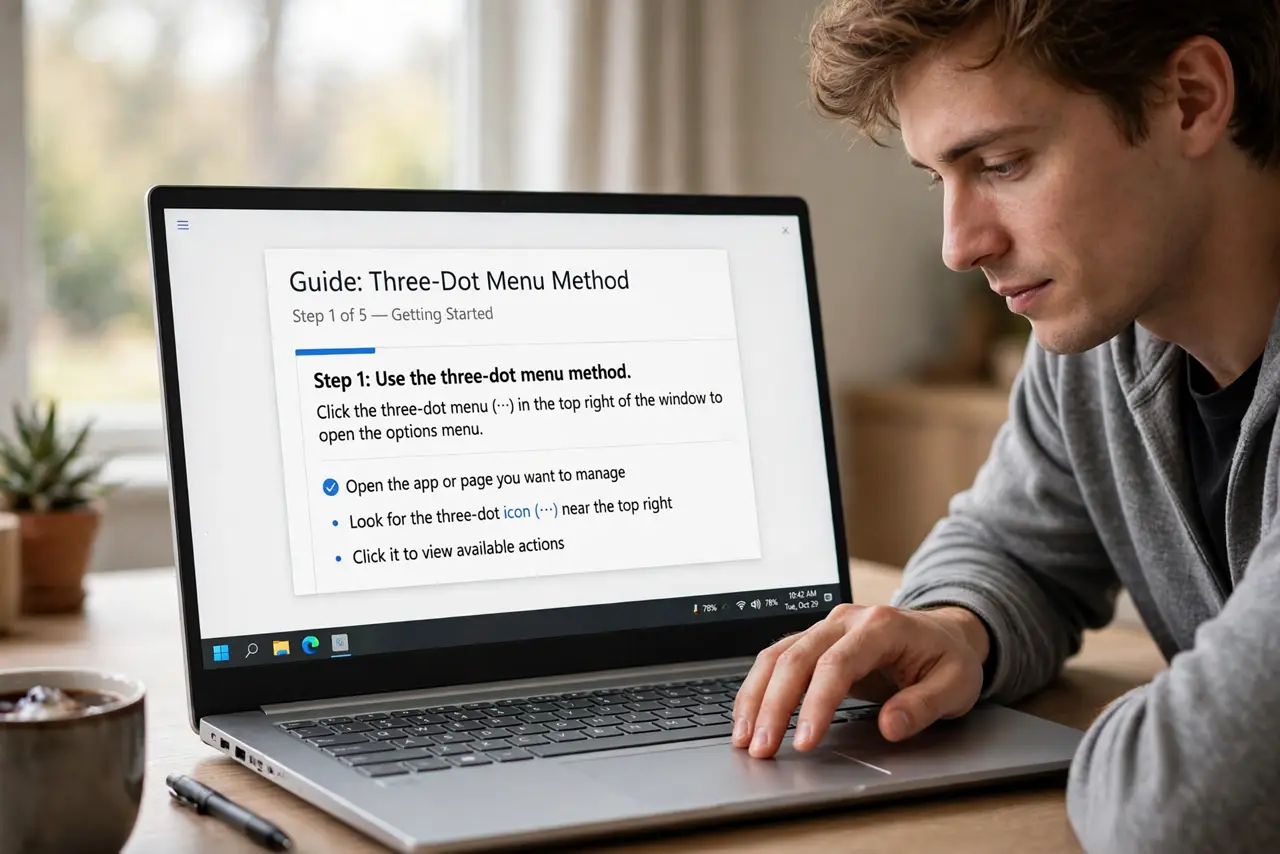
- Use the three-dot menu method. Open the email, click More (three dots), Create event. A calendar event opens pre-filled with the email subject and a link to the message.
- Try the keyboard shortcut path. With the email open, the same menu is reachable entirely by keyboard — fast once it becomes habit for processing booking emails.
- Let Gmail auto-create from bookings. Flight and hotel confirmations often become calendar events automatically. Check Calendar settings to confirm this is on — it saves the manual step.
- Fix the date and time. Gmail guesses from the email text and guesses wrong cheerfully. Always verify the event's date, time, and timezone before saving.
- Add the email's details to the description. Copy the address, confirmation number, or agenda into the event description. Future-you, standing in a parking lot, will be grateful.
- Set a reminder, not just an event. An event without a reminder is a surprise. Add a notification — a day before for travel, an hour before for dinners.
What NOT to do
- Do not trust Gmail's guessed date blindly. 'Friday' in a Monday email and 'Friday' in a Thursday email mean different things — verify.
- Do not create events from every email. Calendar clutter is worse than no calendar — reserve it for real commitments.
- Do not forget the timezone for travel emails. A 3 p.m. flight in another timezone needs the event set in that timezone.
- Do not delete the email after creating the event. The linked email is your backup detail — archive it, don't trash it.
Frequently asked questions
Where does the event go?
Your default Google Calendar. Change the calendar in the event editor if you keep separate work and personal calendars.
Can I do this on the Gmail phone app?
Yes — open the email, tap the three dots, Create event. It works the same and syncs to your calendar instantly.
Why didn't my flight auto-appear?
Auto-creation needs the booking confirmation in Gmail and the Calendar setting enabled. Forwarded or PDF-only confirmations often miss it — create those manually.