Inactive Accounts Get Deleted? Policy
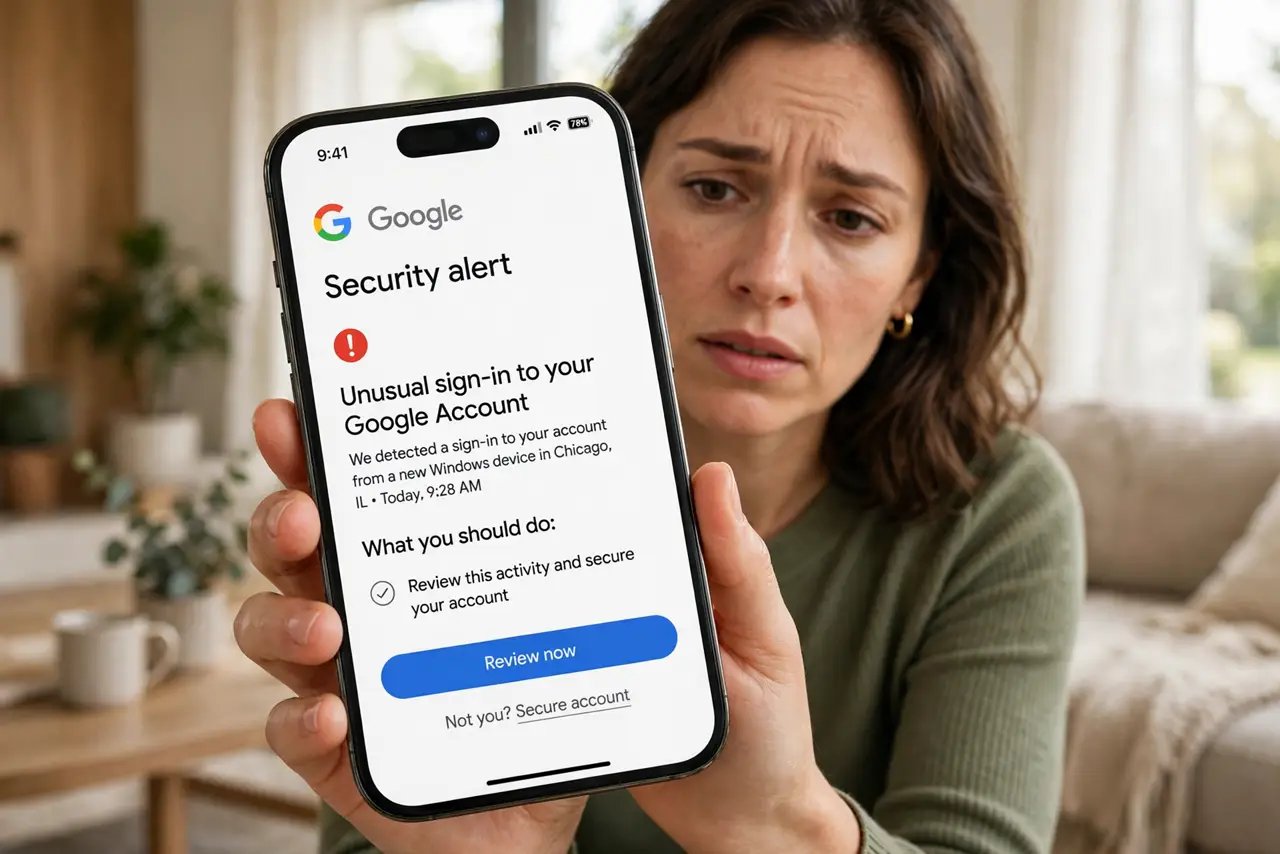
An old Gmail you never open could have its data wiped under Google's inactivity policy — two years without a sign-in puts the account's content at risk. Google sends warnings first, but only to addresses it knows. Here is the rule and the simple habit that beats it.
TL;DR / Quick Fix
Quick fix: Google deletes data from accounts inactive for two years, but only after warning emails. Log in once every few months to reset the clock. Add a recovery email so the warnings reach you, and back up mail first if the account holds anything you would miss.
Follow these steps
- Know the two-year rule. Google may delete data from accounts inactive for two years. Activity means signing in or using any Google service while logged in.
- Check your old accounts now. List every Google account you own and sign in to each. Note which ones you actually still need.
- Log in every few months. A single sign-in resets the clock. Add a recurring calendar reminder so the habit survives forgetfulness.
- Add a recovery email. Warnings go to your recovery addresses — a recovery email you actually check is what makes the warnings useful.
- Back up what matters. For accounts you barely use but cannot lose, run a Takeout export now, while access is easy.
- Close accounts you do not need. An account with nothing in it needs no protection. Delete it deliberately instead of letting policy do it messily.
What NOT to do
- Do not assume 'inactive' means 'never opened.' Any sign-in or service use counts — the bar is low, but it exists.
- Do not rely on warnings alone. They go to recovery contacts; if those are stale, you hear nothing.
- Do not confuse this with immediate deletion. The policy targets long-idle accounts, not accounts you skipped for a month.
- Do not keep zombie accounts 'just in case' without logging in. Decide: maintain, back up, or delete.
Frequently asked questions
Does opening one email count as activity?
Using any Google service while signed in counts as activity — the bar is a sign-in or meaningful use, not one specific action.
Will Google warn me before deleting?
Yes — Google says it sends notifications to the account and its recovery email before removing data for inactivity.
What exactly gets deleted?
The account's data — Gmail, Drive, Photos content — under the inactivity policy. The details are in Google's policy page; back up first regardless.