Mute Conversations in Gmail
You are CC'd on a 47-reply thread about a project you left three months ago, and every reply yanks it back into your inbox. Mute is Gmail's 'leave me alone' button: it archives the thread and keeps all future replies archived too. The conversation continues without you — blissfully, silently.
TL;DR / Quick Fix
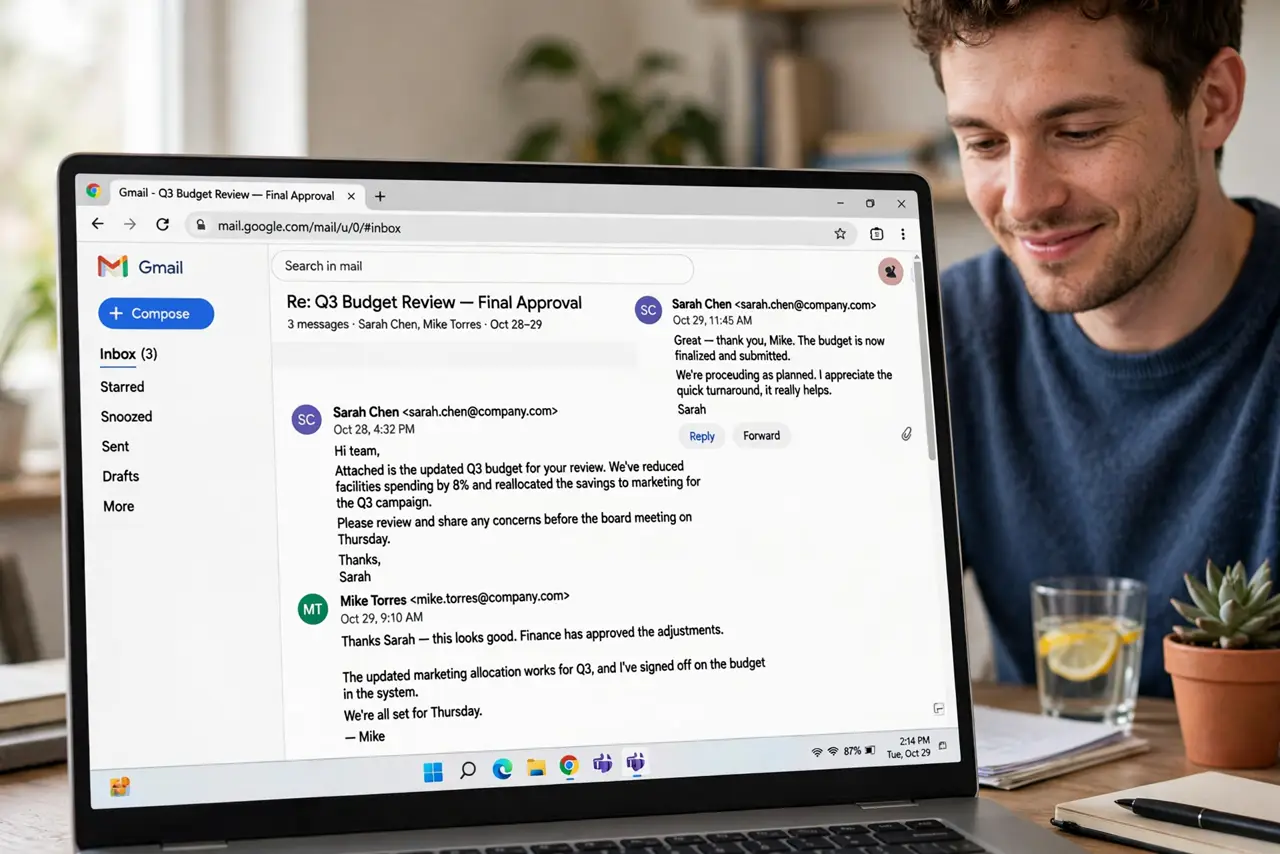
Quick fix: open the noisy thread, click the three-dot menu, and choose Mute — the thread archives and all future replies skip your inbox automatically. Nothing is deleted; find it anytime with a search. Unmute from the same menu if you ever need back in.
Follow these steps
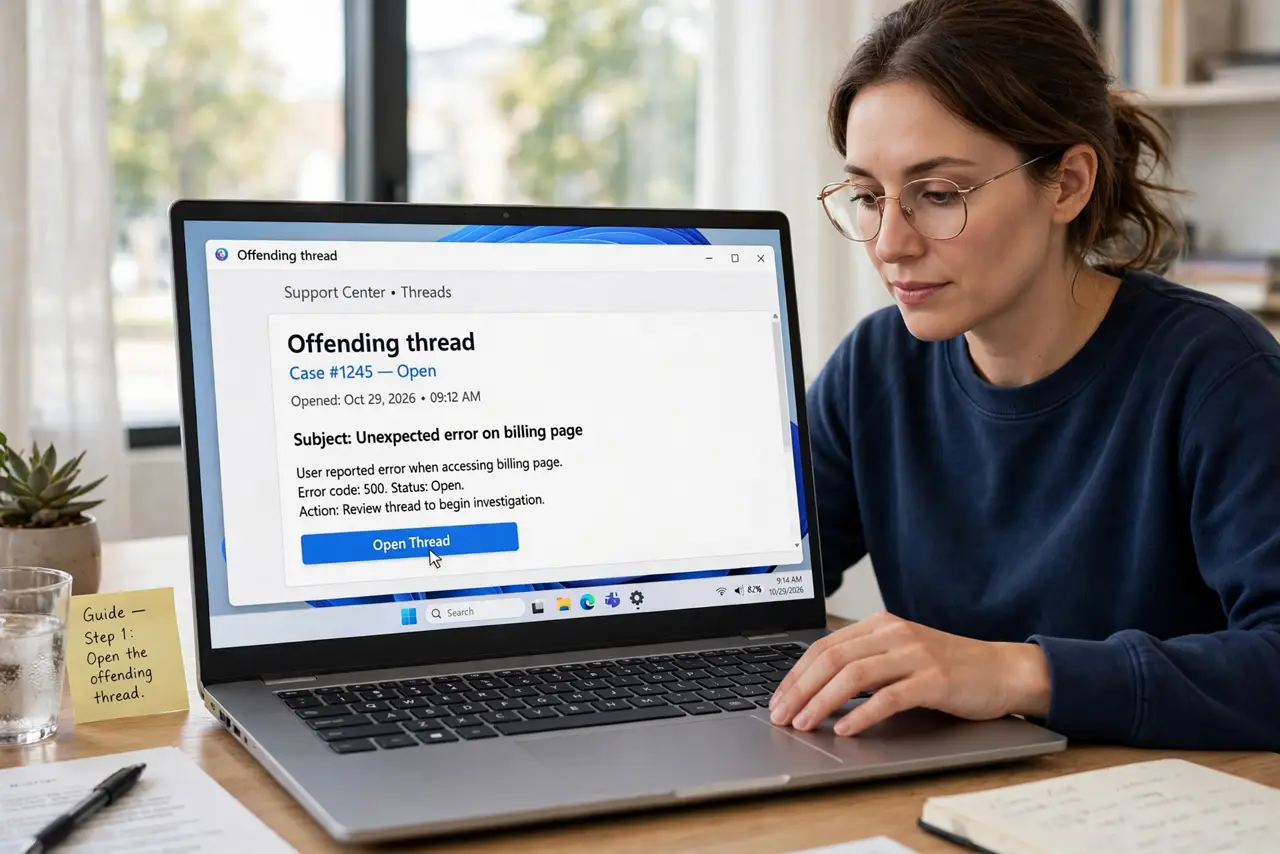
- Open the offending thread. Mute works on the whole conversation, not single messages. Open any message in the thread — the action applies to all of it.
- Click the three-dot menu, then Mute. In the toolbar above the message, the 'More' menu holds Mute. One click — the thread vanishes from your inbox immediately.
- Understand what Mute actually does. It archives the thread AND auto-archives future replies. The conversation continues for everyone else; you just stop hearing about it.
- Know nothing is deleted. Muted threads live in All Mail, fully searchable. Mute is silence, not destruction — unlike Delete, nothing expires.
- Unmute when circumstances change. Back on the project? Open the thread via search, same three-dot menu, Unmute — future replies return to your inbox.
- Mute proactively, not just reactively. CC'd on a thread going nowhere? Mute it at reply three, not reply forty-seven. Early muting is inbox hygiene.
What NOT to do
- Do not mute threads where you are the decision-maker. Silence is bliss until someone needed your answer yesterday.
- Do not confuse Mute with Block or Spam. Mute only affects that thread; it does not block the sender or mark anything as spam.
- Do not mute and forget critical threads. If the thread might contain your action items, extract them before muting.
- Do not use Mute for newsletters. Unsubscribe instead — muting a newsletter just hides mail you should never receive at all.
Frequently asked questions
Will the sender know I muted the thread?
No — muting is completely private. Nobody is notified; the thread simply stops appearing in your inbox.
Does Mute work on the Gmail phone app?
Yes — open the thread, tap the three dots, Mute. It syncs instantly across all your devices.
What's the difference between Mute and Archive?
Archive files the thread away once; new replies bring it back. Mute files it away and keeps future replies filed too.