Write Faster with Smart Compose
You type 'I hope this email finds you...' for the hundredth time, letter by letter. Gmail's Smart Compose predicts your sentences as you type — hit Tab to accept a suggestion and keep moving. It learns your phrasing over time, and for routine emails it quietly cuts your typing in half.
TL;DR / Quick Fix
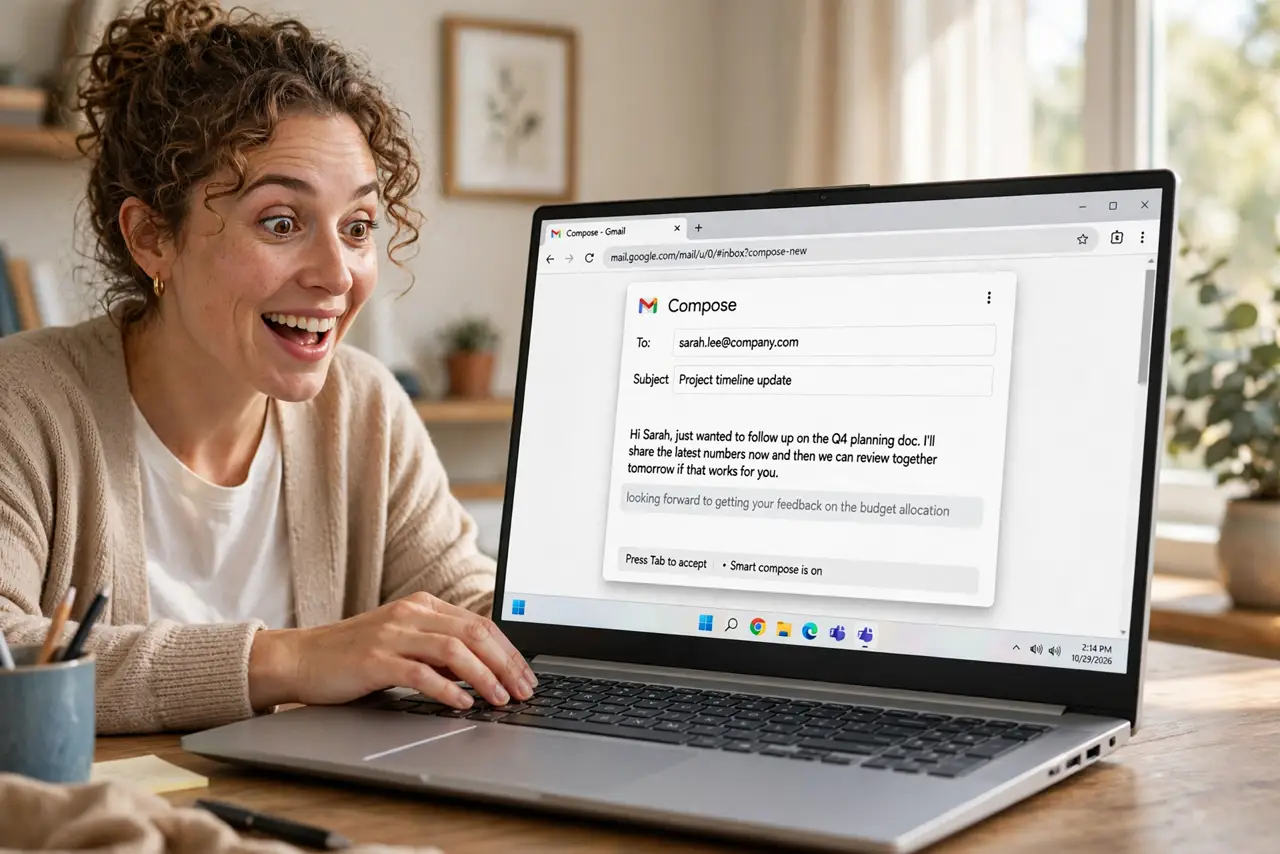
Quick fix: in Gmail settings, under General, turn on Smart Compose and Smart Compose personalization. Start typing an email and press Tab to accept the gray suggestion. It shines on routine phrases — greetings, scheduling, sign-offs. Review before sending; you are still the author.
Follow these steps
- Turn it on. Open Gmail settings, go to General, and enable Smart Compose plus Smart Compose personalization. The personalization toggle lets it learn your own phrasing — without it, suggestions stay generic.
- Type normally and watch. Compose an email as usual. Gray text appears ahead of your cursor predicting the rest of the sentence. This is the feature working — you do not need to do anything special to trigger it.
- Press Tab to accept. When the suggestion matches what you meant, hit Tab and keep typing. If it is wrong, just keep typing and it vanishes. Tab for yes, typing for no — the whole interaction is one key.
- Let it learn your voice. With personalization on, suggestions start mirroring your own phrases after a few dozen emails. The more routine mail you write, the better it gets — it is trained on you, not on everyone.
- Use it for the boring parts. Greetings, scheduling lines, thank-yous, sign-offs — the repetitive scaffolding of email. Save your brain for the two sentences that actually matter and let Tab handle the rest.
- Always review before sending. Suggestions are predictions, not promises. Read the composed email once before sending — especially names, dates, and numbers, which Smart Compose happily guesses wrong.

What NOT to do
- Do not accept suggestions blindly. Tab is fast, which makes wrong names and dates slip through — the review pass is mandatory.
- Do not expect it on sensitive mail. Turn personalization off if you write confidential content you do not want modeled.
- Do not fight it when it is wrong. Just keep typing; the suggestion disappears. Wrestling with predictions wastes the time they save.
- Do not use it as a writer. It completes routine phrases brilliantly and original thoughts badly — you supply the ideas.
Frequently asked questions
Does Smart Compose read my emails?
It processes your writing to make suggestions — that is how personalization works. If that bothers you, leave personalization off and keep the generic version.
Why am I not seeing suggestions?
It is off in settings, or you are typing something too unusual to predict. It appears most on common phrases and routine structure.
Does it work in the Gmail app?
Yes, on both Android and iPhone — swipe the suggestion to accept it on mobile instead of pressing Tab.