Google's 'Results About You'? Use It
Google will now tell you when your phone number, address, or email shows up in search results — and let you request removal. The 'Results about you' tool is free and takes minutes to set up. Here is where to find it, what it can and cannot remove, and the follow-up step that actually finishes the job.
TL;DR / Quick Fix
Google's free 'Results about you' tool watches for your phone, address, and email in search results and lets you request removal. Set it up with the details you want monitored and review matches monthly. Removal hides results from Google only — ask the source site to delete the page too.
Follow these steps
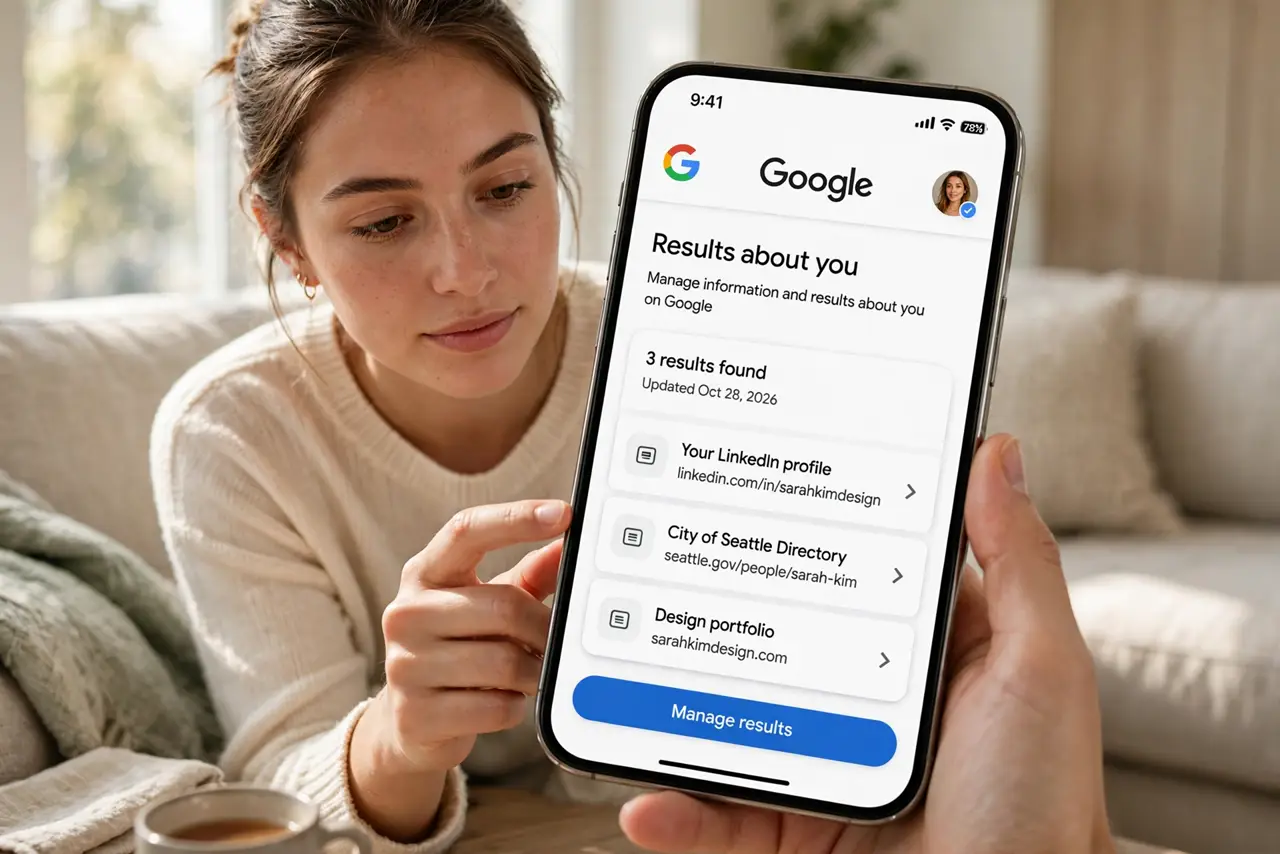
- Find the tool. In the Google app tap your profile picture and look for 'Results about you,' or search the web for the tool's official page and sign in.
- Enter the details to monitor. Add name variants, phone numbers, addresses, and emails you want watched. Each person needs their own setup.
- Review matches and request removal. Google removes pages exposing personal contact info, ID images, and login credentials. News and public records generally stay.
- Follow up with the source site. Google hides the result; the page itself still exists. Contact the site — often a data broker — and request deletion there too.
- Turn on alerts and check monthly. New pages appear as sites re-publish data. A monthly glance keeps the list clean.
- Do not enter other people's details. Only monitor your own information, or details of someone who asked you to help.
What NOT to do
- Do not expect removal of public records or news articles. The tool covers personal contact info, not everything with your name on it.
- Do not stop at Google. Other search engines have their own removal processes — check the big ones too.
- Do not assume one removal is permanent. Re-crawls and re-published pages happen; the alerts exist for exactly this.
- Do not confuse hiding with deleting. Until the source page is gone, the data is still on the web.
Frequently asked questions
What can Google actually remove?
Personal contact info like phone numbers and addresses, bank and login details, and images of ID documents. Public records, news, and professional listings stay.
How long do removal requests take?
Days to weeks is typical. You get a notification when Google decides.
Does removal delete the page?
No — it only removes it from Google results. The page remains live until the site owner deletes it.