GPU Sagging? Fix It
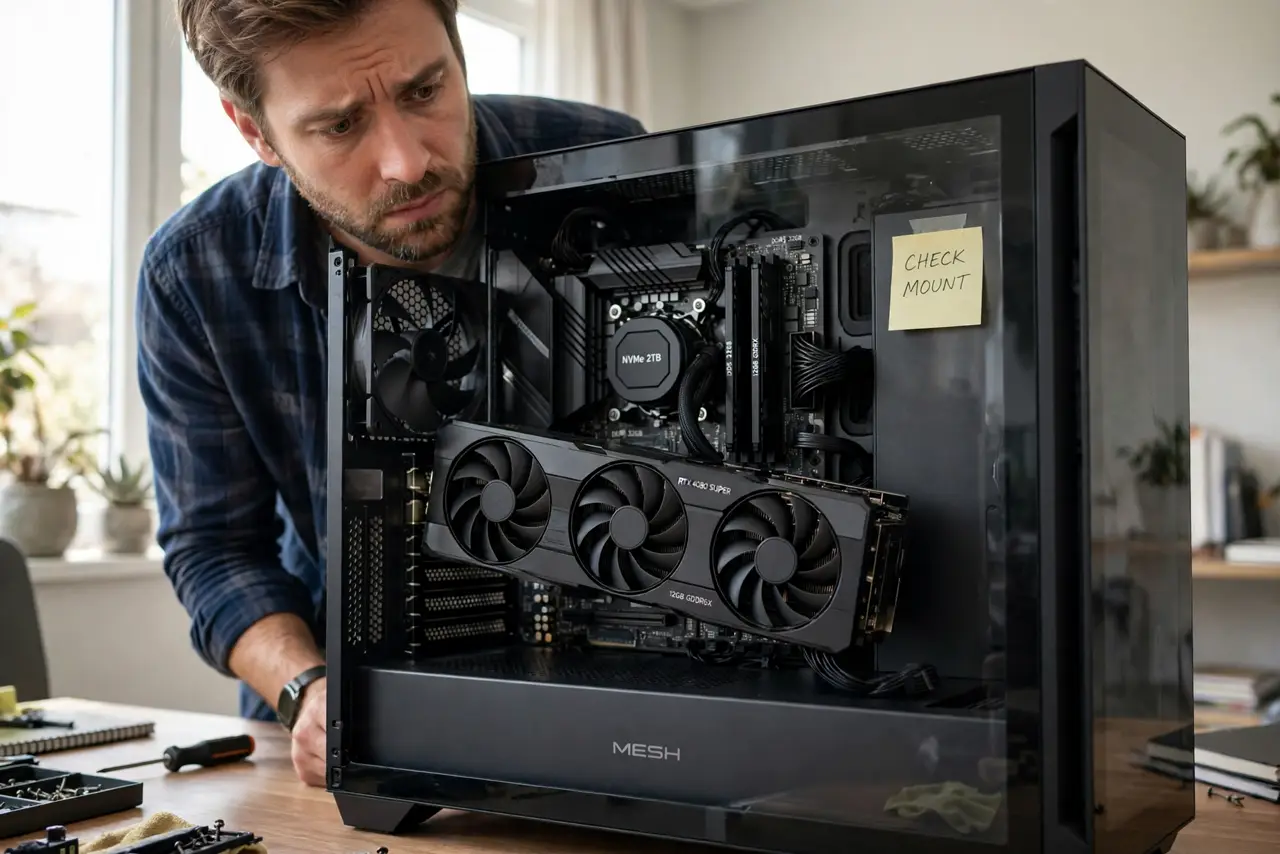
Your graphics card droops at the far end like a diving board — GPU sag, the slow bend of a heavy card in its slot. It looks alarming and, over years, can stress the PCIe slot. The fixes range from a five-dollar bracket to a free small stand. Here is what actually works.
TL;DR / Quick Fix
Quick fix: support the card's far end — a GPU support bracket, a small stand, or even a carefully placed non-conductive object stops the droop. Tighten the case bracket screws first; loose screws cause half of all sag. Fix it early — years of sag stress the slot.
Follow these steps
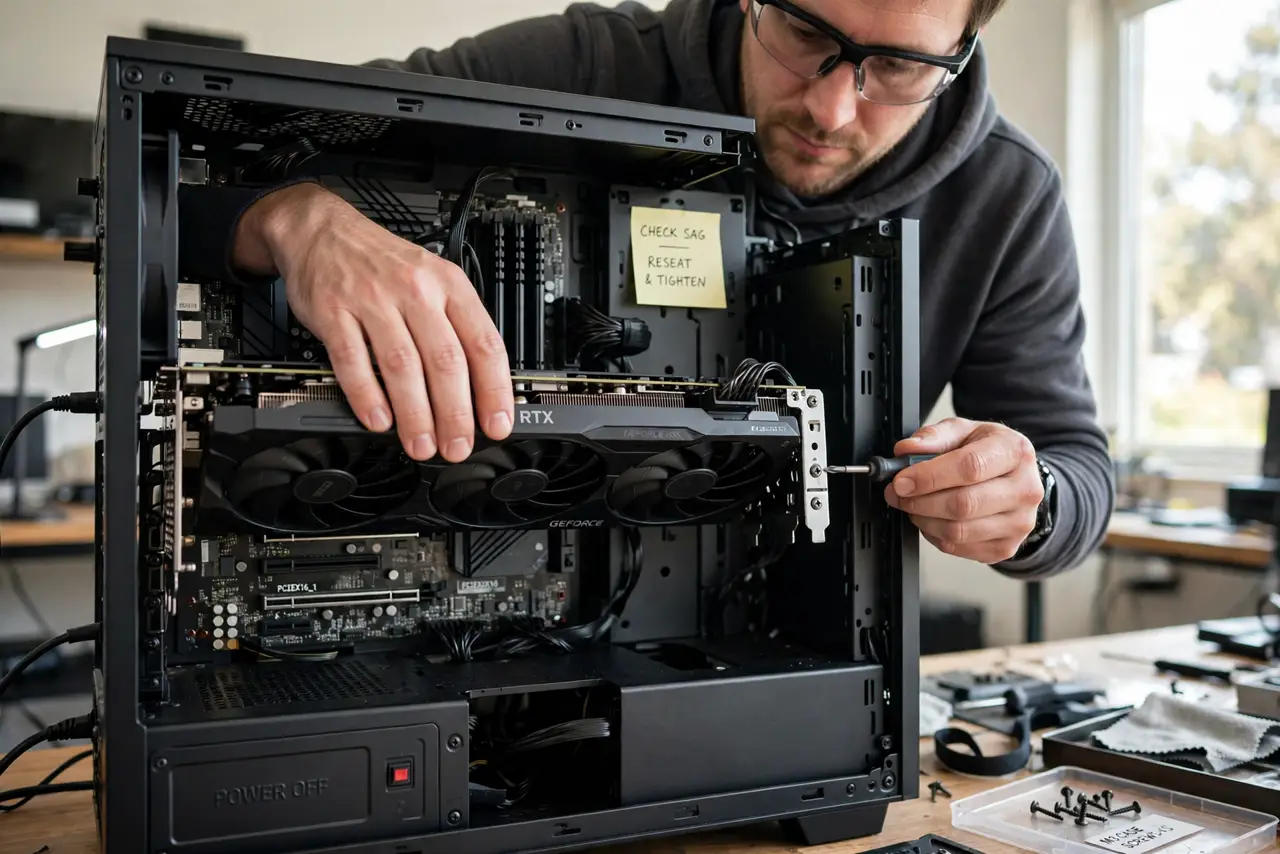
- Confirm it is sag, not a loose card. Power off, press the card firmly into the slot, and tighten the case bracket screws. If the droop vanishes, it was mounting — not weight.
- Tighten everything first. Bracket screws, slot latch, case screws. Loose mounting hardware causes a surprising share of visible sag.
- Add a support bracket. Purpose-made GPU brackets screw to the case or stand on the PSU shroud, holding the far end level. Cheap, effective, the standard fix.
- Use a stand as an alternative. Small adjustable stands sit on the case floor under the card's end. Less elegant than a bracket, equally effective.
- Consider vertical mounting. A vertical GPU mount eliminates sag by orientation — the card hangs from its bracket instead of levering the slot. Check case compatibility.
- Check the slot after years of sag. Long-term sag can wear the PCIe slot's contacts. If the card artifacts after years of drooping, reseat it and support it properly.
What NOT to do
- Do not ignore severe sag. A card hanging at a visible angle stresses the slot and the card's own PCB over time.
- Do not use a conductive support. Metal touching the card's back can short components — stick to plastic, wood, or purpose-made brackets.
- Do not overtighten the bracket against the card. Support means holding level, not jacking upward — pressure bends things the other way.
- Do not blame the motherboard. Sag is physics — heavy cooler, long card, single slot latch. Support is the fix, not a new board.
Frequently asked questions
Is GPU sag dangerous?
Mild sag is cosmetic. Severe, long-term sag can stress the PCIe slot and the card's PCB — worth fixing, not worth panicking over.
Do all big GPUs sag?
Most triple-fan cards sag a little without support. It is normal physics, which is why brackets exist.
Will a backplate prevent sag?
It stiffens the card but does not support its weight. Backplates help slightly; a bracket solves it.