A Graphics Card Fan Noisy at Idle
A graphics card should be nearly silent when you are just browsing — so a fan roaring at idle means something is off. Usually it is heat, dust, or a fan curve set too aggressively, and each has a straightforward check.
TL;DR / Quick Fix
Quick fix: check the GPU temperature at idle with a monitoring tool — it should be low. Clean dust from the card's fans, check that the case has airflow, and look at the fan curve before assuming the card is failing.
Follow these steps
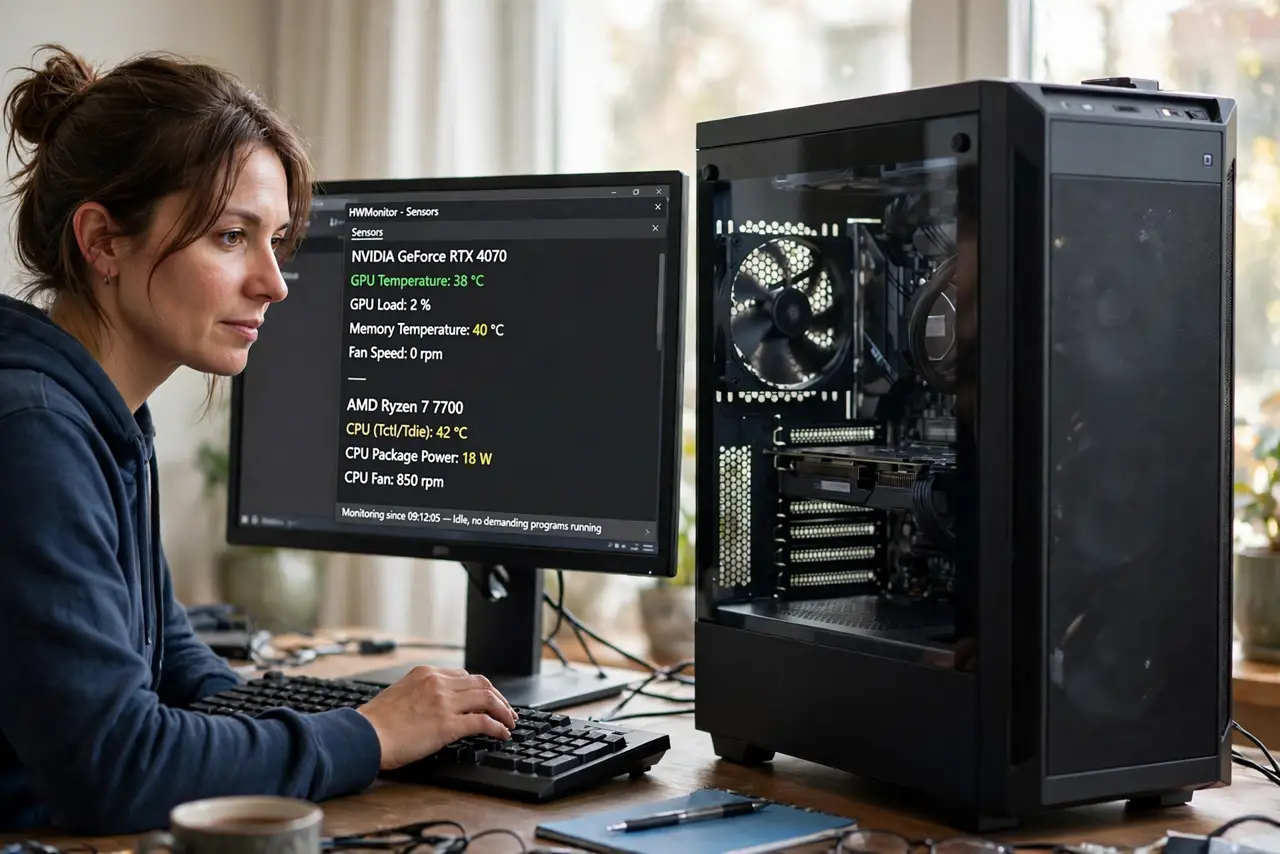
- Check idle temperatures first. Open a hardware monitor and read the GPU temperature with nothing demanding running. High idle temps explain loud fans; normal temps point to a fan-curve or bearing issue instead.
- Clean the card's fans and heatsink. Power off, open the case, and clear dust from the card's fans and fins with gentle air. Dust is the most common reason a quiet card gets loud.
- Confirm case airflow is sane. A card cannot stay cool in a case with no fresh air — see the case airflow guide. Check that intake and exhaust fans run and that cables do not block the card's airflow.
- Look at the fan curve. Open the GPU maker's software and check the fan curve. An aggressive curve spins fans fast at low temps; a gentler curve or a zero-RPM idle mode may already be available.
- Listen for bearing noise specifically. A grinding or clicking fan at low speed suggests a worn bearing, not heat. Bearing noise persists even when temps are fine and means the fan itself needs attention.
- Compare with the desktop fan behavior. If every fan in the case runs hard — the desktop fan pattern — the issue is system-wide heat or control. If only the GPU fan screams, the problem is local to the card.
What NOT to do
- Do not repaste the GPU as a first step. Cleaning and fan curves fix most idle noise without opening the card.
- Do not set fans to zero and ignore temperatures. Silence is nice, but sustained high temps shorten the card's life.
- Do not spray liquid cleaners into the fans. Use dry air and a soft brush; liquids and spinning fans are a bad combination.
- Do not assume a loud card is dying. Noise at idle is usually dust, airflow, or settings — real hardware failure is further down the list.
Frequently asked questions
Why is my GPU fan loud when I'm doing nothing?
Usually dust, poor case airflow, or an aggressive fan curve keeps it spinning hard at low load.
What idle temperature is normal?
Roughly 30 to 50 degrees Celsius depending on the card and case. Well above that at idle deserves investigation.
Should the fans stop completely at idle?
Many modern cards do, with zero-RPM modes. If yours supports it and temps stay sane, enjoy the silence.