Set Up a Green Screen
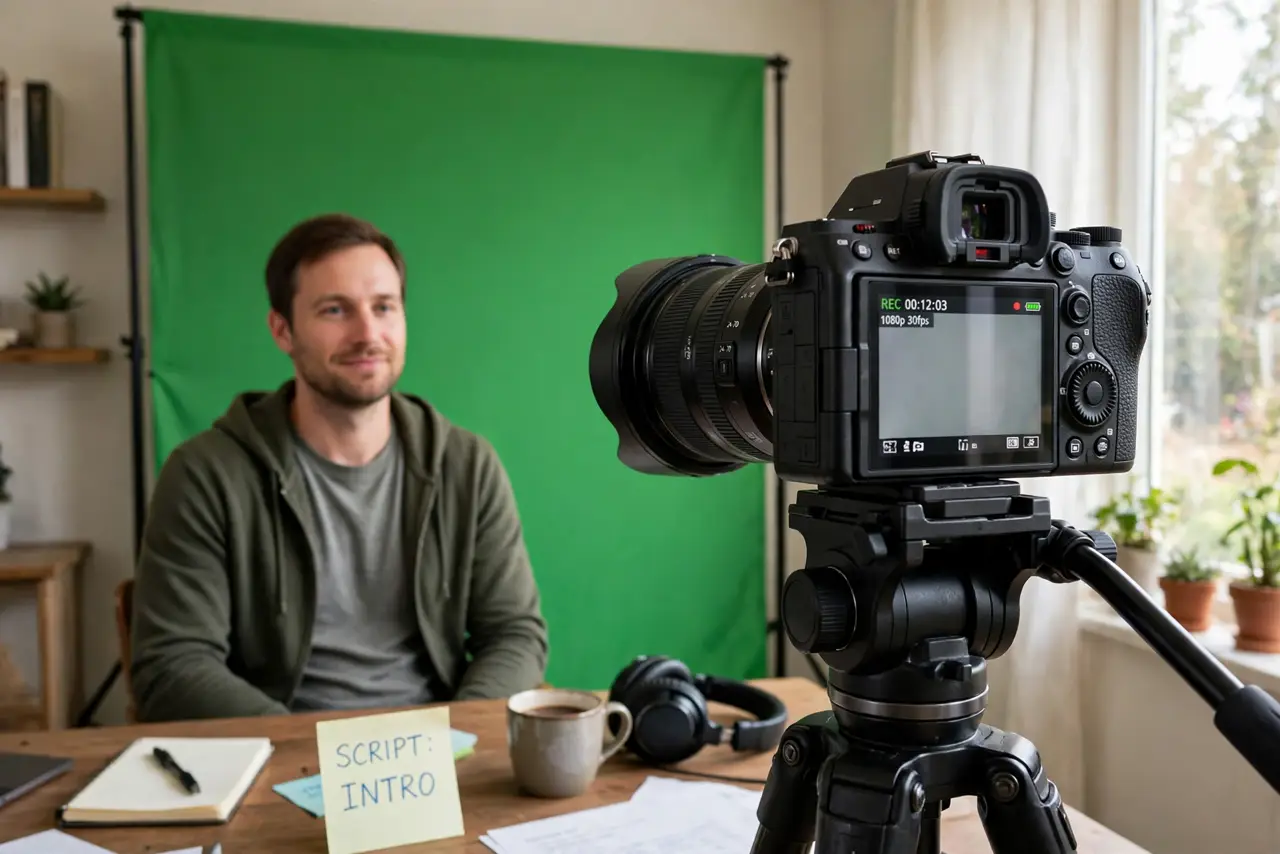
You bought a green screen, hung it up, and your video calls look like you're broadcasting from inside a lime — edges glow, shadows swallow your shoulders. Good chroma key is 90% lighting and setup, 10% software. Get the physical setup right and even free software keys cleanly.
TL;DR / Quick Fix
Quick fix: hang the green screen as wrinkle-free as possible and light it separately from yourself — even lighting with no shadows is the whole trick. Stand a few feet in front of it, avoid wearing green, and let OBS or your editor's chroma key do the rest.
Follow these steps
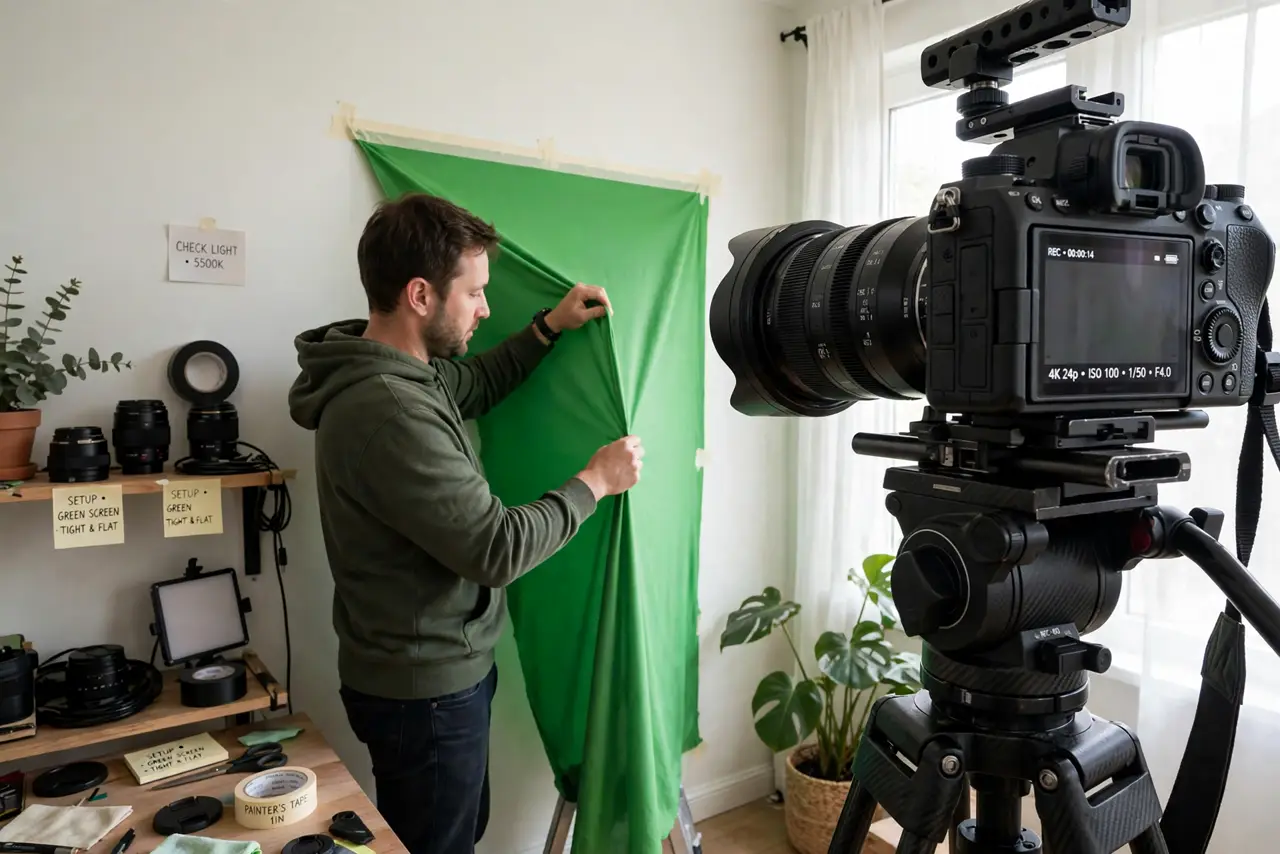
- Hang it smooth and tight. Wrinkles create shadows, and shadows create bad keys. Stretch the fabric tight, steam out creases, or tape it flat — a smooth surface matters more than an expensive one.
- Light the screen separately from yourself. Aim one or two lights at the green screen alone for flat, even coverage, and light yourself with separate lights. One light trying to do both jobs gives you a shadowy mess.
- Stand a few feet in front of the screen. Distance prevents your shadow from falling on the green and stops green light bouncing back onto you (the dreaded green halo on hair and shoulders).
- Don't wear green — or reflective jewelry. Anything close to the screen's color keys out along with it. Jewelry and glasses pick up green reflections that the keyer can't fix.
- Set your camera before keying. Lock exposure and white balance — auto settings that shift mid-stream break the key. A clean, well-exposed image keys ten times easier than a noisy dark one.
- Apply the chroma key in software. In OBS or your editor, add a chroma key filter and sample the green. Adjust similarity until you vanish cleanly without eating your edges — small tweaks beat big ones.
What NOT to do
- Do not expect software to fix a wrinkled, shadowy screen. No keyer rescues bad lighting — the physical setup is the product.
- Do not light yourself and the screen with a single lamp. That's the number one cause of shadows that ruin the key.
- Do not stand pressed against the screen. Your shadow lands on it and green spill coats you — distance is free and fixes both.
- Do not buy an expensive screen before trying the basics. A cheap screen, well lit and smooth, beats a premium one hung wrinkled in a dark room.
Frequently asked questions
Fabric, paint, or collapsible — which?
Fabric is the flexible starter choice; paint suits a permanent studio wall; collapsible screens are great for travel but small. Lighting matters more than the material.
Why is there a green glow around my hair?
Green spill from standing too close to a brightly lit screen. Move farther forward and reduce the screen light's intensity.
Can I key without OBS?
Yes — most video editors and many call apps have built-in background removal or chroma key. OBS just gives the most control for live use.