Set Up Guest Wi-Fi for Visitors
Handing guests your main Wi-Fi password gives their phones a view of your printers, shared folders, and smart gadgets. A guest network hands them internet and nothing else — same hospitality, far less exposure. Most routers can enable one in five minutes.
TL;DR / Quick Fix
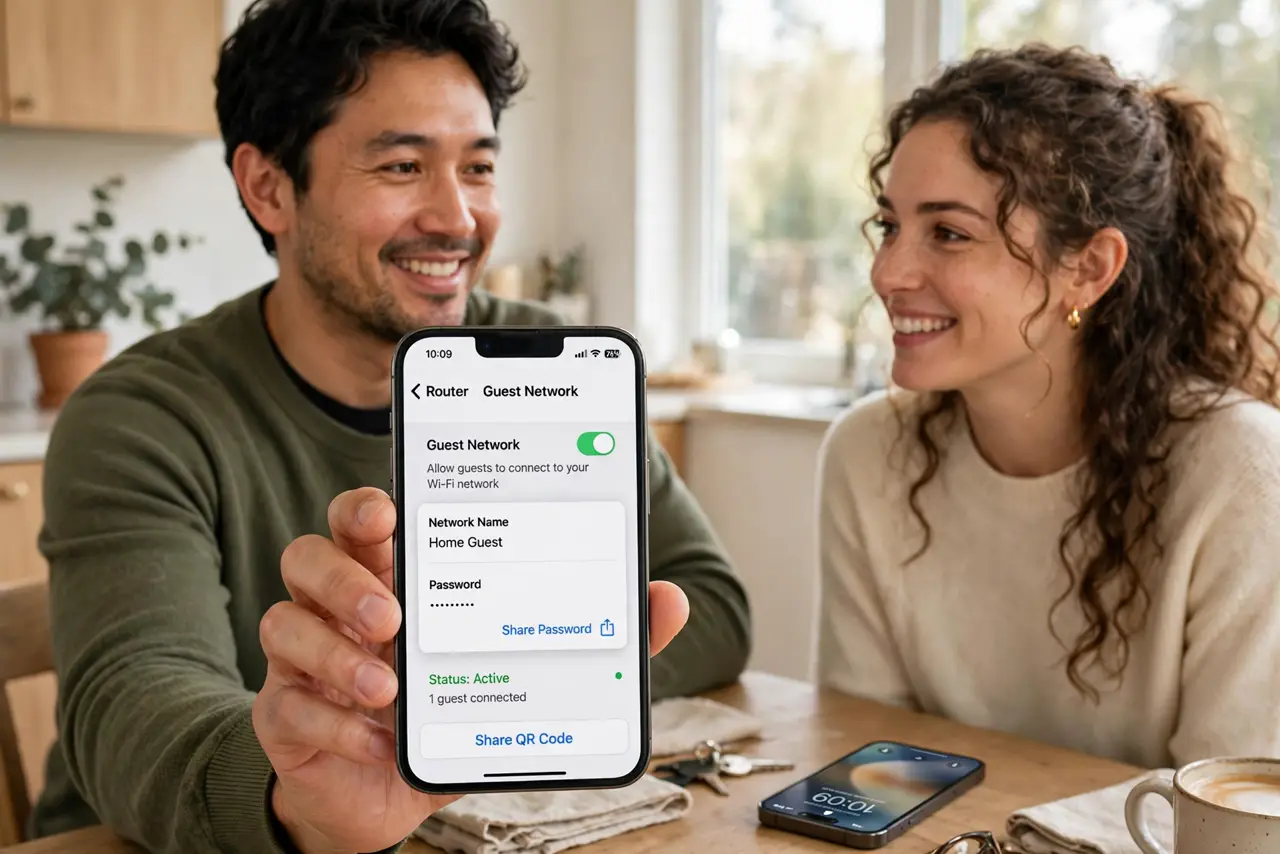
Quick fix: enable the guest network in your router's app or admin page, give it a simple name and password, and share it via QR code. Follow the [[guest setup walkthrough|set-up-guest-wifi]] and keep guests off your main network for good.
Follow these steps
- Find the guest network setting. In the router app or admin page, look for Guest Network or Guest Wi-Fi. It is usually one toggle under wireless settings.
- Name it clearly. Call it something obvious like 'Smith Guest'. Guests should recognize it instantly in their Wi-Fi list without asking.
- Set a simple, strong password. Use something typable you can rotate occasionally. It guards against drive-by joiners, not determined attackers — hospitality first.
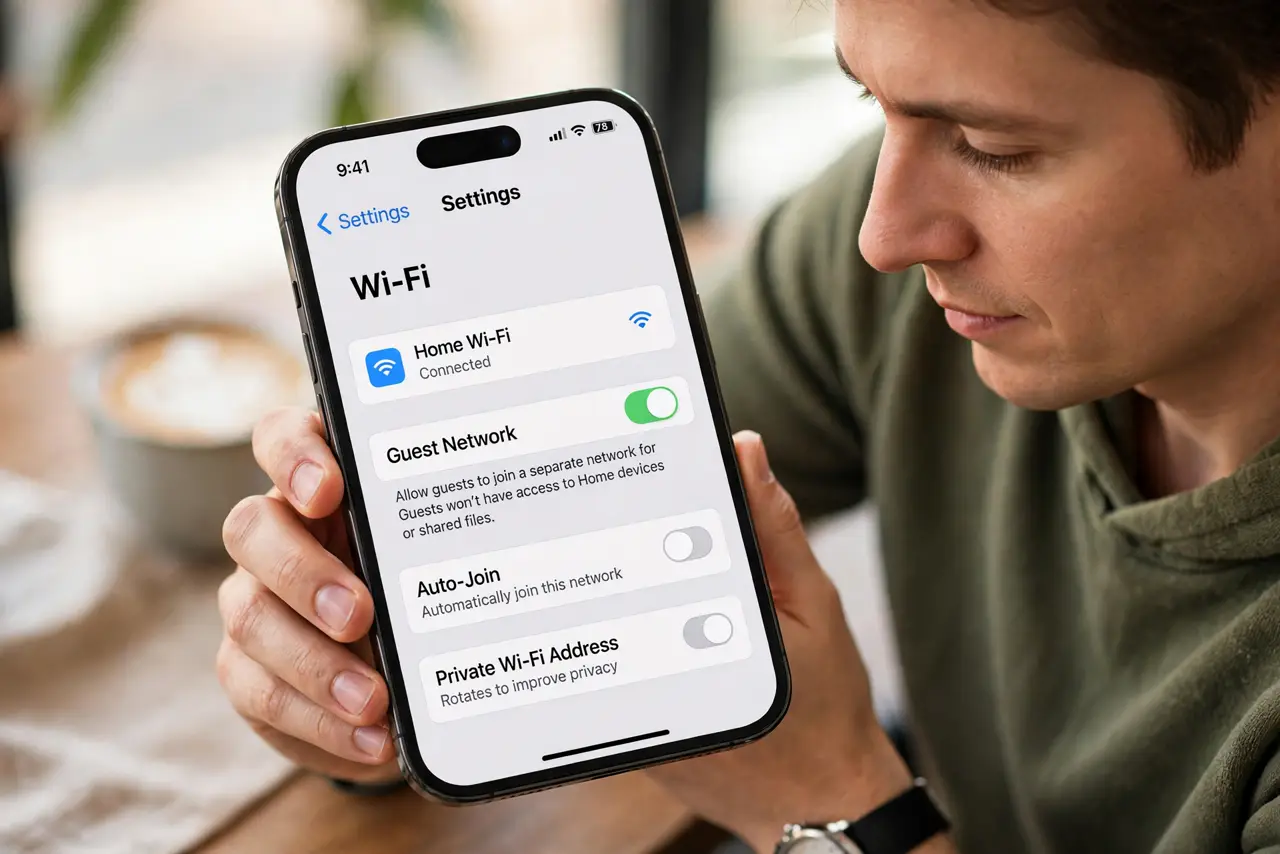
- Confirm isolation is on. Guest networks should block access to your main devices. Check that 'allow guests to see each other' or intranet access is off.
- Share it with a QR code. Print a QR code for the guest network and leave it where visitors look. No more spelling the password aloud.
- Know its limits. Some routers' guest networks cannot reach the printer or block casting — warn guests if they wanted to print or cast.
What NOT to do
- Do not give guests the main password 'just this once'. Once shared, it spreads — the guest network exists precisely for this.
- Do not leave the guest network open. An open guest network invites the whole street; a simple password keeps it to actual visitors.
- Do not forget to rotate the password occasionally. After a big party or a housesitter, change it — old guests should not have permanent access.
- Do not put your own devices on the guest network. Your printer, NAS, and smart gadgets belong on the main network where they can talk to each other.
Frequently asked questions
Is a guest network really safer?
Yes. It isolates visitor devices from your printers, shared files, and smart home gadgets while giving them full internet.
Will guests be annoyed by a separate network?
No — they just want internet. A clear name and a QR code make joining effortless.
Can guests still see my Chromecast?
Usually not, and that is intentional. Casting across the guest boundary is blocked by the isolation — warn movie-night guests.