Kick an Unknown Device Off Your Wi-Fi
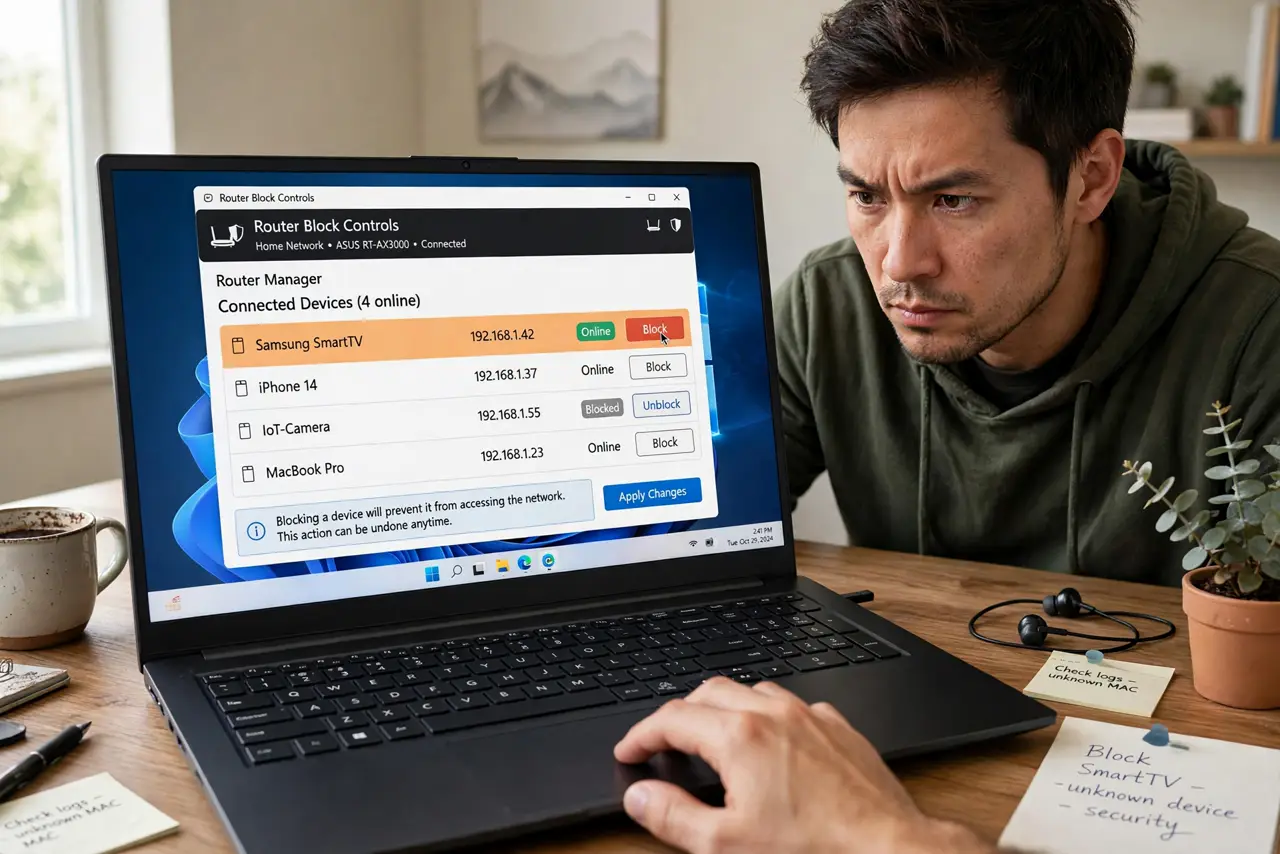
You found a device on your Wi-Fi that is not yours. Evicting it properly means more than blocking one MAC address — the intruder's device will just ask for a new one. Here is the eviction that actually sticks, in the right order.
TL;DR / Quick Fix
Quick fix: blocking one MAC rarely sticks — change the Wi-Fi password instead, evicting every unknown at once. Use WPA2/WPA3 with a strong passphrase, then reconnect your own gadgets. Check the device list a day later to confirm. No password at all? That was the open door.
Follow these steps
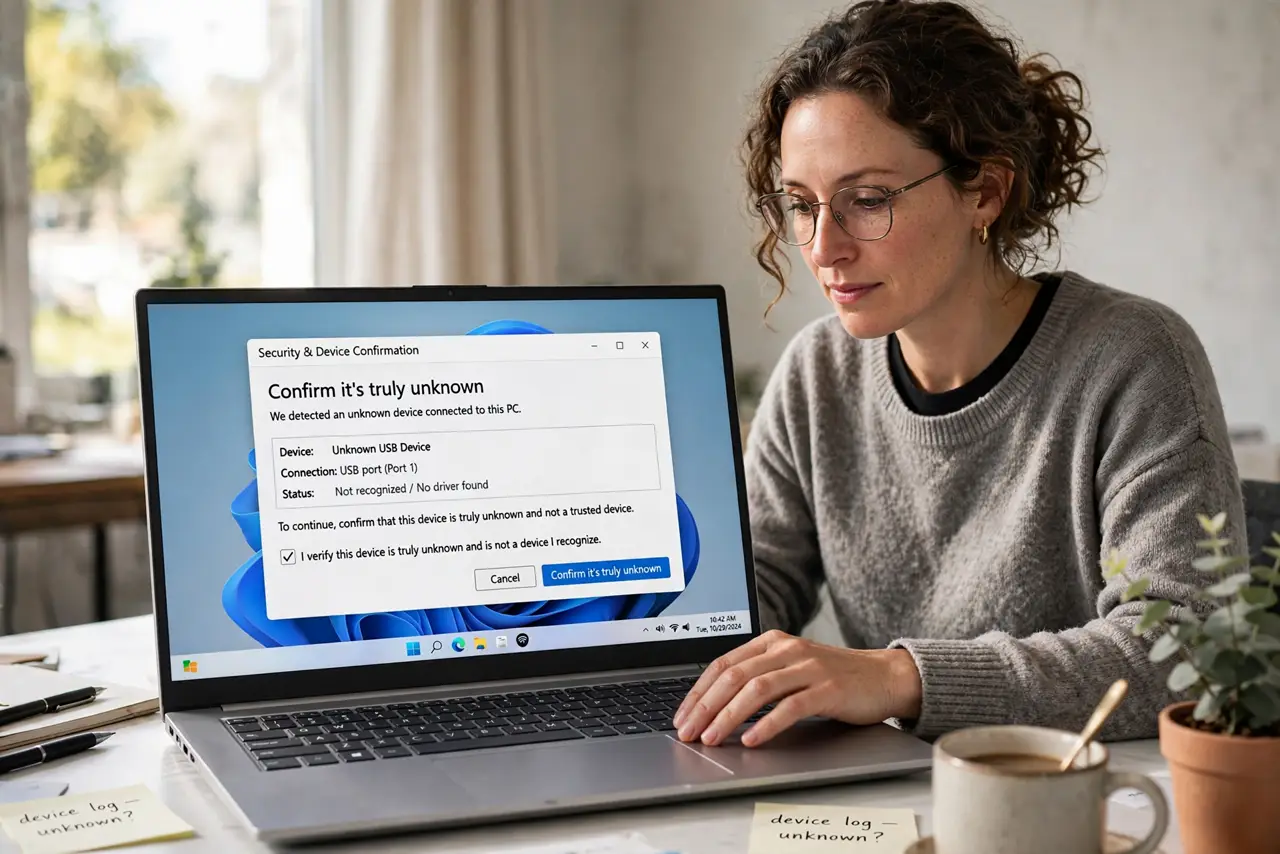
- Confirm it's truly unknown. Check the device list carefully first — evicting your own thermostat is embarrassing.
- Change the Wi-Fi password. This is the real eviction. Every device must re-authenticate; the stranger can't.
- Use WPA2 or WPA3. While you're there, confirm the security mode — see WPA2 vs WPA3. WEP might as well be open.
- Reconnect your own devices. Walk the house with the new password. Yes, all of them — the rename guide checklist helps.
- Block the MAC as a bonus. After the password change, MAC-block the intruder's address too. Belt and suspenders.
- Verify tomorrow. Check the device list again in 24 hours. Gone means gone.
What NOT to do
- Do not rely on MAC blocking alone. MAC addresses are trivially spoofed — the password change is the real lock.
- Do not use WPS to reconnect everyone quickly. WPS is a security risk — type the password properly.
- Do not confront a neighbor over one device. Change the password; evidence-free accusations poison relationships.
- Do not forget to update the password everywhere it matters. The old password may live in shared notes or a photo.
Frequently asked questions
Will changing the password kick them off?
Yes — immediately. Every device must re-authenticate, and only you know the new passphrase.
Can they get back in?
Only if they learn the new password. WPA2/WPA3 with a strong passphrase stops casual intruders cold — there is no practical shortcut.
Should I call the police?
For a neighbor borrowing Wi-Fi, no — evict and move on. For persistent intrusion after eviction, document and then consider it.