Habit Tracker Streak Resets Wrongly? Fix It
A streak reset that feels unfair usually has a boring explanation: a timezone shift, a habit logged after midnight, or a rest day the app counted as a miss. Checking those three things restores most streaks, or at least explains them.
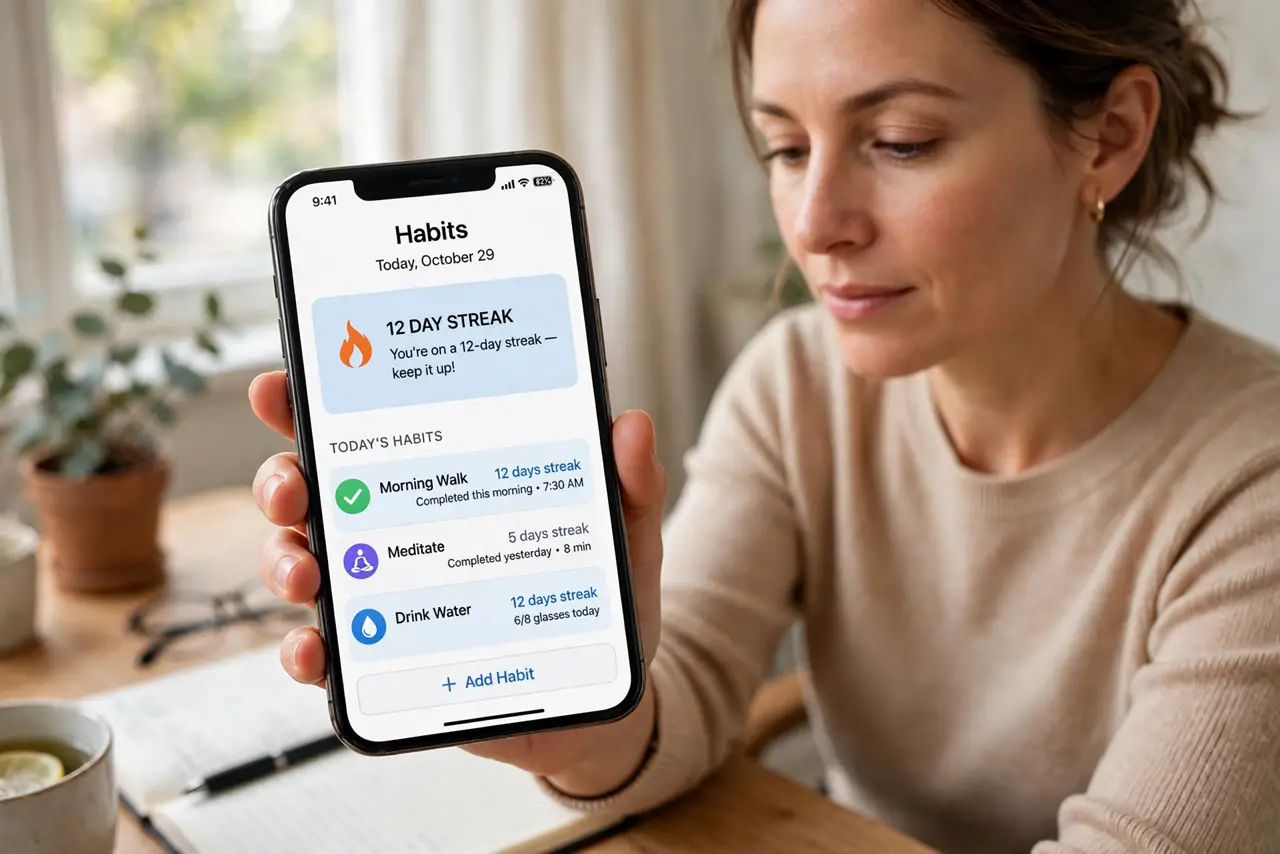
TL;DR / Quick Fix
Quick fix: Check the timezone on the app and device. Check what time you logged the habit. Check rest-day and skip settings. Look for a manual correction option. Contact support if the data looks wrong. Set a reminder earlier in the day.
Follow these steps
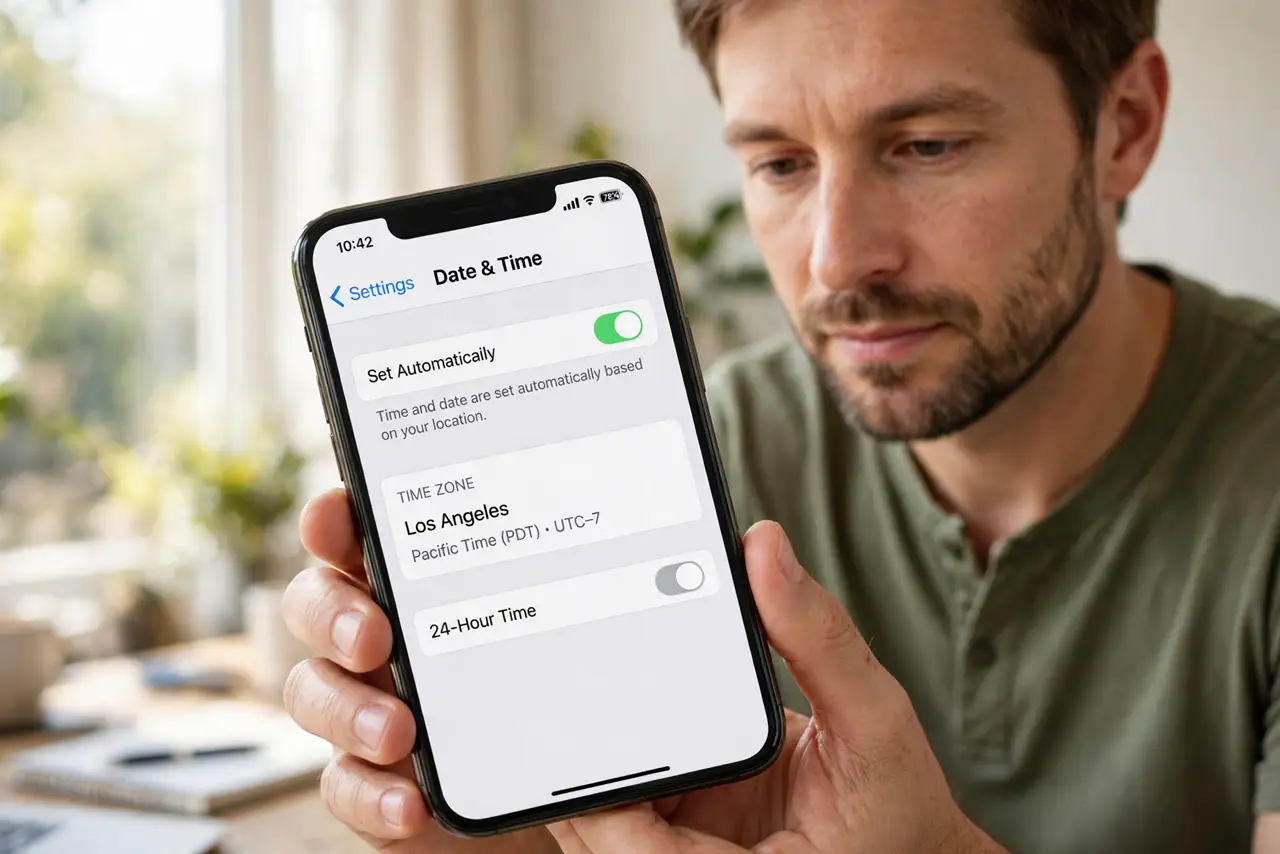
- Check the timezone on the app and device. A timezone change can shift the app's day boundary, turning an on-time completion into a late one. Align the app timezone with your device.
- Check what time you logged the habit. Habits logged after midnight often count for the next day, leaving the previous day empty. If you log late, the streak logic sees a gap.
- Check rest-day and skip settings. Many trackers let you mark rest days or skip without breaking a streak. If you did not mark the rest day, the app counted it as a miss.
- Look for a manual correction option. Some trackers let you edit a missed day with a note. Correct the day honestly, with a note about what happened, rather than inventing completions.
- Contact support if the data looks wrong. If completions are present but the streak still reset, report it with dates and screenshots. App streak bugs do happen, and support can sometimes restore them.
- Set a reminder earlier in the day. Logging the habit earlier, well before midnight, removes the most common reset cause entirely.
What NOT to do
- Do not backfill fake completions to rescue a streak. A streak built on invented days is not a habit record.
- Do not change timezones to game the streak. Timezone tricks create more boundary problems than they solve.
- Do not abandon the habit because the streak broke. The habit matters; the counter is just a motivator.
- Do not ignore rest-day settings. An unmarked rest day is the most avoidable streak killer.
Frequently asked questions
Why did my streak reset if I did the habit?
Usually you logged it after the app's midnight boundary, or a timezone shift moved the boundary.
Can support restore a broken streak?
Sometimes, if the data shows the completions. Report it with exact dates.
Should rest days break a streak?
No, if you mark them as rest or skip days where the app supports that.