Hard Drive Clicking? Back Up Right Now
A hard drive that clicks — the dreaded click of death — is a drive whose read heads cannot find their position. This is a mechanical failure in progress, and every minute of running risks more damage. Stop troubleshooting and start backing up, in the right order.
TL;DR / Quick Fix
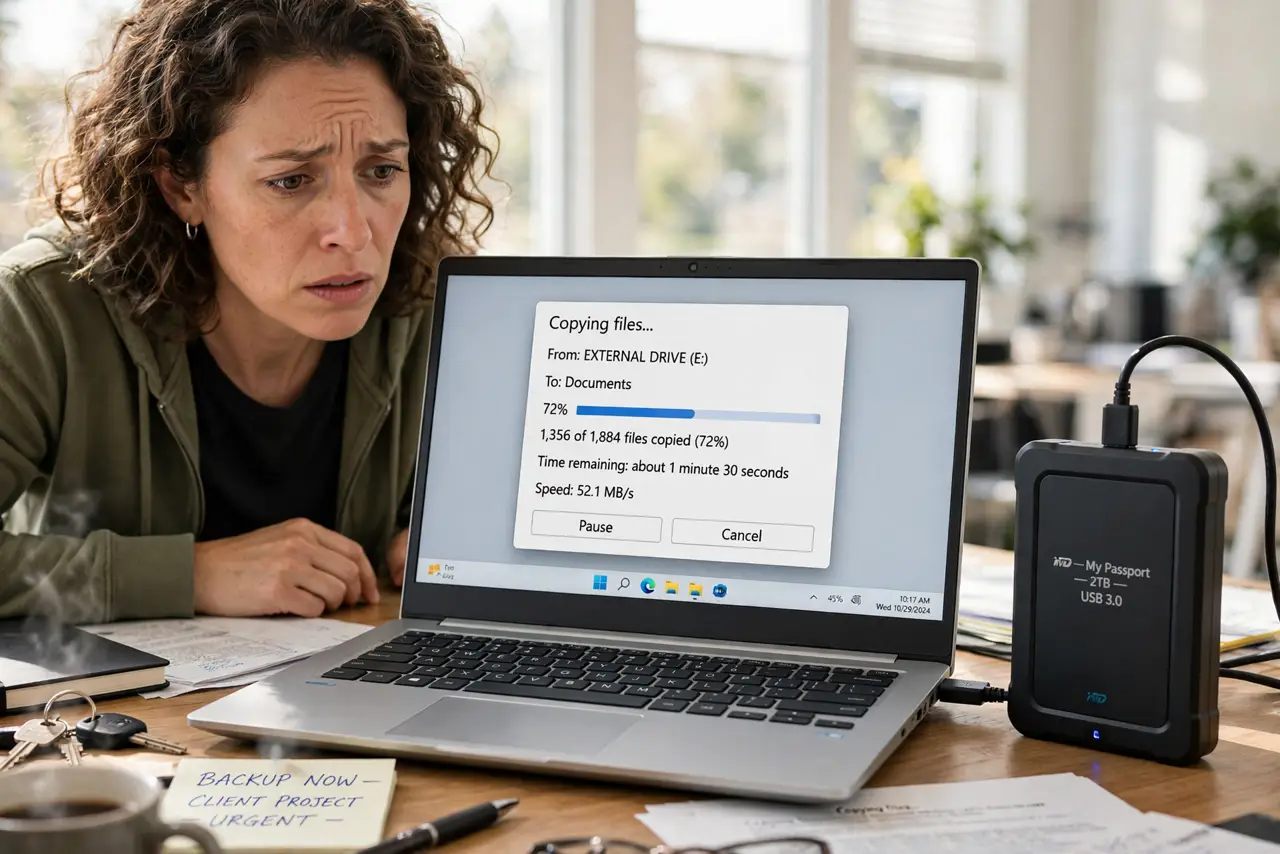
Quick fix: stop using the drive immediately and copy your most important files first, biggest priorities first. Do not run disk repair tools on a clicking drive — they stress failing mechanics. If the drive stops responding, power it off; recovery then belongs to a professional lab.
Follow these steps
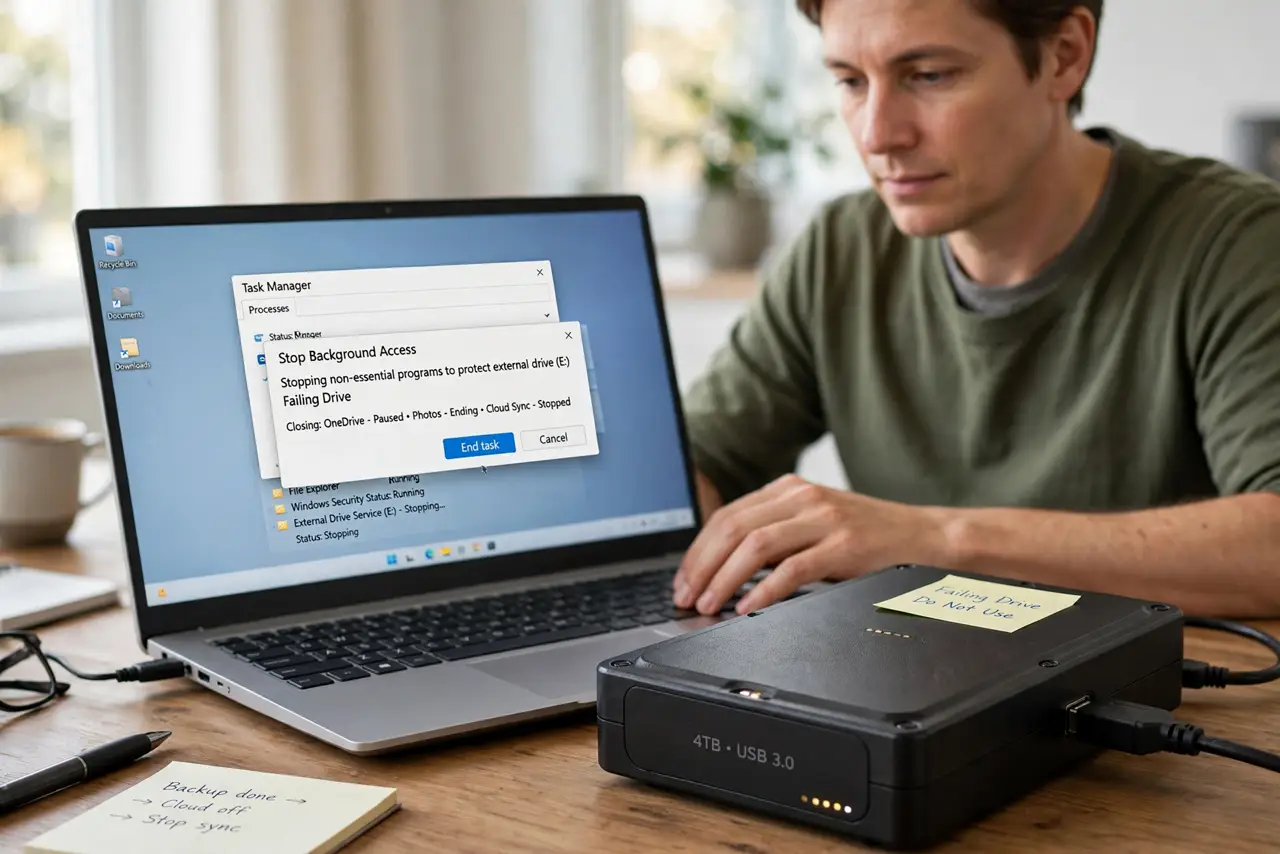
- Stop all non-essential access. Close every program touching the drive. Every read attempt moves the failing heads, so idle the drive except for the backup you are about to do.
- Copy the most important files first. Start with documents and photos you cannot replace, not the biggest folders. A dying drive may give you minutes or hours — spend them on what matters.
- Copy, never move. Copy files to the backup destination and verify them there before deleting anything. A move that fails halfway loses the file on both ends.
- Do not run repair or defrag tools. Skip CHKDSK, defrag, and 'fix' utilities on a clicking drive. They hammer the mechanics with thousands of seeks, which is exactly what a failing drive cannot survive.
- Listen for the change. If the clicking turns to grinding, scraping, or silence, stop immediately and power the drive off. Grinding means physical contact inside — every second worsens it.
- Decide: replace or professional recovery. If the data is backed up, replace the drive — it will not heal. If irreplaceable data is still on it, stop and call a recovery lab; home tricks like freezing the drive are myths that cause more harm.
What NOT to do
- Do not keep using a clicking drive as if it is fine. Clicking is mechanical failure, not a software glitch, and it only moves in one direction.
- Do not run disk repair utilities on it. CHKDSK and friends assume a healthy drive and will stress dying heads to death.
- Do not open the drive yourself. Hard drives are assembled in clean rooms; opening one in a dusty room contaminates the platters permanently.
- Do not freeze the drive. The freezer myth persists, but condensation on cold platters destroys more data than it ever saved.
Frequently asked questions
What does the click of death mean?
The drive's heads cannot read their position and keep resetting with an audible click. It is a mechanical failure, and the drive is dying.
Can a clicking hard drive be fixed?
No. Software cannot repair failing mechanics. Unlike SMART warnings, which give advance notice, clicking means failure is already underway. Back up what you can, then replace the drive.
How long will a clicking drive last?
Unpredictable — minutes to weeks. Treat every session as potentially the last and back up accordingly.