Budget Laptops? Basics
You need a laptop that handles real work without costing a fortune, and the options under $500 all blur together. Budget laptops can be genuinely good — or frustratingly slow — depending on a few specs that matter far more than the brand sticker. Knowing which corners are safe to cut is the whole game. Here is how to buy smart at the low end.
TL;DR / Quick Fix
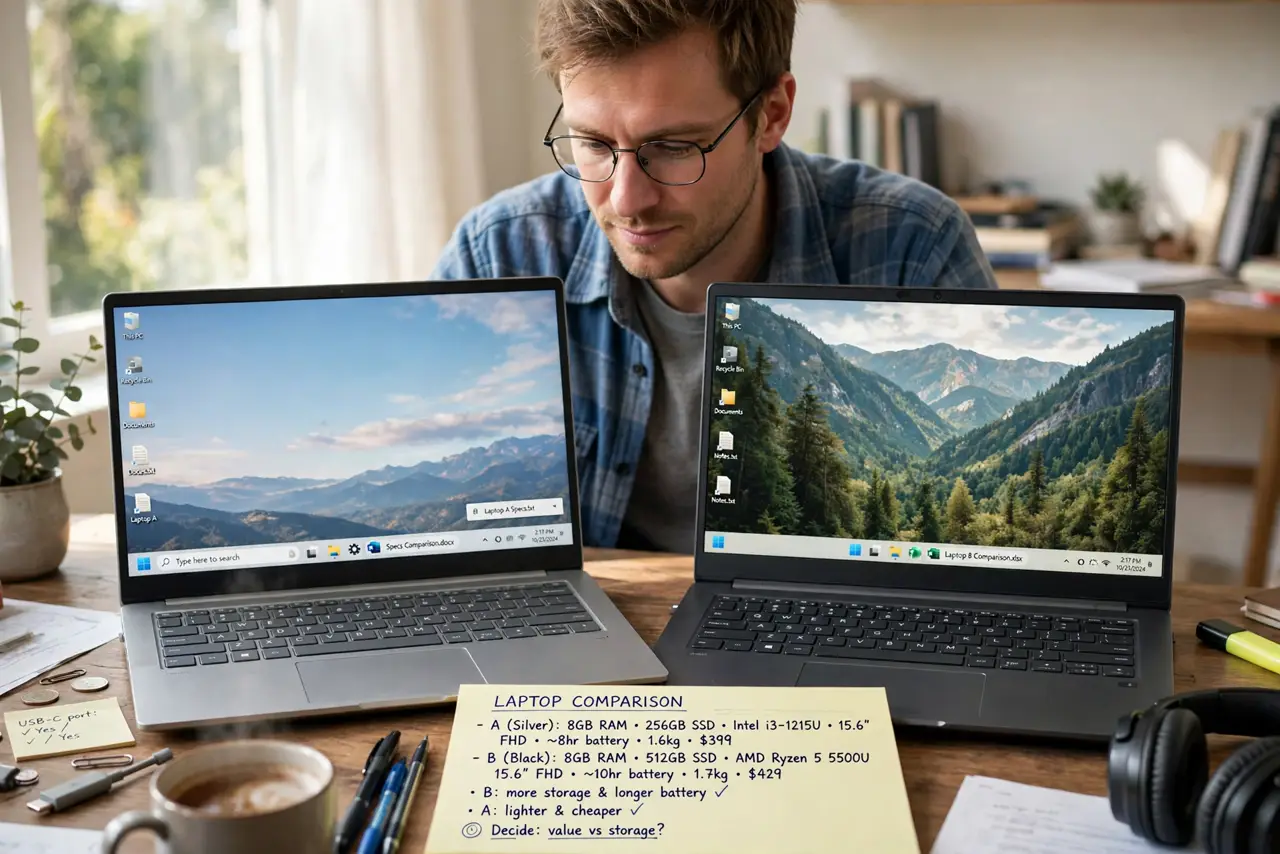
Quick fix: prioritize 8 GB of RAM and an SSD (256 GB minimum) over a fancy brand or processor name — those two decide whether a cheap laptop feels fast. Avoid 4 GB RAM and spinning hard drives entirely. A Chromebook or a previous-year model stretches the budget furthest.
Follow these steps
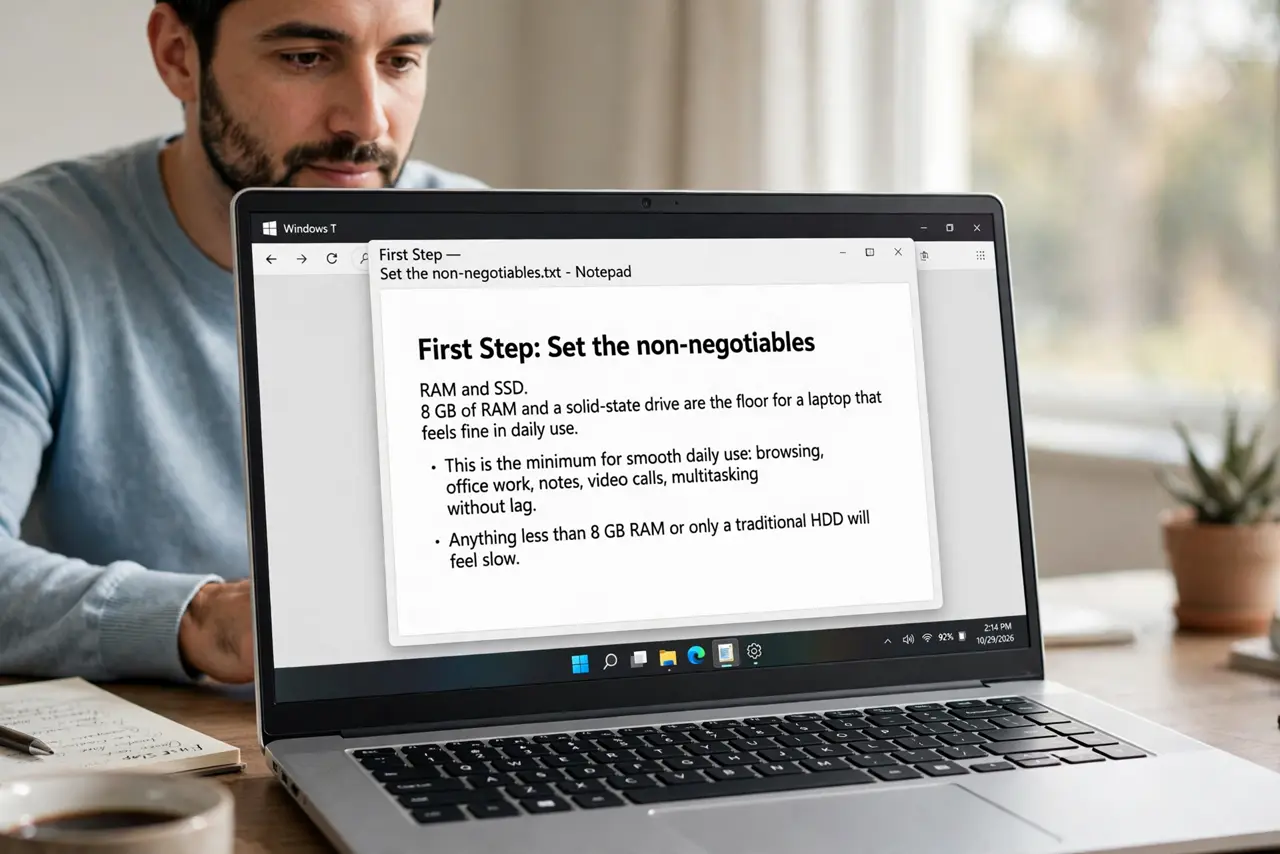
- Set the non-negotiables: RAM and SSD. 8 GB of RAM and a solid-state drive are the floor for a laptop that feels fine in daily use. These two specs matter more than the processor brand at budget prices — a fast chip with 4 GB of RAM still stutters.
- Reject spinning hard drives. Any laptop with a mechanical hard drive in this price range will feel ancient. SSD only — even a small 256 GB SSD beats a 1 TB spinning drive for everyday speed.
- Pick the right processor tier. Intel Core i3 / Ryzen 3 or better for Windows; avoid Celeron, Pentium, and old Atom chips for anything beyond basic browsing. Apple buyers: even older M1 MacBook Airs outperform most new budget Windows machines.
- Check the screen and keyboard in person. Budget laptops cut costs on displays and keyboards first. A dim, washed-out screen ruins the experience daily — if you cannot see it in person, read reviews specifically about the display.
- Consider Chromebooks and refurbished. For browsing, docs, and streaming, a Chromebook does the job for less. Refurbished business laptops (ex-corporate ThinkPads and Latitudes) offer premium build quality at budget prices.
- Verify ports, battery claims, and returns. Count the USB ports, check real-world battery reviews (manufacturer claims are optimistic), and buy where returns are easy. A budget laptop you cannot return is a gamble.
What NOT to do
- Do not buy 4 GB of RAM in a new laptop. It was tight years ago; today it means constant slowdowns with a browser open.
- Do not trust the processor name alone. A 'new' Celeron can lose to a five-year-old Core i5 — check benchmarks, not badges.
- Do not skip the return policy. Budget models vary wildly unit to unit; the ability to send it back is your quality control.
- Do not forget the charger and webcam quality. Bargain laptops often ship dim webcams and flimsy chargers — fine for some, dealbreakers for remote workers.
Frequently asked questions
Are Chromebooks real laptops?
For web-based work, absolutely — fast, secure, and cheap. They falter only with specialized Windows/Mac software, so check your must-have apps first.
How long will a budget laptop last?
Three to five years for light use if it has 8 GB RAM and an SSD. The battery is usually the first thing to fade.
Should I buy extended warranty on a cheap laptop?
Usually no — the warranty can cost a third of the laptop. Put that money toward a slightly better model instead. Compare with our gaming laptop guide if play matters more than price.